Best Office Desk Mats 2026: Leather, Large & Waterproof

The Logitech Desk Mat Studio Series is the best office desk mat — full-surface coverage, non-slip base, and premium feel for under $22.
See Today’s Price →At a Glance
Showing 3 of 3 products
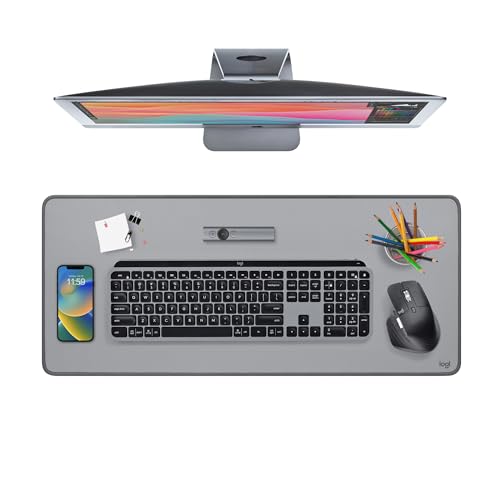
Logitech Desk Mat Studio Series Mid-Grey
“Logitech's Studio Series Desk Mat is a well-designed everyday desk mat — the fabric surface is comfortable for long typing sessions and the mid-grey color blends with most desk setups without the gami”
See Today’s Price →
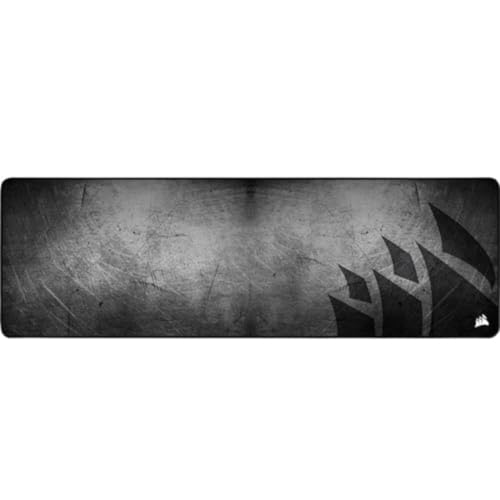
Corsair MM300 PRO Premium Spill-Proof Extended Desk Mat
“Corsair MM300 PRO is the premium extended desk mat for setups that benefit from consistent mouse tracking across a large surface — the spill-proof construction is the practical advantage for users who”
See Today’s Price →
Large Extended Gaming Desk Mat 31.5x15.7 Inch
“Best for PC gamers and desk workers who want a large smooth surface that covers the full keyboard-and-mouse zone with a clean gaming aesthetic.”
See Today’s Price →Office Desk Mats Buying Guide
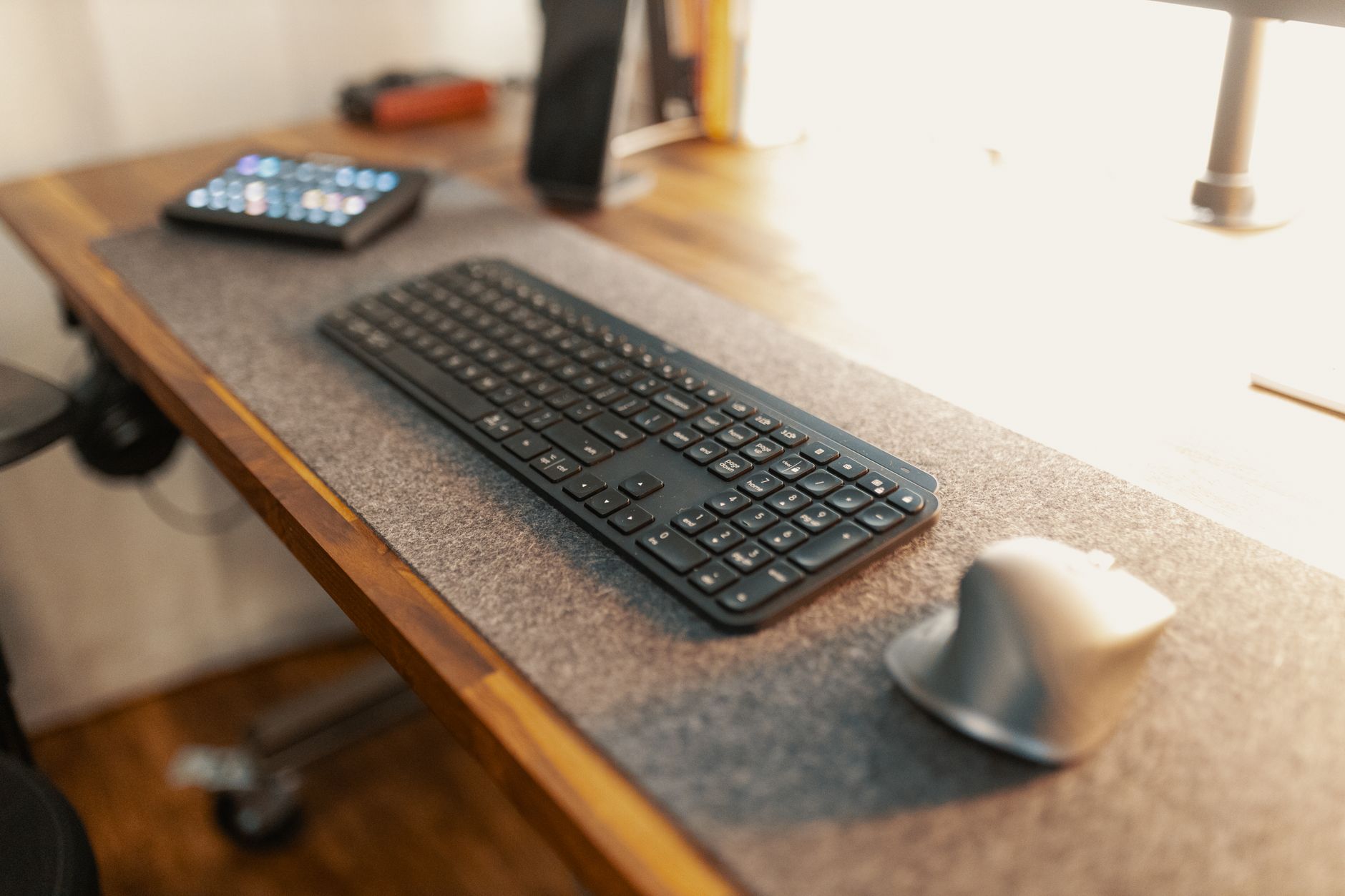 Photo by Josh Sorenson / Pexels
Desk Mat vs. Mouse Pad: Understanding the Difference
A standard mouse pad covers a small area optimized for mouse tracking. A desk mat (also called an extended mousepad or desk pad) covers most of the desk surface — protecting the desk from scratches and moisture while providing a consistent, comfortable surface for both the mouse and keyboard. The Logitech Desk Mat ($21.84) in mid-grey is the best blend of aesthetics and function for a home office setup — its stitched edges prevent fraying that plagues cheaper mats, and the textured surface works well with both optical and laser mice.
Size: How Big Should Your Desk Mat Actually Be
For a 48-inch desk, an extended mat of 35–40 inches covers the keyboard and mouse zone without extending off the desk edge. The Corsair MM300 PRO ($32.99) is a true extended mat — 36.6 x 11.8 inches of spill-resistant surface designed for gaming setups but equally functional in office environments. Its advantage over the Logitech is the spill-proof treatment on the surface layer, which matters if you keep drinks on your desk. The budget FFYY mat ($12.57) at 31.5 x 15.7 inches is adequate for cost-conscious setups — expect less durable stitching and a slightly thinner base.
Surface Texture: Speed vs. Control
Desk mats use either a speed surface (slick, low-friction — fast mouse movement, less precision) or a control surface (slightly textured, more resistance — slower but more accurate). The Logitech and Corsair both use a balanced control-leaning surface suitable for both office work and light gaming. For pure office use, surface texture is less critical — any non-slip base and consistent tracking surface works. For gaming or precision creative work (photo editing, illustration with a mouse), a control surface like the Corsair is worth the premium.
What to Check Before Buying

Base thickness determines stability — thinner mats slide on smooth desks. All three mats here use a rubberized non-slip base; the Corsair's base is notably thicker and more grip-resistant than the FFYY budget option. Mat thickness (2–4mm) affects wrist angle during typing — thicker mats slightly elevate your wrists, which is comfortable for some users and ergonomically wrong for others depending on your keyboard height. Verify that your desk mat fits within your desk footprint with room for monitor stand or laptop on either side.
Related Guides

Frequently Asked Questions
What size desk mat do I need?
What material is best for a desk mat?
Are desk mats worth it?
How do I clean a PU leather desk mat?
Do desk mats work as mouse pads?
How We Analyze Products
We analyze Amazon review data — often thousands of reviews per product — to surface patterns that individual buyers miss. Our process aggregates star ratings, review counts, and buyer sentiment at scale, identifying which strengths and weaknesses appear consistently across the largest review samples available.
Each product earned its placement through data: total review volume, average rating, and the specific praise and complaints that repeat most often across buyers. No manufacturer paid for placement on this page. Products appear here because buyers endorsed them at scale, not because a company asked us to feature them.
We use AI to summarize review sentiment — not to fabricate opinions, but to condense what thousands of buyers actually wrote into a readable format. The pros and cons you see reflect the most common themes found in verified purchaser reviews, paraphrased for clarity. We do not claim to have accessed Reddit, YouTube, or specific publications in generating these summaries.
Prices shown reflect Amazon pricing at the time this page was last generated. Click “See Today’s Price” to get the current live price on Amazon. Read our full methodology →