How to Budget: The Simplest System That Actually Works in 2026
For most people, the 50/30/20 rule is the best starting point: 50% of after-tax income for needs (housing, food, utilities), 30% for wants, 20% for savings and debt payoff. Use Copilot to automate the tracking so you spend 10 minutes a week on your finances instead of an hour.
How to Budget Buying Guide
 Photo by www.kaboompics.com / Pexels
- You keep running out of money before the end of the month and are not sure why
- You want a simple system that does not require tracking every latte
- You are starting to save for a goal (emergency fund, vacation, down payment)
- You already have a budgeting system you are happy with
- You are looking for investment strategy — this covers spending, not investing
Quick Verdict: Our top pick is the Copilot Money (Best Budget App) — consistently top-rated in its category. Priced at $7.92.
How to Budget in 2026: The Simplest System That Actually Works
Most people have tried budgeting and quit. The problem is almost never willpower — it is the system. Tracking every coffee, categorizing every transaction, and feeling guilty about every dinner out is exhausting and unsustainable. The best budget is the one you will actually follow, and that means making it as simple as possible while still moving the needle on your financial goals.
This guide covers three proven budgeting methods, explains when to use each, and shows you how to automate the process so you spend minutes per week — not hours — managing your money.
Why Most Budgets Fail
Before choosing a system, it helps to understand why conventional budgeting fails:
- Too granular. Tracking 40 spending categories creates decision fatigue. When the budget becomes a second job, people quit.
- Guilt-driven. Budgets built around restriction ("I cannot spend money on restaurants") create psychological tension that eventually snaps. Sustainable budgets are permission-based, not prohibition-based.
- Manual and time-consuming. Spreadsheets require discipline to maintain. When you skip a week, you are behind. When you are behind, you avoid the spreadsheet. The cycle ends with abandonment.
- No clear goal. Budgeting for its own sake is not motivating. Budgeting to pay off debt in 18 months, or to save a house down payment by 2027, is.
The fix: pick a method that matches your personality, automate the tracking, and anchor it to a specific goal.
The 3 Proven Budgeting Methods
Method 1: The 50/30/20 Rule (Best for Beginners)
The 50/30/20 rule divides your after-tax income into three buckets:
- 50% Needs: Housing, groceries, utilities, minimum debt payments, transportation, insurance
- 30% Wants: Dining out, entertainment, subscriptions, hobbies, travel
- 20% Savings and debt payoff: Emergency fund, retirement contributions, extra debt payments
This method works because it does not require tracking individual transactions — just categories. Review your last 3 months of bank statements, total your spending by category, and check whether you are hitting the percentages. Adjust one or two line items and you are done.
Weakness: The 50/30/20 rule is a starting point, not a precision tool. If you live in San Francisco or New York where housing alone can exceed 40% of income, the ratios need adjustment. The goal is directional alignment, not mathematical perfection.
Method 2: Zero-Based Budgeting (Every Dollar Has a Job)
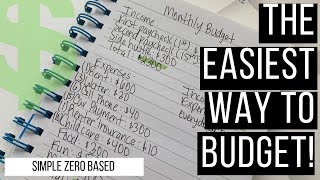
Zero-based budgeting means your income minus your expenses equals exactly zero — not because you spend everything, but because every dollar is assigned a purpose. Savings, investments, and debt payoff are all "expenses" in this system.
Example: $5,000 monthly take-home income. You assign: $1,600 rent, $400 groceries, $300 transportation, $200 utilities, $500 entertainment/dining, $300 clothing/personal, $200 subscriptions, $500 emergency fund, $700 Roth IRA, $300 extra debt payment. Total: $5,000. Every dollar accounted for.
This is the method EveryDollar is built around. It is the most effective system for people in debt payoff mode or making a major financial transition, because it forces intentionality about every dollar.
Weakness: More setup and maintenance than 50/30/20. Best used with a dedicated app like EveryDollar that makes the assignment process quick.
Method 3: Pay Yourself First (Save First, Spend the Rest)
Pay yourself first means automating savings and investments the day your paycheck arrives — before you can spend the money. Whatever remains is yours to spend freely, no tracking required.
Setup: On payday, automatic transfers move money to your emergency fund, Roth IRA, and any other savings goals. The remainder sits in checking. You spend it however you want until the next payday.
This method works well for people who have adequate income but poor savings habits. The automation removes the need for discipline. The downside is it does not help with debt payoff or reduce overspending in specific categories.
How to Calculate Your After-Tax Income Correctly

The foundation of any budget is knowing your real take-home pay. This sounds obvious, but many people make errors:
- W-2 employees: Use your actual net paycheck amount — after federal and state taxes, Social Security, Medicare, health insurance premiums, and 401(k) contributions. Do not use your gross salary.
- Self-employed and freelancers: Your income is irregular. Use a 3-month or 6-month average. Set aside 25 to 30% of every payment for taxes (self-employment tax is 15.3% plus income tax). Budget from what remains after tax set-asides, not your gross revenue.
- Side income: Count it conservatively. If your side hustle averages $800/month but varies between $200 and $1,400, budget with $500/month and treat the rest as bonus savings.
Copilot vs EveryDollar: Which Budgeting App is Right for You?
| Feature | Copilot | EveryDollar |
|---|---|---|
| Price | $13/month or $95/year | Free (basic) / $17.99/month (Plus) |
| Platform | iOS only | iOS and Android |
| Bank Sync | Automatic (all major banks) | Manual (free) / Automatic (Plus) |
| Budgeting Method | Flexible (50/30/20, custom) | Zero-based (every dollar assigned) |
| Automatic Categorization | Yes, AI-powered | No (manual categorization) |
| Best For | Hands-off tracking, spending awareness | Active debt payoff, zero-based discipline |
Copilot is the better choice if you want budgeting to be mostly automatic — connect your accounts, review weekly, adjust as needed. EveryDollar is better if you are in an active phase of debt payoff or major financial change and want to be intentional about every dollar assignment.
At a Glance
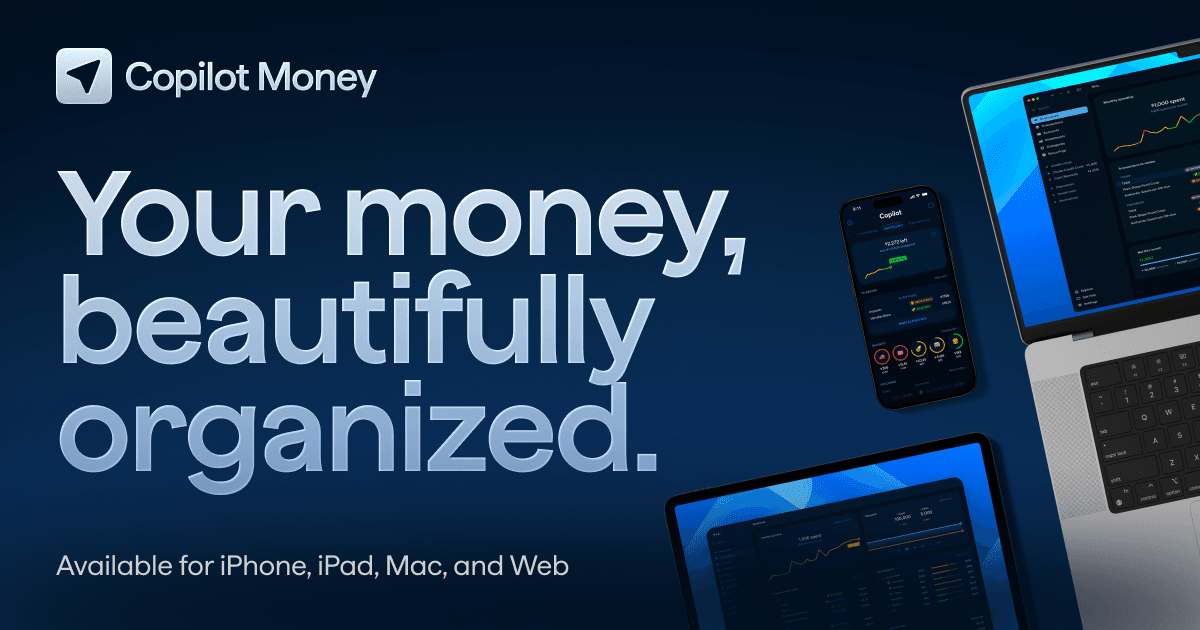
Copilot Money
“Copilot is the best-looking budgeting app available, with a native Apple design that rivals the quality of first-party iOS apps. It earns its premium price through thoughtful UX, powerful transaction ”
What we like
- Best-in-class design — native iOS/macOS with Apple design language throughout
- AI-powered auto-categorization learns your spending patterns over time
- Flexible budgeting modes: monthly categories, annual subscriptions, custom periods
- Powerful transaction rules for automated recurring merchant categorization
- 14-day free trial; $95/year or ~$13/month
Watch out for
Rates as of April 9, 2026. Terms apply. Verify on issuer site.
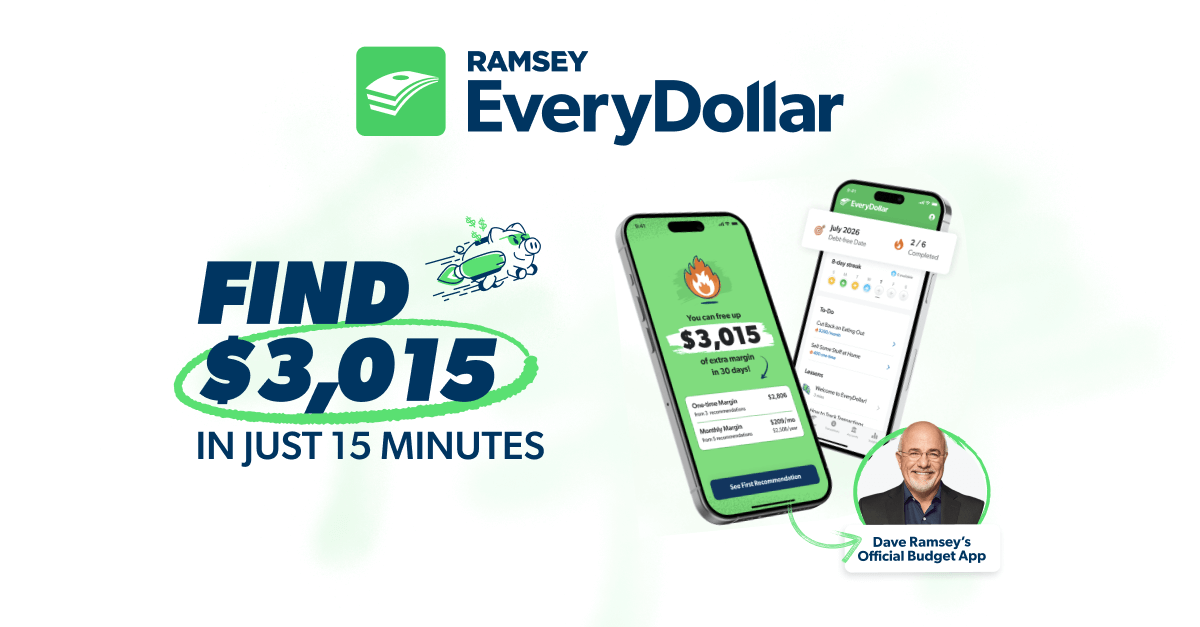
EveryDollar
“EveryDollar is the best zero-based budgeting app for followers of the Ramsey financial method. The Premium plan adds bank sync and a clean interface that makes the zero-based method more accessible th”
What we like
- Zero-based budgeting built around Dave Ramsey's 7 Baby Steps framework
- Simpler learning curve than YNAB for beginners to the zero-based method
- Premium plan at $79.99/year includes bank sync and budget reports
- Debt payoff tracking built into the Baby Steps dashboard
- Free tier available (manual entry, no bank sync)
Watch out for
- Free tier requires manual transaction entry — bank sync only with $79.99/year Premium
- $17.99/month if paid monthly is expensive compared to YNAB ($109/yr = $9.08/mo)
- Tightly coupled to Ramsey philosophy — less flexible for users with different financial frameworks
Rates as of April 9, 2026. Terms apply. Verify on issuer site.
Frequently Asked Questions
How much should I spend on housing?
What is the 50/30/20 rule?
Is zero-based budgeting worth it?
What is the best free budgeting app?
How do I budget with irregular income?
How long until budgeting shows results?
How We Evaluate Financial Products
We compare financial products based on objective criteria: annual fees, APR ranges, rewards rates, sign-up bonuses, and key perks. We do not factor in issuer relationships or compensation when determining rankings. Products are ranked based on overall value for the target use case described on this page.
Rates and terms change frequently. We update these pages regularly, but always verify current rates directly on the issuer’s website before applying. APR ranges shown reflect the full possible range — your actual rate depends on your creditworthiness.
This content is for informational purposes only and should not be considered financial advice. We compare products; we do not advise on which product is right for your personal financial situation. Read our full methodology →