Cricut vs Silhouette 2026: Which Cutting Machine Is Right for You?

Cricut wins for beginners due to its intuitive app and massive design library. Silhouette is better for experienced crafters who want more control and no monthly fees.
See Today’s Price →At a Glance
| # | Product | Award | Price | Our Score | |
|---|---|---|---|---|---|
| 1 | 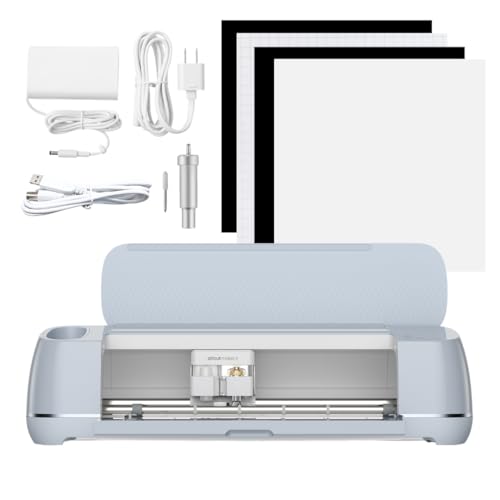 Cricut Maker 3 Smart Cutting Machine, C… Cricut Maker 3 Smart Cutting Machine, C… |
Best Overall | $427 | 9.2 | Buy → |
| 2 |  Silhouette Cameo 5 12 inch Vinyl Cuttin… Silhouette Cameo 5 12 inch Vinyl Cuttin… |
Best Overall Silhouette | $249 | 8.9 | Buy → |
| 3 | 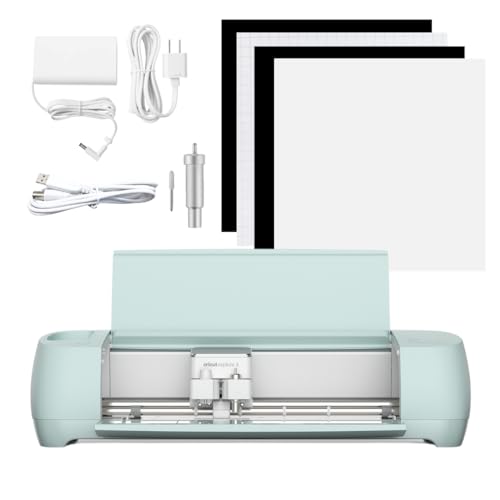 Cricut Explore 3 Smart Cutting Machine,… Cricut Explore 3 Smart Cutting Machine,… |
Best Mid-Range Cricut | $314 | 8.5 | Buy → |
| 4 | 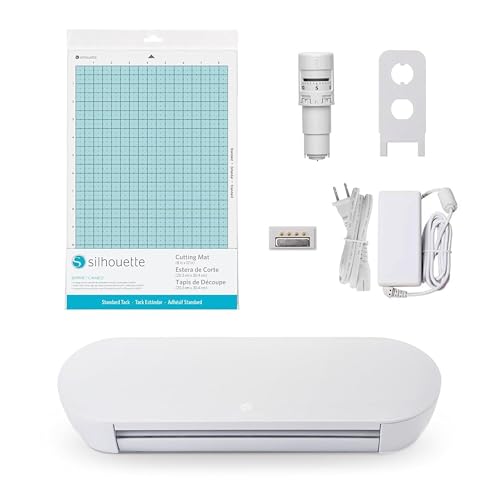 Silhouette Portrait 4 9 inch Vinyl Cutt… Silhouette Portrait 4 9 inch Vinyl Cutt… |
Best Budget Silhouette | $179 | 8.2 | Buy → |
| 5 | 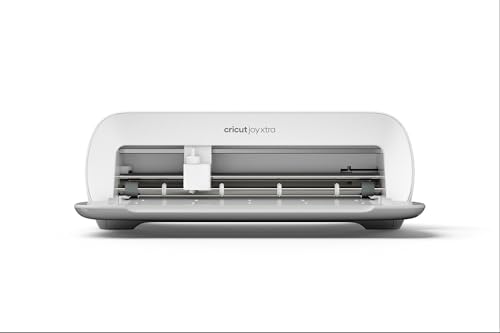 Cricut Joy Xtra Smart Cutting Machine, … Cricut Joy Xtra Smart Cutting Machine, … |
Best Compact Cricut | $149 | 7.8 | Buy → |
Showing 5 of 5 products
Cricut Maker 3 Smart Cutting Machine, Cuts 300+ Materials, Bluetooth
“The most capable Cricut machine for serious crafters who work with a wide range of materials. Best for those who regularly cut leather, balsa, fabric, and specialty materials for professional-level pr”
See Today’s Price →What we like
Watch out for
Read Full Analysis
The Cricut Maker 3 is the gold standard for home crafters who want maximum versatility. Its Adaptive Tool System powers blades, pens, and debossing tools interchangeably. Smart Materials eliminate the need for a cutting mat on projects up to 12 feet long. Best for: serious crafters who work with diverse materials.

Silhouette Cameo 5 12 inch Vinyl Cutting Machine with Studio Software, White
“A capable vinyl cutter for crafters who prefer Silhouette software and want more design control. Best for those with some cutting machine experience who prefer a desktop-focused design workflow.”
See Today’s Price →What we like
Watch out for
Read Full Analysis
The Silhouette Cameo 5 is the flagship machine for users who prefer desktop software and no monthly fees. Built-in rolling cutter and dual carriage let you cut and draw simultaneously. Best for: experienced crafters who want design freedom without recurring costs.

Cricut Explore 3 Smart Cutting Machine, Compatible with Smart Materials
“A reliable mid-range Cricut for vinyl, paper, and cardstock crafters. Best for home crafters who want a capable everyday cutter without paying for the Maker line material range.”
See Today’s Price →What we like
Watch out for
Read Full Analysis
The Cricut Explore 3 handles the most popular crafting materials at a lower price than the Maker 3. Cuts 2x faster than its predecessors with Smart Materials support. Best for: crafters who primarily work with vinyl, cardstock, and HTV.
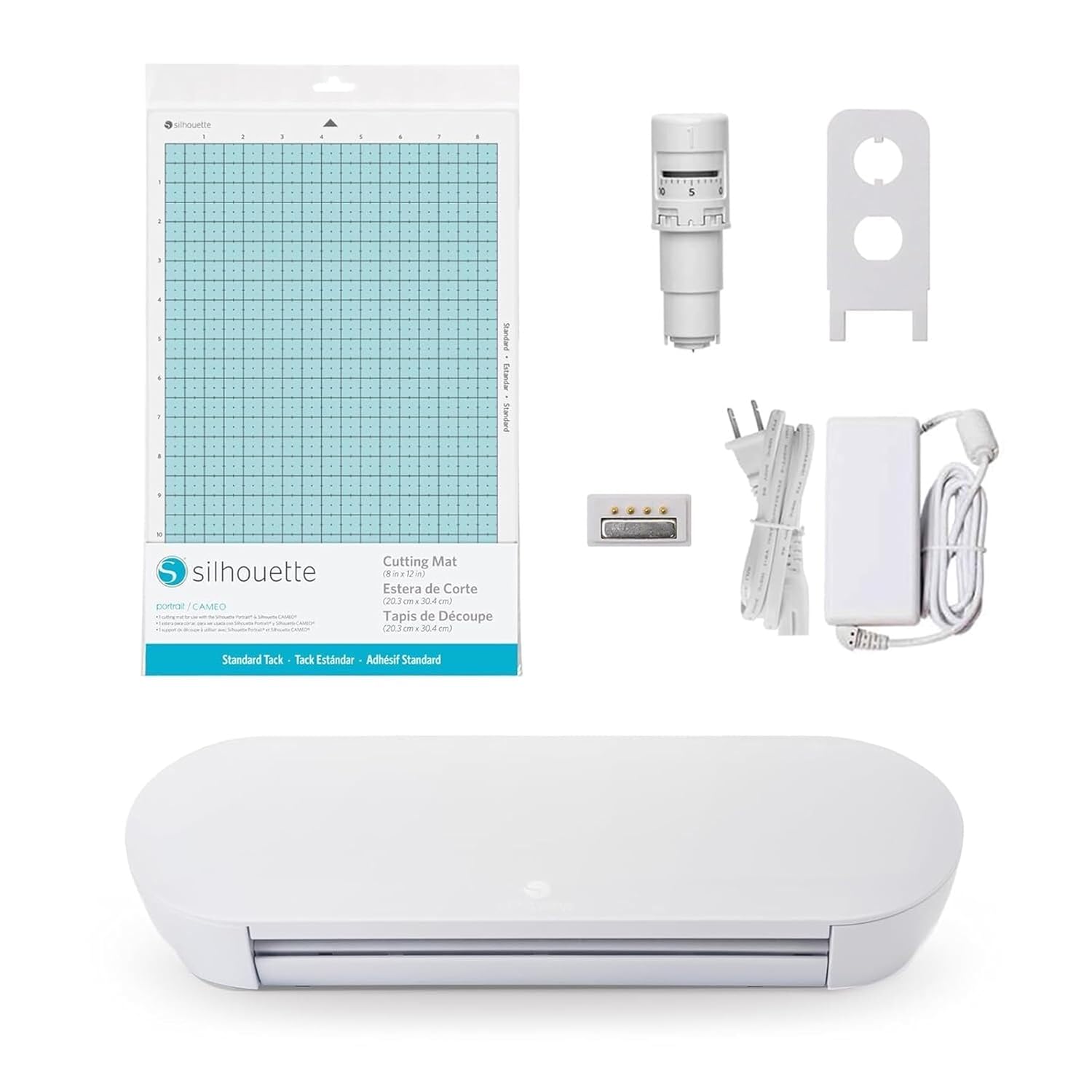
Silhouette Portrait 4 9 inch Vinyl Cutting Machine with Studio Software
“A smaller and more affordable vinyl cutter for beginners exploring craft cutting. Best for those who want to try a cutting machine without committing to a larger format or higher price.”
See Today’s Price →What we like
Watch out for
Read Full Analysis
The Silhouette Portrait 4 cuts up to 8" wide — ideal for smaller vinyl decals, stickers, and heat transfers. Same Silhouette Studio software access as the Cameo. Best for: beginners on a budget or crafters with limited workspace.

Cricut Joy Xtra Smart Cutting Machine, White
“A compact Cricut for beginners and hobbyists who want smart cutting without a large machine. Best for those new to cutting machines who want an easy-to-learn entry point.”
See Today’s Price →What we like
Watch out for
Read Full Analysis
The Cricut Joy Xtra is the most portable Cricut machine at 9" cutting width. Cuts Smart Materials without a mat. Best for: beginners who want to start small or crafters who prioritize portability.
Cricut vs Silhouette Buying Guide
Cricut vs. Silhouette: Which Cutting Machine Is Better?
Cricut and Silhouette are the two dominant home cutting machine brands, and both produce quality machines for vinyl cutting, paper crafting, iron-on transfers, and custom decal work. The meaningful difference is in the software ecosystem and design philosophy. Cricut Design Space (the companion app) is subscription-based for premium content but free for your own designs — it's beginner-friendly with an app-based workflow that requires internet connectivity. Silhouette Studio is a one-time purchase software (or free basic version) that runs locally, offering more professional design control without subscription fees. Experienced designers often prefer Silhouette for its superior design software; beginners often prefer Cricut for its gentler learning curve and cleaner app experience.
Cricut Strengths
Design Space ease of use: The most beginner-friendly cutting machine interface. Pre-made project templates, an integrated design library, and guided "Make It" workflow make first projects achievable on day one. Better for crafters who want to create projects quickly without deep design software knowledge.
Hardware variety: Cricut Joy (compact, portable, $180), Cricut Explore 3 (main home machine, $280), Cricut Maker 3 (professional-grade, $400) cover beginner to advanced. The Maker 3 cuts materials the Explore cannot — leather, balsa wood, and thick fabrics with the Adaptive Tool System.
Community and content: Cricut's user base is larger, producing more shared designs, tutorial videos, and project inspiration. Easier to find help when learning.
Silhouette Strengths
Silhouette Studio software: More feature-complete design software than Design Space — advanced typography tools, built-in tracing, Pantone color libraries in the Designer Edition. Works offline. One-time software purchase (Designer Edition $50, Business Edition $80) or the free basic version.
No subscription required: No recurring cost to access your own files and designs. Design Space's Cricut Access subscription ($9.99/month) is required for premium fonts and images — these are optional but add cost for users who rely on the library.
Cameo 4: The Silhouette Cameo 4 ($290-330) includes a built-in roll feeder, dual carriage (two tools simultaneously), and an autoblade that senses and sets depth automatically — features Cricut charges more for or excludes at equivalent price points.
The Bottom Line
Cricut Explore 3 for beginners who want the easiest start and largest community at $280. Cricut Maker 3 for crafters who want to cut fabric, leather, and specialty materials at $400. Silhouette Cameo 4 for crafters with design software experience who prefer offline work and no subscription at $300. Silhouette Portrait 3 for a smaller, more portable machine at $200. Both brands produce professional-quality results — the choice is software preference and learning curve, not cutting quality.
Related Guides
Frequently Asked Questions
Do I need a Cricut subscription?
Can Silhouette cut the same materials as Cricut?
Which machine is better for beginners?
Is Silhouette compatible with Cricut designs?
Which brand has better customer support?
How We Analyze Products
We analyze Amazon review data — often thousands of reviews per product — to surface patterns that individual buyers miss. Our process aggregates star ratings, review counts, and buyer sentiment at scale, identifying which strengths and weaknesses appear consistently across the largest review samples available.
Each product earned its placement through data: total review volume, average rating, and the specific praise and complaints that repeat most often across buyers. No manufacturer paid for placement on this page. Products appear here because buyers endorsed them at scale, not because a company asked us to feature them.
We use AI to summarize review sentiment — not to fabricate opinions, but to condense what thousands of buyers actually wrote into a readable format. The pros and cons you see reflect the most common themes found in verified purchaser reviews, paraphrased for clarity. We do not claim to have accessed Reddit, YouTube, or specific publications in generating these summaries.
Prices shown reflect Amazon pricing at the time this page was last generated. Click “See Today’s Price” to get the current live price on Amazon. Read our full methodology →