Best Desk Mats (2026): Protect Your Desk and Elevate Your Setup
The Logitech Desk Mat Studio Series is the best all-round desk mat — stylish design, smooth mouse tracking, stitched edges that won't fray, and an affordable $22 price. For maximum coverage, the 55x24-inch Large Non-Slip Desk Mat at $32 covers the full desk and adds waterproof protection.
Desk Mats (2026) Buying Guide
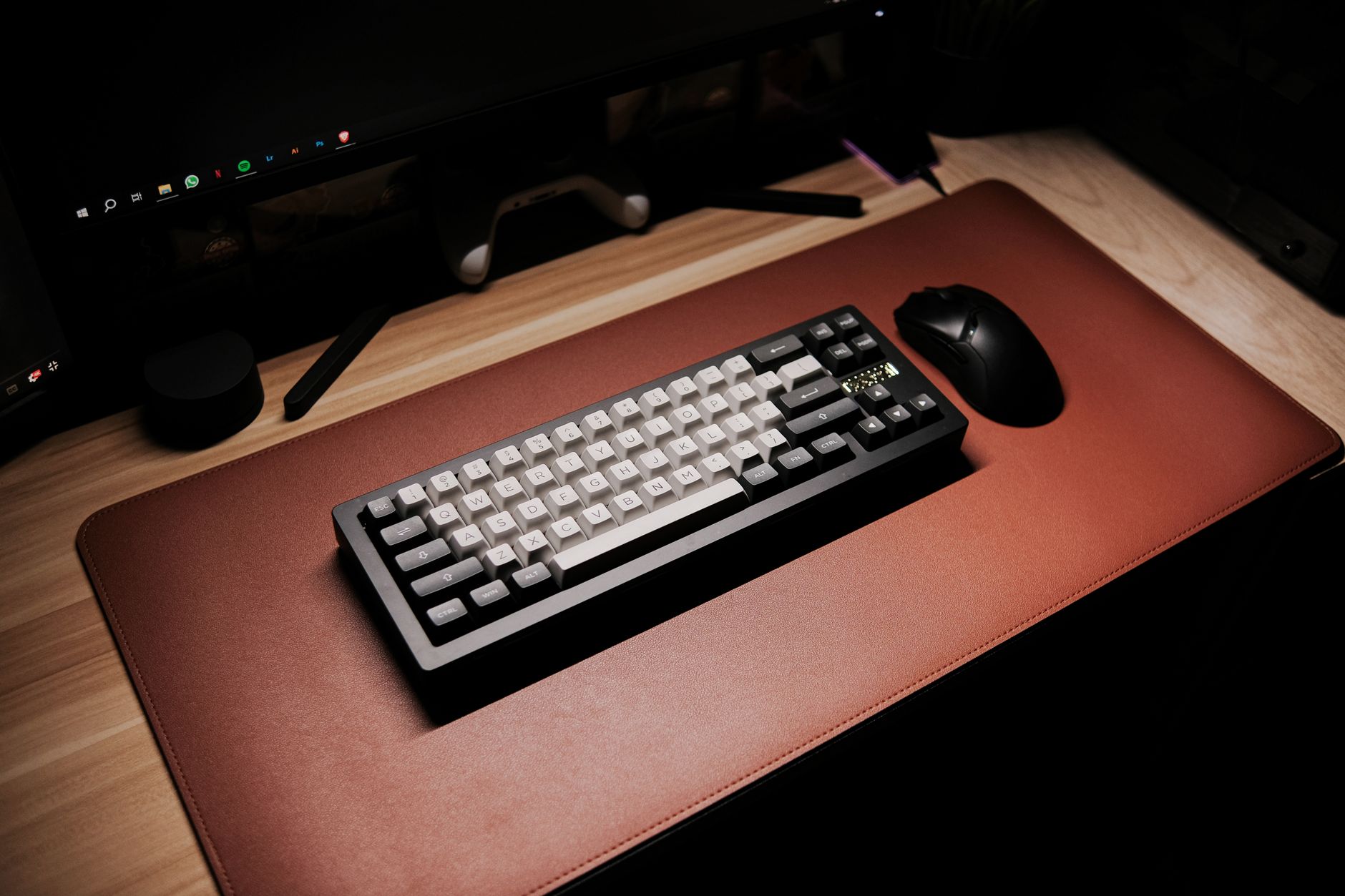 Photo by Jethro C. / Pexels
A desk mat serves three functions at once: it protects your desk surface from scratches, provides a consistent mousing surface across the entire workspace, and adds a visual anchor to your setup. Unlike gaming mouse pads optimized purely for tracking speed, desk mats are designed for multi-zone use — left side for notebook and coffee, right side for keyboard and mouse, all on a single unified surface.
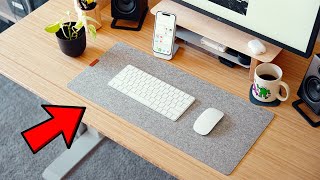
The shift toward remote work has made desk mats a home office staple. A bare wooden desk looks fine; a large cloth mat turns it into a clean, professional workspace. That visual transformation alone explains why desk mats went from niche gaming accessory to standard office supply.
Surface Material: Speed vs. Control vs. Waterproof


Unstitched cloth desk mats fray from the edges within weeks of daily use. Stitched edges (also called "oversewn" or "woven edge") reinforce the perimeter with a thread border that holds the fabric together for years. All four of these mats have stitched edges — this is a baseline quality indicator to look for in any cloth mat purchase.
All four of these mats have rubber or non-slip bases that keep them from sliding when you're typing or adjusting. The rubber base also prevents the mat from bunching up under the keyboard. Bare-bottom mats shift constantly — avoid them.
Under $25 (HyperX FURY S, Logitech): Standard cloth mat, basic stitched edges, consistent mouse tracking. Fully functional for any setup. The Logitech adds style points with its Studio Series colorways designed for matching the MX ecosystem. $30–$35 (Large Non-Slip, Corsair): Larger coverage area, thicker fabric, premium surface treatments. The Corsair MM300 PRO adds explicit spill resistance — the surface repels liquid rather than absorbing it, which matters in office environments where coffee is always nearby.
Do I need a special mouse to use a desk mat? No — any optical or laser mouse works on a cloth desk mat surface. Desk mats provide consistent tracking for all standard mice. Mechanical mice (trackballs) may behave differently on cloth vs. hard surfaces. Can I wash a desk mat? Most cloth desk mats can be hand-washed or machine-washed on a gentle cold cycle. Air dry flat — never put a desk mat in the dryer, as heat can delaminate the rubber base. Check the specific care instructions, but gentle washing is generally safe. Will a desk mat protect my wooden desk from scratches? Yes — a cloth desk mat prevents keyboard, mouse, and other objects from scratching the desk surface. It also protects against ring marks from cups. The rubber base won't mark the desk either. What size desk mat do I need? Measure the zone you actually use: from where your monitor sits to the edge of the desk. A mat that covers your keyboard + mouse zone with a few inches of margin on each side is the minimum. Full-width mats (matching your desk width) look cleanest. Do desk mats make mousepads obsolete? For most users, yes. A desk mat covers the mouse zone with equivalent quality to a standalone mouse pad, plus covers the rest of the desk. The only reason to keep a separate mouse pad is if you need a specific gaming surface texture that your desk mat doesn't provide.


At a Glance
| # | Product | Award | Price | Our Score | |
|---|---|---|---|---|---|
| 1 | 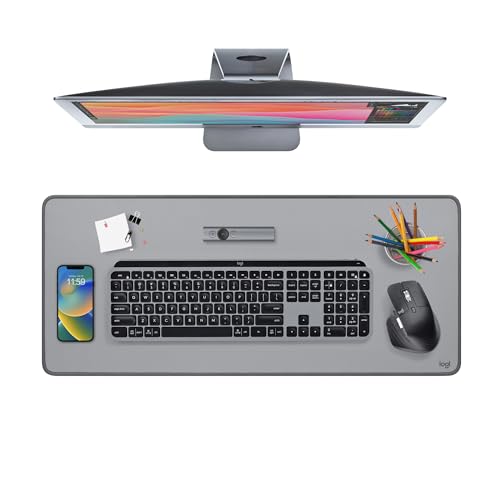 Logitech Desk Mat Studio Series Mid-Grey Logitech Desk Mat Studio Series Mid-Grey |
Best Overall | $21 | 9.2 | Buy → |
| 2 | 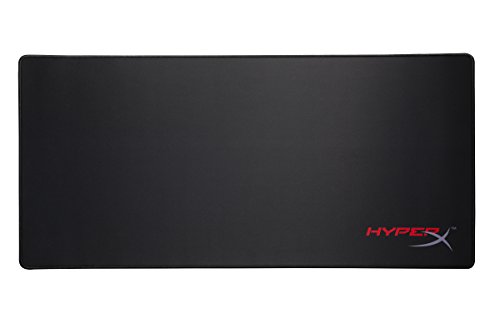 HyperX FURY S Pro Gaming Mouse Pad XL HyperX FURY S Pro Gaming Mouse Pad XL |
Best Value | $23 | 8.9 | Buy → |
| 3 |  Large Non-Slip Desk Mat 55x24 in Waterp… Large Non-Slip Desk Mat 55x24 in Waterp… |
Best Full Coverage | $32 | 8.5 | Buy → |
| 4 | 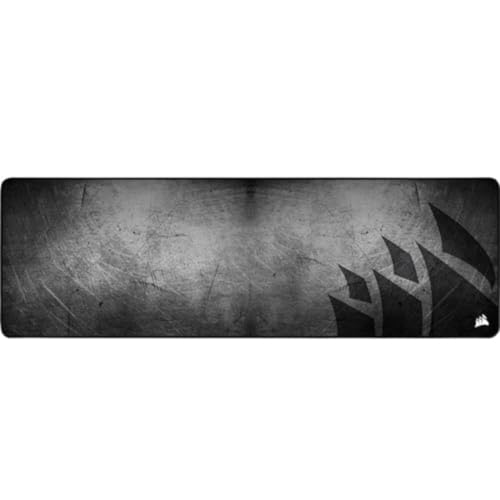 Corsair MM300 PRO Premium Spill-Proof E… Corsair MM300 PRO Premium Spill-Proof E… |
Best Premium | $32 | 8.2 | Buy → |
Showing 4 of 4 products
Logitech Desk Mat Studio Series Mid-Grey
“Logitech's Studio Series Desk Mat is a well-designed everyday desk mat — the fabric surface is comfortable for long typing sessions and the mid-grey color blends with most desk setups without the gami”
See Today’s Price →What we like
Watch out for
Read Full Analysis
The Logitech Desk Mat Studio Series is the go-to desk mat for home offices that prioritize aesthetics alongside function. Available in Mid-Grey, Lavender, and Rose, it's designed to complement the MX keyboard and mouse ecosystem but works with any setup. The 27.6×11.8-inch size covers the keyboard and mouse zone on most standard desks. Stitched edges, non-slip rubber bottom, and a smooth cloth surface that works with any optical or laser mouse. At $22, it's the easiest upgrade you can make to a home office.
HyperX FURY S Pro Gaming Mouse Pad XL
“HyperX FURY S XL mouse pad gives your entire desk a smooth, unified surface — excellent for wide mouse movements and a clean aesthetic upgrade over standard pads.”
See Today’s Price →What we like
Watch out for
- XL footprint (900x420mm) eliminates usable desk space for documents, notebooks, or secondary peripherals — measure available surface before purchasing; the Medium (360x300mm) is better suited for standard workstation setups
- Aggressive red-and-black gaming graphic is printed directly on the cloth surface — conspicuous in professional office environments or any setting where a neutral, discreet desk mat is expected
- Cloth surface accumulates dust and skin oils visibly at the primary mouse glide zone within 3–4 weeks — requires mild soap hand-washing and full air drying, which warps the edges if the mat is rolled before completely dry
Read Full Analysis
The HyperX FURY S Pro Gaming Mouse Pad XL provides extended coverage (designed for keyboard + mouse use) in a natural rubber base with a cloth surface optimized for both speed and precision mousing. The stitched edges are reinforced to prevent fraying. At $24, it's essentially the same price as the Logitech but in a larger format. The 'gaming' label aside, the surface quality and durability make this a perfectly good office desk mat — and the XL size gives you more mousing room.

Large Non-Slip Desk Mat 55x24 in Waterproof Scratch-Resistant
“A large waterproof desk mat covers the gap between small mousepads and premium desk setups — the full coverage provides consistent mouse tracking across the entire desk surface while protecting the de”
See Today’s Price →What we like
Watch out for
Read Full Analysis
This Large Non-Slip Desk Mat at 55×24 inches covers a full standard desk width. The waterproof and scratch-resistant surface handles spills without absorbing them, making it ideal for workspaces where coffee is always present. The non-slip bottom stays firmly in place under heavy keyboard use. At $32, it's the best full-desk protection option for anyone who wants a single unified surface instead of separate keyboard and mouse zones. The plain, professional colorway works in any office aesthetic.

Corsair MM300 PRO Premium Spill-Proof Extended Desk Mat
“Corsair MM300 PRO is the premium extended desk mat for setups that benefit from consistent mouse tracking across a large surface — the spill-proof construction is the practical advantage for users who”
See Today’s Price →What we like
Watch out for
Read Full Analysis
The Corsair MM300 PRO Premium Spill-Proof Extended Desk Mat brings explicit spill resistance to the desk mat category. The micro-weave cloth surface is treated to repel liquids rather than absorb them — a spill beads up and can be wiped away without soaking into the pad. The extended size covers keyboard and mouse together. Stitched edges, thick natural rubber base, and a surface texture optimized for optical sensors. At $33, it's the premium pick for anyone who values the spill protection and doesn't mind paying slightly more for it.
Frequently Asked Questions
Do I need a special mouse to use a desk mat?
Can I wash a desk mat?
Will a desk mat protect my wooden desk from scratches?
What size desk mat do I need?
Do desk mats make separate mouse pads obsolete?
How We Analyze Products
We analyze Amazon review data — often thousands of reviews per product — to surface patterns that individual buyers miss. Our process aggregates star ratings, review counts, and buyer sentiment at scale, identifying which strengths and weaknesses appear consistently across the largest review samples available.
Each product earned its placement through data: total review volume, average rating, and the specific praise and complaints that repeat most often across buyers. No manufacturer paid for placement on this page. Products appear here because buyers endorsed them at scale, not because a company asked us to feature them.
We use AI to summarize review sentiment — not to fabricate opinions, but to condense what thousands of buyers actually wrote into a readable format. The pros and cons you see reflect the most common themes found in verified purchaser reviews, paraphrased for clarity. We do not claim to have accessed Reddit, YouTube, or specific publications in generating these summaries.
Prices shown reflect Amazon pricing at the time this page was last generated. Click “See Today’s Price” to get the current live price on Amazon. Read our full methodology →