Best Keyboards for Carpal Tunnel 2026

The Perixx PERIBOARD-512 Split Keyboard is the best for carpal tunnel — ergonomic wave split reduces wrist deviation and under $41 is the most affordable option.
See Today’s Price →At a Glance
| # | Product | Award | Price | Our Score | |
|---|---|---|---|---|---|
| 1 | 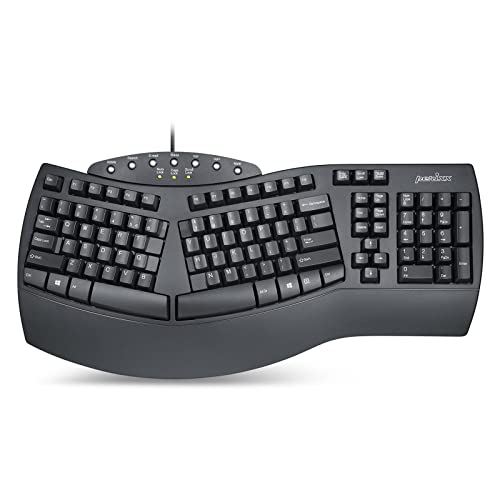 Perixx PERIBOARD-512 Ergonomic Split Ke… Perixx PERIBOARD-512 Ergonomic Split Ke… |
Best Overall | $40 | 9.2 | Buy → |
| 2 | 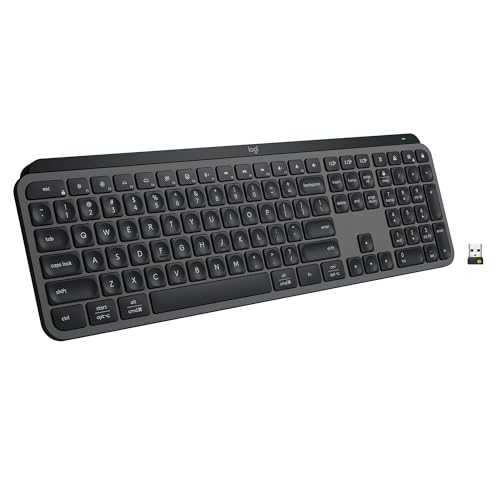 Logitech MX Keys S Wireless Keyboard Logitech MX Keys S Wireless Keyboard |
Best Low-Profile | $119 | 8.9 | Buy → |
| 3 |  Keychron K2 Wireless Mechanical Keyboar… Keychron K2 Wireless Mechanical Keyboar… |
Best Mechanical Option | $63 | 8.5 | Buy → |
| 4 | 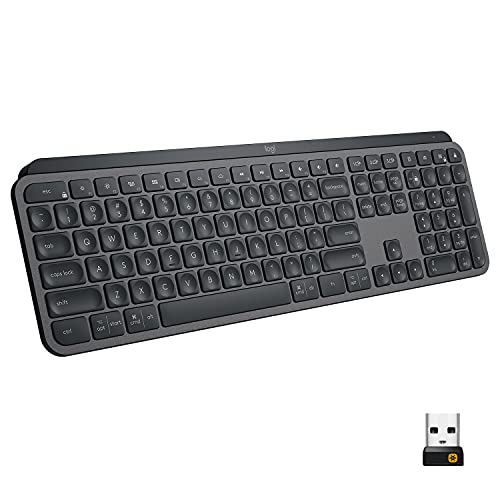 Logitech MX Keys Advanced Wireless Keyb… Logitech MX Keys Advanced Wireless Keyb… |
Best Multi-Device | $99 | 8.2 | Buy → |
Showing 4 of 4 products
Perixx PERIBOARD-512 Ergonomic Split Keyboard
“The Perixx PERIBOARD-512 is the most accessible entry point into ergonomic split keyboards — the split layout genuinely reduces ulnar deviation, but commit to the learning curve before assuming it's t”
See Today’s Price →
Logitech MX Keys S Wireless Keyboard
“Logitech MX Keys S is the best wireless keyboard for productivity — quiet, precise keys with smart backlighting and seamless multi-device switching across up to 3 devices.”
See Today’s Price →What we like
Watch out for
Read Full Analysis
The Logitech MX Keys S at $119.99 is relevant on a carpal tunnel keyboard page because of its low-profile key travel — 1.8mm actuation distance versus the 4mm of standard mechanical keyboards, which reduces the total finger travel distance per keystroke meaningfully over an 8-hour typing day. The spherical key tops cup each fingertip naturally, reducing lateral finger deviation during typing. Backlit keys with smart illumination that activates when your hands approach reduce the visual strain of hunting in dim environments. Multi-device switching across three paired devices via Easy Switch button is useful for users alternating between a work laptop and personal machine. The primary limitation for carpal tunnel specifically: no tenting or split layout — if wrist pronation is the root cause of your discomfort, a split ergonomic keyboard addresses it more directly. The MX Keys S helps with repetitive strain from keystroke force and travel, not wrist angle.

Keychron K2 Wireless Mechanical Keyboard Version 2
“Best for Mac and Windows typists who want a well-built, hot-swappable wireless mechanical keyboard in a compact 75% layout — one of the most popular boards in the category.”
See Today’s Price →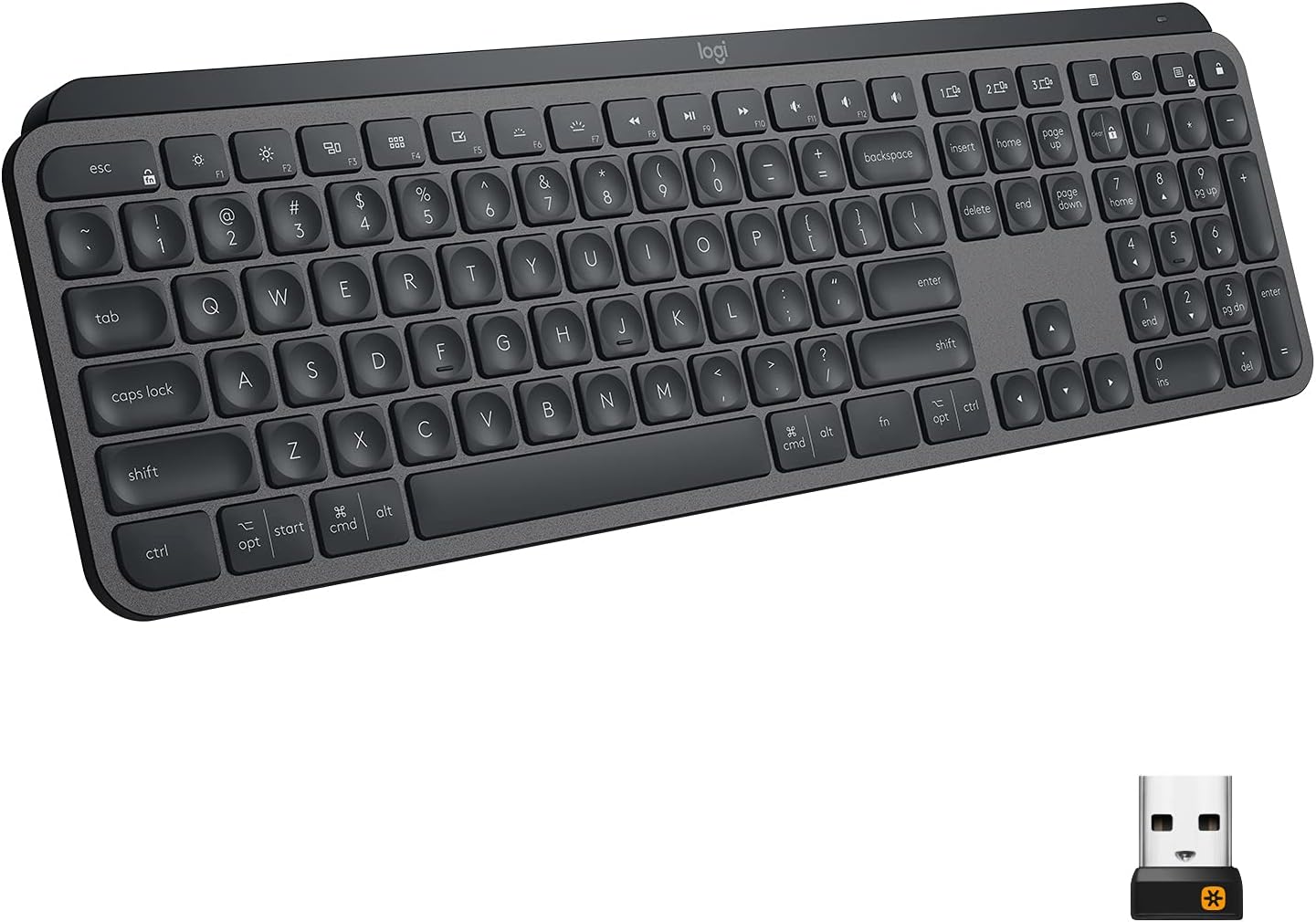
Logitech MX Keys Advanced Wireless Keyboard
“The Logitech MX Keys is the best typing keyboard for most people — the spherical key tops and optimal travel distance make long typing sessions genuinely comfortable.”
See Today’s Price →What we like
- Perfect key travel for typing
- Multi-device (3 devices via Bolt or Bluetooth)
- Smart backlighting
- Easy-Switch button
- USB-C charging
Watch out for
- No number pad on MX Keys Mini
- Premium price
Read Full Analysis
The Logitech MX Keys Advanced at $118.19 is the prior-generation version of the MX Keys S — functionally near-identical, with the same spherical key tops, 1.8mm key travel, smart backlighting, and three-device Easy Switch. The S generation added slightly quieter key sound and USB-C charging over the micro-USB on this model. At $1.80 less than the MX Keys S, the practical choice depends on stock availability rather than meaningful performance differences. For carpal tunnel management, the low-profile actuation and shaped key tops are the relevant specs — both models deliver these equally. Multi-device wireless and cross-platform compatibility (Windows, Mac, Linux) make either model suitable for users managing multiple workstations. If your primary concern is wrist angle rather than keystroke force, neither the Advanced nor the S addresses pronation — a split or tented keyboard like the Logitech ERGO K860 is more appropriate for that use case.
Keyboards for Carpal Tunnel Buying Guide
 Photo by www.kaboompics.com / Pexels
Standard keyboard layouts force two biomechanical problems: ulnar deviation (wrists bent outward toward the pinky) and forearm pronation (palms facing down). Both create sustained muscle tension that compounds over thousands of hours of typing. Split keyboards (like the Perixx PERIBOARD-512) physically separate the two key halves to shoulder width, eliminating ulnar deviation. The learning curve is real — expect 2–4 weeks of slower typing as muscle memory rebuilds — but users who commit rarely go back. Low-profile keyboards (Logitech MX Keys series) reduce the keystroke force required and let wrists rest at a more neutral angle than high-profile keys.
Split vs. Low-Profile vs. Mechanical: Which to Choose

Split keyboards address the root biomechanical cause of carpal tunnel strain — best if you have existing wrist pain or type more than 4 hours daily. Low-profile keyboards offer gentler key travel (1.8–2mm vs. standard 4mm) that reduces impact force on finger tendons over thousands of keystrokes — the most practical starting point for most people. Mechanical keyboards like the Keychron K2 provide tactile feedback so you know when a key has registered and can stop pressing — reducing the bottoming-out force that transfers to wrist joints. For carpal tunnel: wrist rest plus low-profile keyboard is the best immediate improvement; a split keyboard is the more effective long-term solution.
Wireless connectivity matters for ergonomic setups — removing the cable lets you position the keyboard at the optimal distance without cord tension. Both the Keychron K2 and Logitech MX Keys Advanced support multi-device switching (up to 3 devices via Bluetooth), useful if you alternate between laptop and desktop. Wrist rests sold separately add meaningful comfort — look for memory foam or gel at 19–21mm height. Tenting (propping the keyboard center up so palms face slightly inward) is the gold standard for wrist relief and is available on premium split keyboards, though not on the models compared here.

- Perixx PERIBOARD-512 Ergonomic Split Keyboard ($40) — Writers and heavy typists wanting an ergonomic split keyboard for wrist relief Key advantage: Split ergonomic layout reduces wrist pronation; USB wired reliable connection; Budget price for ergonomic keyboard; Peri
- Logitech MX Keys S Wireless Keyboard ($120) — Budget gamers wanting entry-level membrane keyboard with multimedia controls Key advantage: Membrane; RGB; media keys; USB; water-resistant design; quiet feel; full-size with numpad
- Keychron K2 Wireless Mechanical Keyboard Version 2 ($64) — typists and coders wanting wireless mechanical keyboard with hot-swap Key advantage: wireless Bluetooth and 2.4GHz; hot-swappable switches; compact 75% layout; Keychron brand
- Logitech MX Keys Advanced Wireless Keyboard ($118) — Productivity typists and multi-device users Key advantage: Perfect key travel for typing
Key Features to Compare When Spending Over $100
Office products over $100 — especially chairs, monitors, and desks — have a direct impact on productivity, comfort, and long-term health. A $300 ergonomic chair used 8 hours a day pays for itself in comfort and reduced back pain within months; a $60 chair purchased annually costs more over 3 years and causes more problems.
-
Adjustability range — height, tilt, armrest, lumbar support should all be customizable to your body
-
Weight capacity and size range — ergonomic equipment must match your body dimensions to provide benefit
-
Materials: mesh breathes; foam holds shape longer; leather wears well but runs hot
-
Warranty: chairs from top brands (Herman Miller, Steelcase, Branch) come with 10-12 year warranties
-
Return policy — you need to try a chair for multiple work sessions before committing

-
Buying based on looks rather than adjustability — a beautiful chair that doesn't fit your body is useless for ergonomics
-
Ignoring the break-in period — quality mesh chairs feel stiff for the first 2-4 weeks
-
Skipping the lumbar support feature — it's the most important element for back health on chairs used 6+ hours daily
Frequently Asked Questions
Why Keyboard Design Affects Wrist Health?
Which is better: Split vs. Low-Profile vs. Mechanical: Which to Choose?
What should I know about key Specs to Check Before Buying?
What should I look for when buying keyboard for carpal tunnel?
How much should I expect to spend on keyboard for carpal tunnel?
How We Analyze Products
We analyze Amazon review data — often thousands of reviews per product — to surface patterns that individual buyers miss. Our process aggregates star ratings, review counts, and buyer sentiment at scale, identifying which strengths and weaknesses appear consistently across the largest review samples available. The 15,298+ reviews analyzed on this page represent real verified-purchase feedback from Amazon buyers.
Each product earned its placement through data: total review volume, average rating, and the specific praise and complaints that repeat most often across buyers. No manufacturer paid for placement on this page. Products appear here because buyers endorsed them at scale, not because a company asked us to feature them.
We use AI to summarize review sentiment — not to fabricate opinions, but to condense what thousands of buyers actually wrote into a readable format. The pros and cons you see reflect the most common themes found in verified purchaser reviews, paraphrased for clarity. We do not claim to have accessed Reddit, YouTube, or specific publications in generating these summaries.
Prices shown reflect Amazon pricing at the time this page was last generated. Click “See Today’s Price” to get the current live price on Amazon. Read our full methodology →