How to Choose an Office Chair: Lumbar Support, Seat Depth, and Ergonomics Explained (2026)
For most people: a mesh-back chair with adjustable lumbar, 4D armrests, and seat depth adjustment in the $200-400 range. The Flexispot OC14 ($200) and Branch Ergonomic Chair ($330) offer the full adjustment set at non-Herman-Miller prices. Below $200, compromises appear. Never buy a chair without testing lumbar support — its ideal height varies significantly between bodies.
At a Glance
| # | Product | Award | Price |
|---|
How to Choose an Office Chair Buying Guide
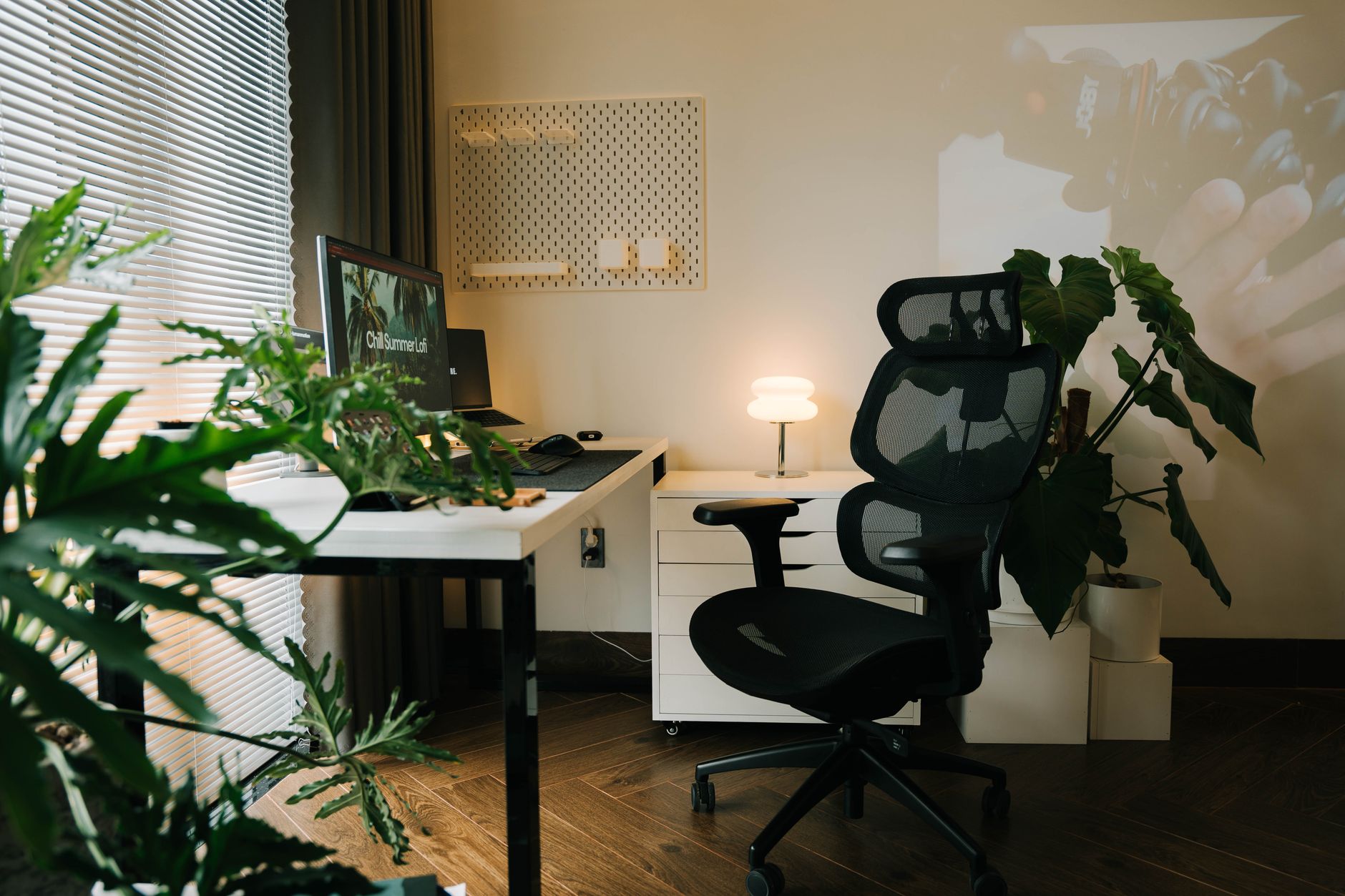 Photo by Alpha En / Pexels
An office chair is used 8 hours daily, 250 days per year — more contact hours than any other piece of furniture most people own. Choosing it based on looks or a single review metric causes years of back pain and lost productivity. The science of ergonomic seating is well-documented; the challenge is translating published ergonomic standards into practical chair selection decisions.
The 7 Adjustments That Actually Matter
1. Seat Height: Feet flat on floor, thighs parallel to ground, knees at 90 degrees. Standard range: 17-21 inches. Tall users (6'2"+) often need chairs with extended height ranges. Short users (under 5'4") may need a footrest if the chair's lowest position still lifts feet off the floor. 2. Seat Depth: The critical, underappreciated adjustment. Distance from chair back to front edge of seat. Correct depth: 2-4 inches between the back of your knee and the front seat edge. Too deep (most default chair depths): thigh pressure cuts off circulation and forces slouching. Too shallow: no thigh support. Seat depth adjustment allows the seat to slide forward/back — look for at least 2 inches of range. 3. Lumbar Support: The lumbar vertebrae form a natural inward curve (lordosis) in the lower back. Sustained sitting collapses this curve, straining the discs and muscles. Lumbar support should fill the space between the chair back and your lower back at the belt-line level, not push from a fixed position. Adjustable lumbar (height + depth) is worth the price premium because lumbar curve height varies by 2-3 inches between individuals. 4. Armrest Height and Width: Forearms resting on armrests at elbow height reduces shoulder tension significantly. Standard is elbow height with shoulders relaxed. 4D armrests (height, depth, width, pivot) allow fine-tuning for different desk heights and body widths. 2D armrests (height only) work for most users but miss width adjustment that helps those with broad shoulders or narrow frames. 5. Backrest Angle and Recline: The spine experiences less disc pressure at 100-110 degrees (slightly reclined) than at 90 degrees. A chair that locks at 90 degrees forces the most disc compression. Synchro-tilt (seat and back recline together in a ratio) allows a natural reclining motion. Tension adjustment controls how much force is required to recline. 6. Headrest: Only beneficial if you recline significantly. A headrest at 90 degrees upright position actually pushes the head forward, creating neck strain. If you work upright all day, skip the headrest or ensure it adjusts far enough back to not contact the head in your working position. 7. Seat Pan Material: Mesh seats breathe better than foam for warm environments but provide less cushioning for bony structures. Foam seats distribute weight more evenly but trap heat. 3-5 inch foam seats are the most comfortable for all-day sitting; mesh seats reduce sweating.
Price Tiers and What They Actually Buy
Under $150: Basic adjustment (height only or height + armrests). Minimal lumbar support. Adequate for 4 hours/day; causes discomfort at 8 hours. Fine for occasional use or tight budgets. $150-300: The entry to meaningful ergonomics. Seat depth, adjustable lumbar, 2D or 4D armrests. Flexispot OC14, Branch Ergonomic Chair, STAPLES Hyken. This range covers 90% of users' ergonomic needs. $300-600: Premium materials, wider adjustment ranges, extended warranties (12+ years vs. 2-5 years in lower tiers). Steelcase Leap V2, Haworth Fern, Humanscale Freedom. Meaningful improvements in adjustment precision. $600-1,500: Herman Miller Aeron, Steelcase Gesture. Dynamic support systems that respond to movement rather than requiring manual readjustment. Worth the price for people with pre-existing back conditions or 10+ hour daily use. The build quality supports 20+ year lifespans. Above $1,500: Diminishing ergonomic returns. Price mainly reflects brand prestige and materials.
Mesh vs. Foam Back: The Real Difference
Mesh backs conform to back shape, allow airflow, and maintain their shape for years without compression. The limitation: mesh stretches over time (budget meshes stretch faster), and the tension isn't adjustable. Foam backs offer more pressure distribution and feel plushier, but retain heat and may compress over 3-5 years. Premium foam backs (like Herman Miller's PostureFit pads) are more durable. The verdict: mesh back for warm climates or people who run hot; foam or foam/upholstered for cold climates or those who prioritize cushioning.
Common Mistakes
Buying based on looks before trying the chair — lumbar position is individual; a chair that's perfect for one person can aggravate another's back. Choosing a gaming chair over an ergonomic chair for desk work — gaming chairs are designed for visual impact, not ergonomic function. Most lack proper lumbar positioning and seat depth adjustment. Setting only the seat height — a chair with 5 other adjustments all left at factory default provides minimal ergonomic benefit. Spending $100 on a chair for 8-hour workdays — the hourly cost of a $400 chair over 3 years is $0.17/hour. Back pain treatment costs orders of magnitude more.
What We Recommend
Best value overall: Branch Ergonomic Chair ($330) — full adjustment set, 7-year warranty, available in multiple colors. Budget pick: Flexispot OC14 ($200) — best adjustment range under $250. Premium with resale value: Steelcase Leap V2 ($600-1,200 used) — buying used on eBay or office liquidators cuts the price to 30-40% of retail. See our full best chairs for working from home, best chairs for lower back pain, and best budget office chairs for specific picks at every price.

How We Analyze Products
We analyze Amazon review data — often thousands of reviews per product — to surface patterns that individual buyers miss. Our process aggregates star ratings, review counts, and buyer sentiment at scale, identifying which strengths and weaknesses appear consistently across the largest review samples available.
Each product earned its placement through data: total review volume, average rating, and the specific praise and complaints that repeat most often across buyers. No manufacturer paid for placement on this page. Products appear here because buyers endorsed them at scale, not because a company asked us to feature them.
We use AI to summarize review sentiment — not to fabricate opinions, but to condense what thousands of buyers actually wrote into a readable format. The pros and cons you see reflect the most common themes found in verified purchaser reviews, paraphrased for clarity. We do not claim to have accessed Reddit, YouTube, or specific publications in generating these summaries.
Prices shown reflect Amazon pricing at the time this page was last generated. Click “See Today’s Price” to get the current live price on Amazon. Read our full methodology →