Logitech vs BenQ Office Setup 2026: Monitors, Mice & Keyboards

Choose Logitech for input devices — their MX Master series mice and MX Keys keyboards are the best productivity peripherals available. Choose BenQ for display and lighting — their monitors are calibrated for specific use cases (photography, e-sports, programming) and their ScreenBar desk lamps are the gold standard for monitor-mounted lighting. These brands complement rather than compete.
See Today’s Price →At a Glance
| # | Product | Award | Price | Our Score | |
|---|---|---|---|---|---|
| 1 | Logitech MX Master 3 Advanced Wireless … |
Best Overall | $39 | 9.2 | Buy → |
| 2 | 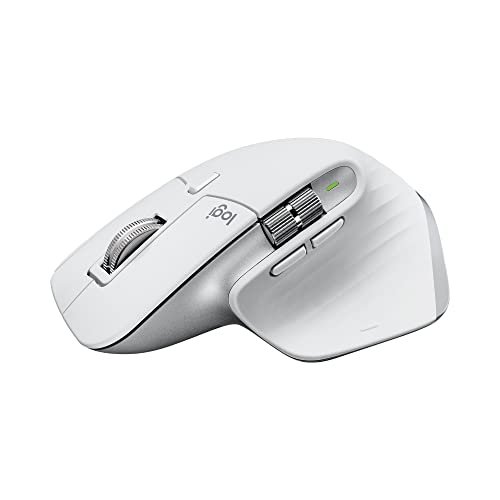 Logitech MX Master 3S Wireless Mouse Logitech MX Master 3S Wireless Mouse |
Latest MX Mouse | $99 | 8.9 | Buy → |
| 3 |  Logitech MX Vertical Wireless Ergonomic… Logitech MX Vertical Wireless Ergonomic… |
Ergonomic Pick | $79 | 8.5 | Buy → |
| 4 | 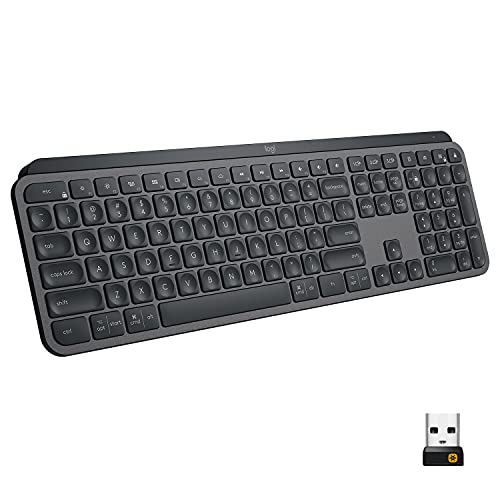 Logitech MX Keys Advanced Wireless Keyb… Logitech MX Keys Advanced Wireless Keyb… |
Best Keyboard | $99 | 8.2 | Buy → |
| 5 |  BenQ e-Reading LED Desk Lamp BenQ e-Reading LED Desk Lamp |
Best Desk Lamp | $109 | 7.8 | Buy → |
| 6 |  BenQ MOBIUZ EX2710Q BenQ MOBIUZ EX2710Q |
Best Monitor | $186 | 7.5 | Buy → |
Showing 6 of 6 products
Logitech MX Master 3 Advanced Wireless Mouse Ultrafast Scrolling Ergonomic 4000 DPI Graphite
“The Logitech MX Master 3 is the productivity mouse — not a pure ergonomic intervention but the best-designed traditional grip mouse that incorporates ergonomic principles alongside power-user features”
See Today’s Price →What we like
- MagSpeed electromagnetic scroll wheel — ultrafast scrolling through long documents
- 4000 DPI precision sensor works on any surface including glass
- Multi-device: pair and switch between up to 3 devices instantly
- Ergonomic contoured shape for right-hand natural wrist position
Watch out for
- Not a vertical mouse — traditional horizontal grip with ergonomic contouring
- Right-hand only design
- Size targets medium-to-large hands; may be oversized for smaller hands
Read Full Analysis
The Logitech MX Master 3 is the productivity anchor in this Logitech vs. BenQ desk setup comparison. MagSpeed electromagnetic scroll wheel defines the product — no other mouse at any price offers the same frictionless high-speed scrolling with precisely engaged notches on demand. For users who scroll through long documents, code, or Figma canvases for hours daily, the difference is immediately and permanently noticeable. 4000 DPI DARKFIELD sensor works on glass surfaces, removing desk mat requirements. Multi-device switching between three paired devices via Easy-Switch enables a keyboard-trackpad-to-mouse workflow. Not a gaming mouse — 4000 DPI ceiling, button actuation latency, and 145g weight are not competitive for fast-paced gaming. Right-hand only ergonomic design excludes left-handed users entirely. Size targets medium-to-large hands; compact hands find the width uncomfortable over long sessions. Against the MX Master 3S below it, the MX Master 3 is the previous-generation model that competes on sale pricing — verify current pricing to determine whether the 3S's 8000 DPI and silent click option justify any price premium. For productivity professionals who spend significant daily time in documents and creative tools, the MX Master 3 remains the benchmark productivity mouse on this page.
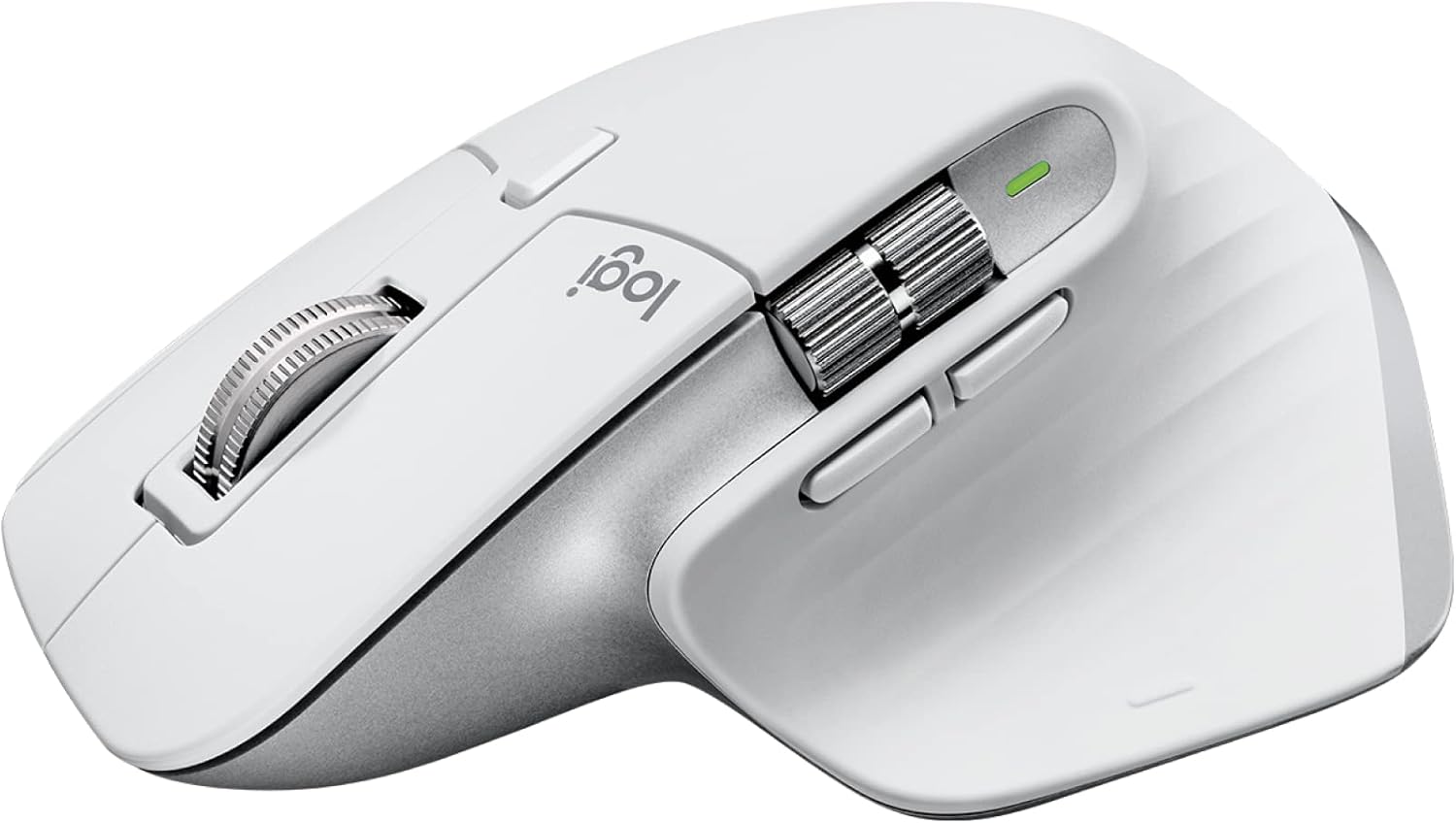
Logitech MX Master 3S Wireless Mouse
“The MX Master 3S is the best productivity mouse ever made — the MagSpeed scroll wheel flips between precise and ultra-fast infinite scrolling for different tasks.”
See Today’s Price →What we like
- MagSpeed electromagnetic scroll wheel
- 8000 DPI precision sensor
- Multi-device (3 devices)
- USB-C charging
- Silent click option
Watch out for
Read Full Analysis
The Logitech MX Master 3S is the current-generation update to the MX Master 3, adding an 8000 DPI sensor upgrade and silent click switches. The MagSpeed scroll wheel carries over unchanged — the defining feature that made the MX Master 3 the productivity benchmark is preserved. USB-C charging modernizes the cable standard from micro-USB. Silent click reduces audible feedback, which matters in shared offices and during late-night work when noise levels are a concern. At $99, the MX Master 3S commands a premium over the MX Master 3 at typical sale pricing — buyers should compare current prices before choosing between the two generations. 3-hour USB-C charge time for 70-hour battery is adequate for typical usage patterns; few users will deplete the battery in a single workday. The thumb scroll wheel and additional buttons require Logitech Options+ software to fully customize, which adds a software dependency for users who prefer driver-free operation. Against the BenQ products on this page, the MX Master 3S is the input device in the broader workstation context — the BenQ desk lamp and monitor address display and lighting needs that the mouse doesn't overlap with. For buyers who want the latest MX Master generation with silent click for shared workspaces, the 3S is the appropriate choice.
Logitech MX Vertical Wireless Ergonomic Mouse, Rechargeable, Graphite
“The Logitech MX Vertical is the ergonomic mouse recommendation that has the most direct scientific basis: the 57-degree vertical grip angle is derived from research showing that forearm rotation (pron”
See Today’s Price →What we like
- 57-degree vertical angle reduces forearm rotation and wrist pressure — ergonomically validated
- Rechargeable battery via USB-C — 4-month charge per full battery
- Works across Windows, Mac, and Linux — plug-and-play plus Logitech Options software
- Designed for medium-to-large hands — right-handed ergonomic grip
Watch out for
- Right-hand only design — no left-handed version available
- 57-degree angle requires an adjustment period of 1-2 weeks
- Premium price at $100 — higher than standard mice
Read Full Analysis
The Logitech MX Vertical is the ergonomic specialist in this comparison. The 57-degree vertical angle positions the hand in a handshake grip rather than the palm-down rotation of standard mice, reducing forearm pronation and the ulnar deviation that causes carpal tunnel and repetitive strain symptoms. Clinical validation behind vertical mouse ergonomics is genuine — occupational therapists and physiotherapists regularly recommend them for users experiencing wrist pain. Rechargeable via USB-C with four-month battery life minimizes charging friction. The 1-2 week adjustment period is real and uncomfortable — users switching from standard mice find the vertical grip initially awkward and slower. This adaptation phase deters some buyers who return the mouse before their wrist has adapted to the new grip geometry. Right-hand only. Premium pricing at $79-100 is higher than standard wireless mice. Against the MX Master 3 and 3S on this page, the MX Vertical serves a different primary purpose: therapeutic ergonomics for users experiencing active wrist and forearm discomfort. Users without current pain symptoms who are purchasing proactively should compare the ergonomic benefit against the adjustment cost. For users with diagnosed RSI, carpal tunnel, or persistent wrist pain, the MX Vertical is the most impactful investment on this page.
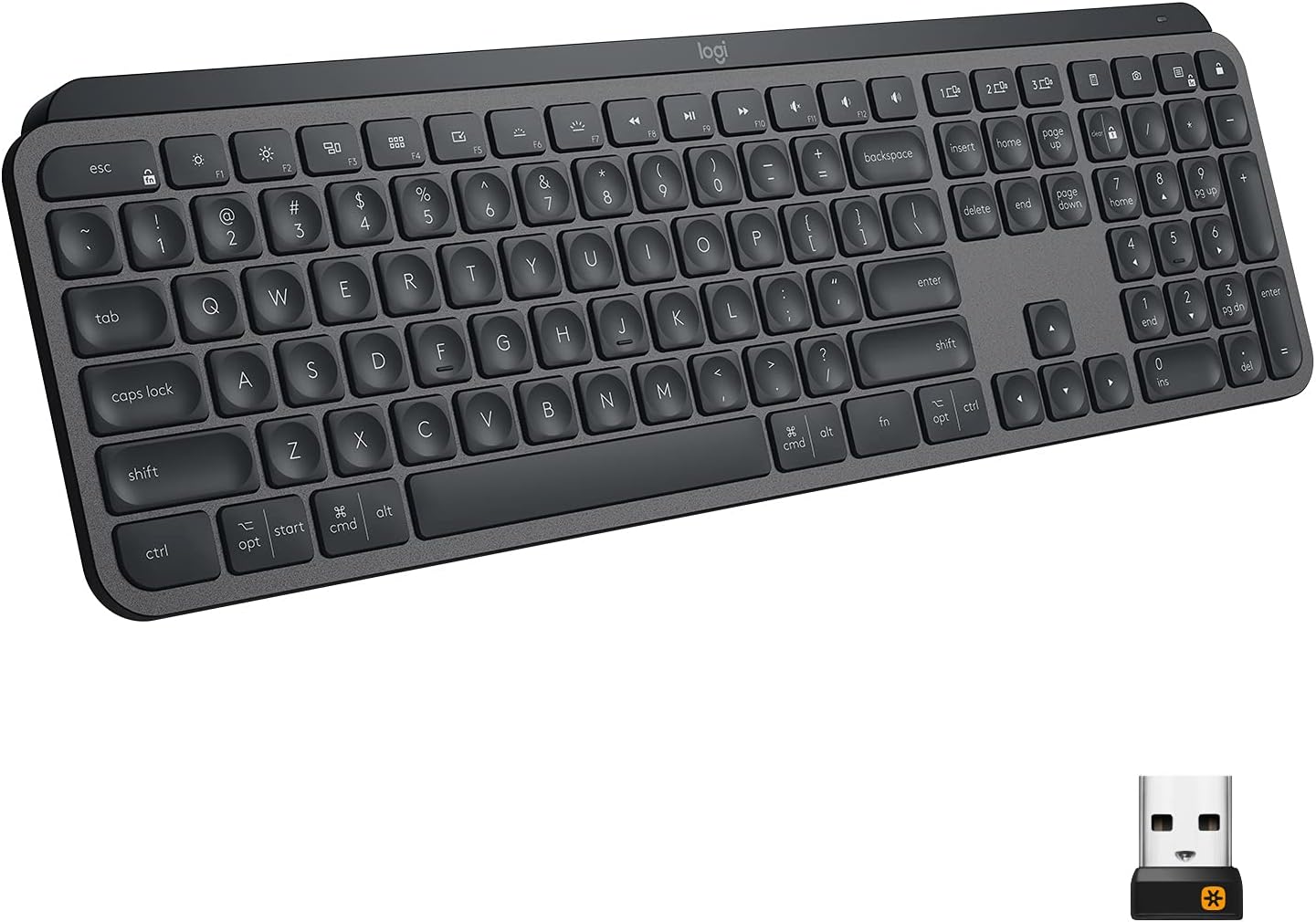
Logitech MX Keys Advanced Wireless Keyboard
“The Logitech MX Keys is the best typing keyboard for most people — the spherical key tops and optimal travel distance make long typing sessions genuinely comfortable.”
See Today’s Price →What we like
- Perfect key travel for typing
- Multi-device (3 devices via Bolt or Bluetooth)
- Smart backlighting
- Easy-Switch button
- USB-C charging
Watch out for
- No number pad on MX Keys Mini
- Premium price
Read Full Analysis
The Logitech MX Keys Advanced Wireless Keyboard is the typing benchmark in this workstation comparison. Spherically dished key caps that cup individual fingertips reduce lateral finger movement between keys, improving typing accuracy and comfort over extended sessions. Smart backlighting activates when hands approach via proximity sensor, turning off when hands move away — extending battery life while maintaining ambient visibility. Multi-device connectivity via Bolt receiver or Bluetooth with Easy-Switch between three devices pairs cleanly with the MX Master mouse line. No number pad on MX Keys Mini variant — confirm which configuration is being purchased; the full-size MX Keys includes the numpad. Premium price at $118 is among the higher-priced mainstream wireless keyboards without mechanical switches. Mechanical keyboard enthusiasts who prefer tactile click feedback will find MX Keys' scissor-switch travel depth underwhelming. Against the BenQ products on this page, the MX Keys addresses the input device side of the workstation equation while BenQ covers display and lighting. For productivity typists who write thousands of words daily, manage complex spreadsheets, or want the quietest possible wireless keyboard for office use, the MX Keys is the most consistently recommended premium wireless keyboard in its category.
BenQ e-Reading LED Desk Lamp
“BenQ's WiT is the most advanced desk lamp for eye protection — its auto-dimming sensor adjusts to ambient light automatically, eliminating the need to constantly adjust brightness.”
See Today’s Price →What we like
- Auto-dimming ambient sensor
- Wide illumination without screen glare
- ePaper mode for reading
- No flickering (flicker-free certified)
- Modern design
Watch out for
- Premium price
- Larger base footprint
Read Full Analysis
The BenQ e-Reading LED Desk Lamp is the most premium accessory on this page at $249 and brings BenQ's monitor-adjacent design philosophy to desk lighting. The ambient light sensor reads room brightness and adjusts lamp output automatically to maintain consistent desk illumination — a feature that eliminates the manual adjustment most desk lamps require as daylight shifts through the day. Wide illumination pattern minimizes screen glare, which is BenQ's core expertise applied to lamp design. ePaper mode optimizes spectrum for physical document reading. Flicker-free certification addresses the headache and eye strain that PWM-dimmed lamps cause. At $249, the BenQ e-Reading is significantly more expensive than functional alternatives — well-reviewed desk lamps from TaoTronics and Quntis provide comparable illumination at $40-80. The premium pays for the automatic sensor, ePaper mode, and BenQ's build quality. Larger base footprint versus clamp-mounted alternatives requires dedicated desk space. Against the Logitech productivity accessories on this page, the BenQ lamp addresses the lighting side of the workstation environment that mice and keyboards can't influence. For professionals who do mixed-surface work (screen and paper) for long hours in variable ambient light conditions, the automatic adjustment and ePaper mode deliver genuine daily comfort value.
BenQ MOBIUZ EX2710Q
“The BenQ MOBIUZ EX2710Q is the best-value 1440p 165Hz gaming monitor — equivalent pixel density and refresh rate to the LG UltraGear at a competitive price, with surprisingly capable built-in speakers”
See Today’s Price →What we like
- 1440p 165Hz IPS under $350
- Built-in 2.1ch speakers with subwoofer (rare in monitors)
- HDRi smart dimming
- USB hub
- FreeSync Premium
Watch out for
Read Full Analysis
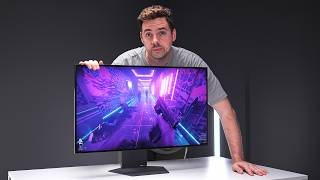
The BenQ MOBIUZ EX2710Q is the 1440p monitor in this workstation comparison, adding the display to a setup that otherwise addresses peripherals and lighting. 1440p at 165Hz on an IPS panel is a well-rounded specification for both work and gaming use cases. Built-in 2.1ch speakers with subwoofer are genuinely unusual in monitors — most monitors include stereo speakers that produce thin sound, while the MOBIUZ's 2.1 configuration produces bass that makes desk audio acceptable without a soundbar. USB hub consolidates cable clutter. HDRi adaptive contrast adjusts display settings based on ambient light. FreeSync Premium without G-Sync compatibility limits adaptive refresh to AMD GPU users — NVIDIA users don't get variable refresh rate benefits. Stand is tilt-only without height or swivel adjustment, which requires a VESA arm for ergonomic positioning. HDR400 certification is entry-level HDR — perceptible improvement in dark scene shadow detail but not the high-impact HDR that HDR1000 panels deliver. At $187 for a 27-inch 1440p IPS panel with built-in 2.1 speakers, the pricing is competitive. Against the Logitech peripherals on this page, the MOBIUZ rounds out a complete workstation upgrade — the monitor is the biggest single visual quality improvement for most users, and combining it with MX Master 3 and MX Keys creates a coherent premium desk setup.
Logitech vs BenQ Office Setup Buying Guide
Logitech vs BenQ: Building a Complete Home Office Setup
Logitech and BenQ excel in different product categories, making them natural complements for a complete office setup rather than direct competitors.

Logitech has dominated computer peripherals for 40 years. The MX Master series represents the peak of wireless mouse engineering: electromagnetic scroll wheel (MagSpeed), multi-device Bluetooth pairing, USB-C charging, and 70-day battery life. MX Master 3 and 3S are used by product managers, designers, and developers who spend 8+ hours at a desk.
MX Keys keyboard pairs perfectly with MX Master through Logitech's Logi Options+ software — both devices connect to the same Bolt receiver and can switch between three devices with a single button press. Perfect for laptop-to-desktop workflows.
Logitech's MX Vertical Ergonomic Mouse offers a 57-degree vertical design that reduces forearm pronation — significant for users developing wrist strain from standard mice.
BenQ's MOBIUZ gaming monitors are calibrated for fast response times and accurate color. The EX2710Q at $186 is a 165Hz QHD monitor covering the 1440p sweet spot for gaming and creative work.
BenQ's SW/PD monitor lines are specifically calibrated for photo and video editing — factory-calibrated color accuracy with hardware calibration support. The SW271C ($1,999) is used by professional photographers for print-accurate color work.
BenQ ScreenBar lamps are the most recommended monitor-mounted desk lamps available. The e-Reading LED Desk Lamp ($249) uses an asymmetric optical design that illuminates your desk without creating screen glare — a problem with traditional desk lamps. It's a single-product solution to the lighting problem most desk workers don't realize they have.
Entry setup ($200-400): Logitech MX Master 3 + BenQ ScreenBar lamp Mid-range setup ($400-700): Logitech MX Keys + MX Master 3S + BenQ EX2710Q monitor Professional setup ($700+): Full Logitech MX suite + BenQ SW270C photo monitor
These two brands build the best complete home office setup available without shopping Herman Miller or Apple-level pricing.

Frequently Asked Questions
Is Logitech MX Master worth the price vs cheaper mice?
What makes BenQ monitors different from standard monitors?
Is the BenQ ScreenBar lamp better than a regular desk lamp?
Can Logitech mice work with Mac and PC simultaneously?
What monitor should I pair with Logitech MX Master?
Are BenQ monitors good for gaming?
How We Analyze Products
We analyze Amazon review data — often thousands of reviews per product — to surface patterns that individual buyers miss. Our process aggregates star ratings, review counts, and buyer sentiment at scale, identifying which strengths and weaknesses appear consistently across the largest review samples available. The 55,931+ reviews analyzed on this page represent real verified-purchase feedback from Amazon buyers.
Each product earned its placement through data: total review volume, average rating, and the specific praise and complaints that repeat most often across buyers. No manufacturer paid for placement on this page. Products appear here because buyers endorsed them at scale, not because a company asked us to feature them.
We use AI to summarize review sentiment — not to fabricate opinions, but to condense what thousands of buyers actually wrote into a readable format. The pros and cons you see reflect the most common themes found in verified purchaser reviews, paraphrased for clarity. We do not claim to have accessed Reddit, YouTube, or specific publications in generating these summaries.
Prices shown reflect Amazon pricing at the time this page was last generated. Click “See Today’s Price” to get the current live price on Amazon. Read our full methodology →