Best Computer Mouse Under $25 (2026)

The Logitech G203 at $23.52 is the best computer mouse under $25 — precise sensor, programmable buttons, and Logitech reliability. For basic use, the AmazonBasics wired mouse at $11.69 is perfectly functional.
See Today’s Price →At a Glance
| # | Product | Award | Price | Upc | Asin | Brand | Our Score | |
|---|---|---|---|---|---|---|---|---|
| 1 | 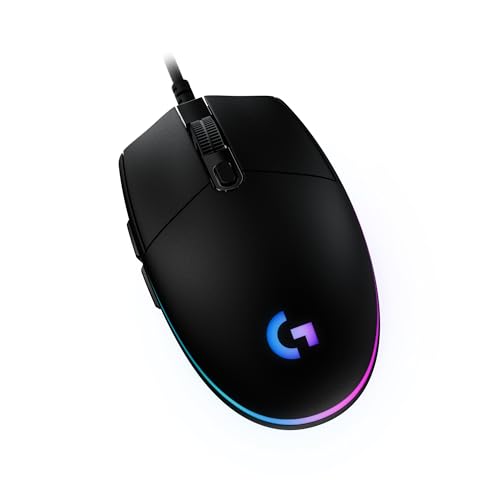 Logitech G203 LIGHTSYNC Gaming Mouse Logitech G203 LIGHTSYNC Gaming Mouse |
Best Overall | $23 | 097855155948 | B07YN82X3B | Logitech G | 9.2 | Buy → |
| 2 | 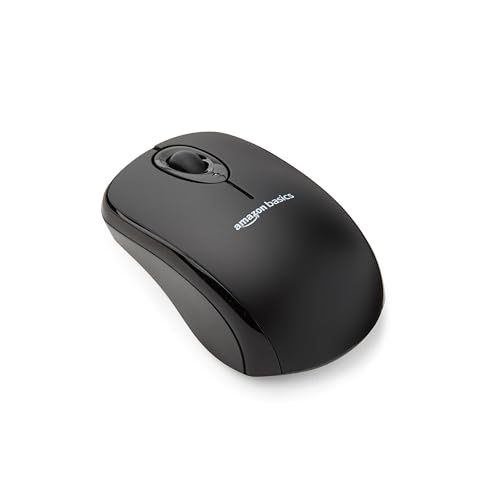 AmazonBasics 3-Button USB Wired Compute… AmazonBasics 3-Button USB Wired Compute… |
Best Budget Wired | $8 | — | — | — | 8.9 | Buy → |
| 3 |  VssoPlor 2.4G Slim Wireless Mouse Quiet… VssoPlor 2.4G Slim Wireless Mouse Quiet… |
Best Wireless Value | $9 | — | B098S48QWM | VssoPlor | 8.5 | Buy → |
Showing 3 of 3 products
Logitech G203 LIGHTSYNC Gaming Mouse
“The Logitech G203 is the best ambidextrous budget gaming mouse — Logitech sensor quality, zero smoothing, and ambidextrous design at $30.”
See Today’s Price →What we like
- 8,000 DPI gaming-grade sensor with zero smoothing
- 85g — light for comfortable extended sessions
- Ambidextrous design — works for left and right hand
- 6 programmable buttons
- LIGHTSYNC RGB lighting
Watch out for
- Basic symmetric shape — less ergonomic than curved alternatives
- Sensor ceiling (8K DPI) lower than mid-range options
- No wireless option

AmazonBasics 3-Button USB Wired Computer Mouse
“AmazonBasics 3-Button Mouse is the minimum investment for a functional wired mouse. No drivers, no software — plug into USB and it works immediately on Windows, Mac, and Linux. 1000 DPI optical sensor”
See Today’s Price →What we like
- Lowest price in this comparison
- Plug-and-play — no software required
- Works on Windows, Mac, Linux
- Compact and lightweight
- 47,000+ reviews — proven basic reliability
Watch out for
- No DPI adjustment
- Basic optical sensor — not suitable for gaming
- No ergonomic features
- Wired only

VssoPlor 2.4G Slim Wireless Mouse Quiet Optical Black and Gold
“Best for basic office use — a reliable, plug-and-play silent mouse for workers who need quiet clicks in shared spaces without spending over $15.”
See Today’s Price →What we like
Watch out for
Computer Mouse Under $25 (2026) Buying Guide
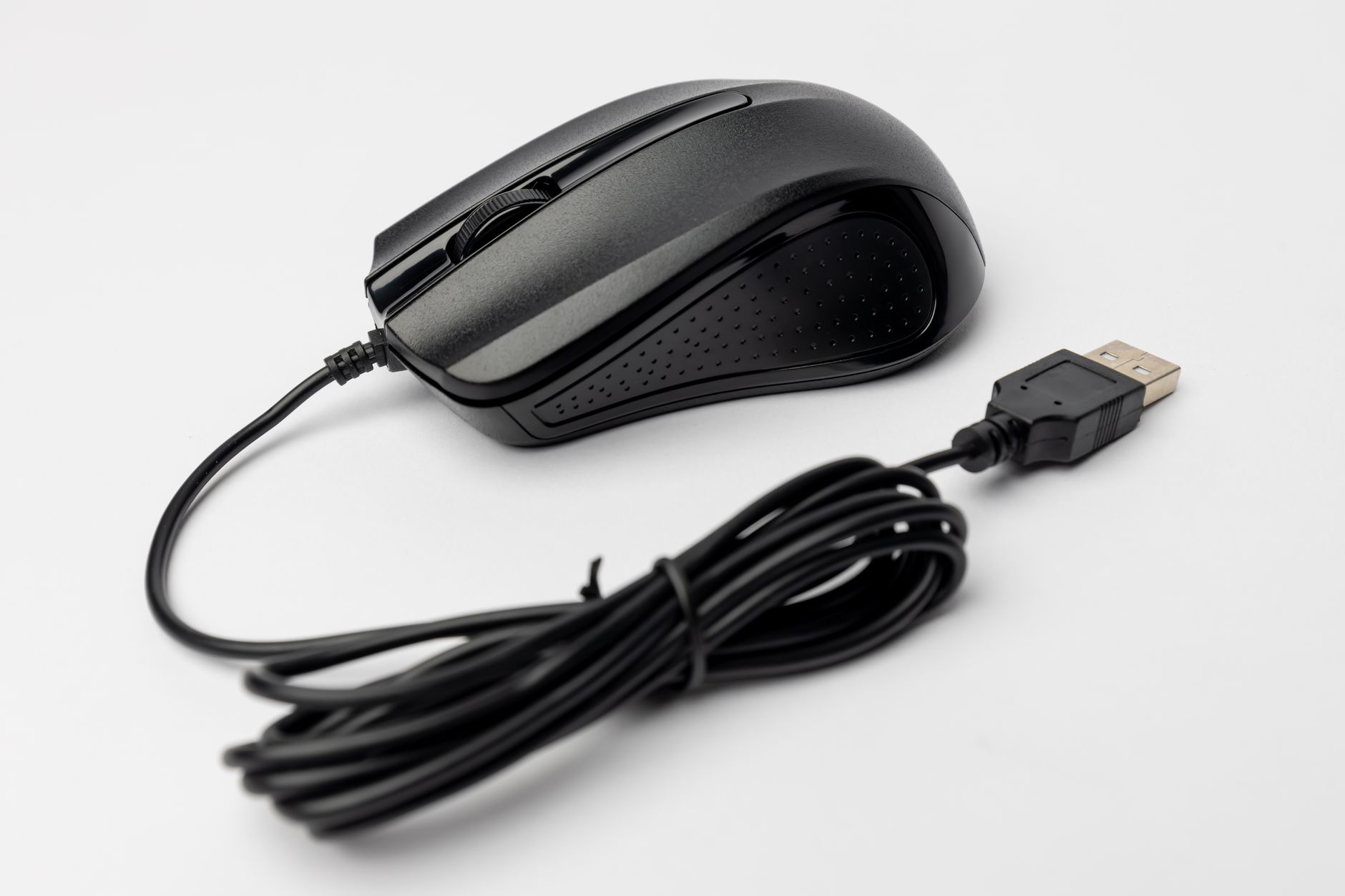 Photo by Matheus Bertelli / Pexels
A computer mouse under $25 handles everyday office and web use reliably. At this price, the meaningful differences are grip style, wired vs. wireless, and sensor quality.
Wired vs. Wireless
Wired mice at this price are simpler and have zero latency. Wireless mice under $25 use USB dongles—2.4GHz wireless is fine for office work but has slightly more latency than wired (imperceptible for non-gaming use). Bluetooth wireless at this price is rarer and less reliable. If you just need a functional pointing device, wired is the reliable choice. Wireless makes sense if cable management is a priority.
Grip Style

Palm grip (full hand rests on mouse—larger mice). Claw grip (arched hand, fingertip contact—medium mice). Fingertip grip (only fingertips touch—smaller mice). Your natural grip determines which shape is comfortable. A mouse that fights your grip causes fatigue regardless of price. Most "standard" office mice accommodate palm or claw grip.
DPI and Buttons

400–1600 DPI covers all office use. Higher DPI doesn't matter unless you use a high-resolution display with a small cursor. Extra buttons (back/forward) are useful for browser navigation. At under $25, Logitech M100/M185 and similar from established brands are safe choices over unknown-brand mice with inflated specs.
Watch Before You Buy

Frequently Asked Questions
Wired vs wireless mouse — which is better for gaming?
What DPI do I need in a mouse?
Is the Logitech G203 good for non-gamers?
How long do wireless mice last on a single battery?
What ergonomic features should I look for in a mouse?
How We Analyze Products
We analyze Amazon review data — often thousands of reviews per product — to surface patterns that individual buyers miss. Our process aggregates star ratings, review counts, and buyer sentiment at scale, identifying which strengths and weaknesses appear consistently across the largest review samples available. The 111,103+ reviews analyzed on this page represent real verified-purchase feedback from Amazon buyers.
Each product earned its placement through data: total review volume, average rating, and the specific praise and complaints that repeat most often across buyers. No manufacturer paid for placement on this page. Products appear here because buyers endorsed them at scale, not because a company asked us to feature them.
We use AI to summarize review sentiment — not to fabricate opinions, but to condense what thousands of buyers actually wrote into a readable format. The pros and cons you see reflect the most common themes found in verified purchaser reviews, paraphrased for clarity. We do not claim to have accessed Reddit, YouTube, or specific publications in generating these summaries.
Prices shown reflect Amazon pricing at the time this page was last generated. Click “See Today’s Price” to get the current live price on Amazon. Read our full methodology →