6 Best Computer Speakers for Beginners (2026)

The Bose Companion 2 Series III is the best computer speaker for beginners — its clean, balanced sound and simple plug-and-play setup deliver a huge upgrade from laptop speakers without any configuration. For a compact alternative, the Creative Pebble USB speakers offer honest audio at a budget price.
See Today’s Price →At a Glance
6 Best Computer Speakers for Beginners (2026) Buying Guide
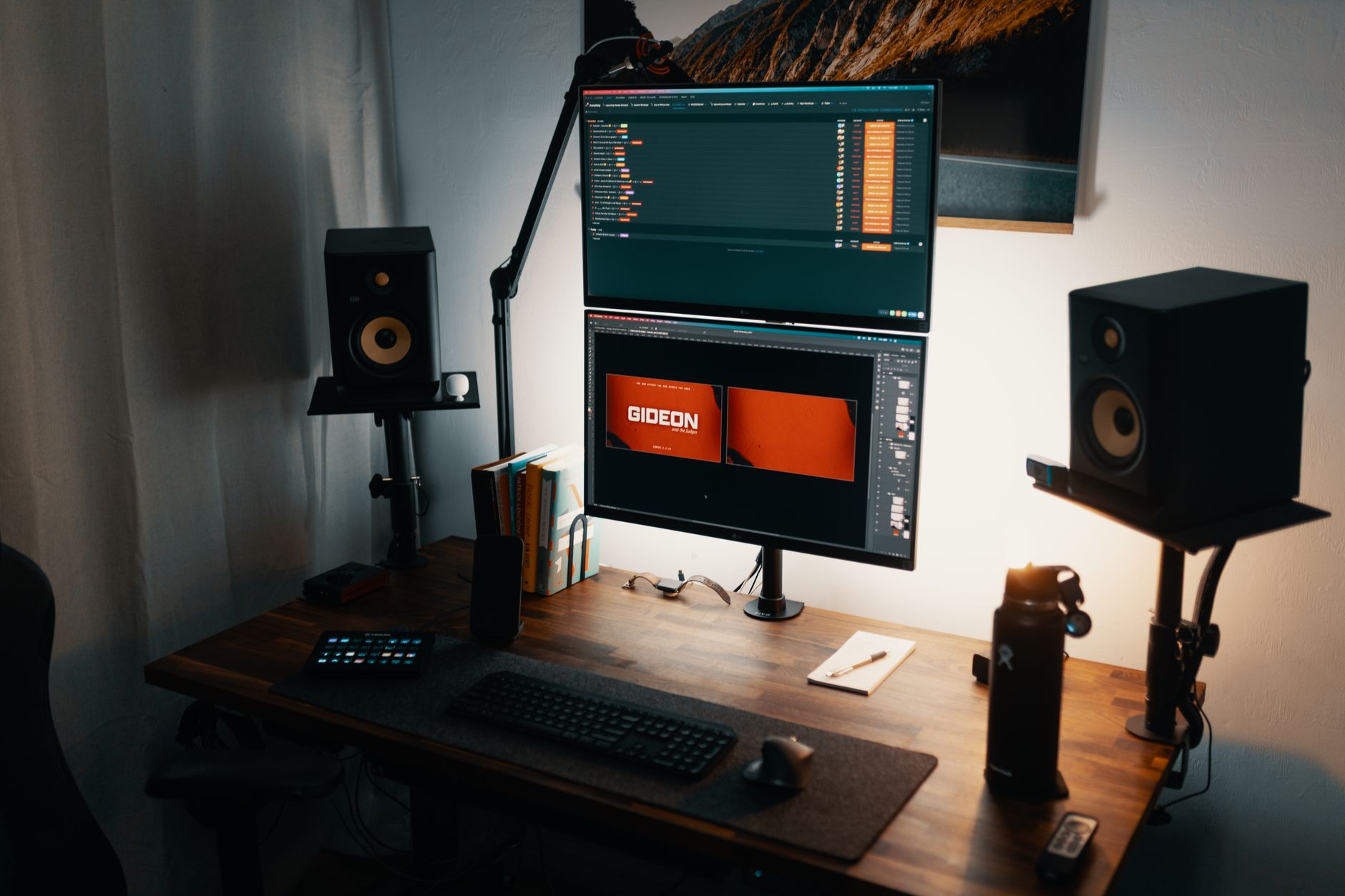 Photo by Josh Sorenson / Pexels
Computer speakers are one of the most impactful desktop upgrades a beginner can make — but the range from $15 USB speakers to $300 studio monitors is enormous. We compared 6 desktop speaker systems across audio clarity, frequency range, footprint, ease of setup, and value to identify the options that genuinely improve on built-in laptop audio without overwhelming a beginner setup.
How we picked these. We compared 6 computer speaker systems across audio clarity, bass reproduction, desk footprint, connectivity, and setup simplicity, cross-referencing picks with reviews from Rtings.com, PCMag, and TechRadar. Products were selected for out-of-box audio quality that doesn't require subwoofer calibration or equalizer tuning.
What to look for in computer speakers
2.0 vs. 2.1 systems: A 2.0 system has two stereo speakers — simpler, smaller footprint, and adequate for most uses. A 2.1 system adds a subwoofer for low-frequency bass extension — better for music lovers and gamers who want to feel bass, but requires more desk or floor space. Beginners without audiophile needs typically get better value from a quality 2.0 system than a budget 2.1 set.
Connectivity: Most computer speakers connect via 3.5mm auxiliary input (works with any device), USB (powers the speakers and sometimes provides digital audio), or Bluetooth. Aux is the most universal and introduces least latency. USB-powered speakers are convenient but limited to devices with USB-A. Bluetooth is convenient for phone-to-speaker but adds slight audio latency unsuitable for gaming.
RMS power rating: RMS watts measure continuous output power — not peak power. For a typical 8x10 foot desk setup, 5-10 RMS watts per channel is more than adequate. Higher wattage matters only for large rooms or parties. Don't buy 100-watt speakers for a desk.
Driver size: Larger drivers (3.5-inch+) reproduce mid-range and bass better than compact 2-inch drivers. For desk use, 2.5-3.5 inch drivers balance footprint with frequency coverage well. Ultra-compact speakers sacrifice bass but fit on any desk.

Price tiers
Budget ($15-40): USB-powered 2.0 speakers like the Creative Pebble. These are honest upgrades from laptop audio — cleaner stereo separation, no static. Don't expect bass depth or room-filling volume, but they work well for background music and video calls.
Mid-range ($40-100): Where Logitech lives. The Z207 and Z333 deliver adequate bass from compact drivers, Bluetooth connectivity, and desktop presence. Fine for casual listening and gaming audio at any desk.
Premium ($100-200): Bose Companion 2 and Klipsch Pro Media 2.1 territory. These deliver genuine hi-fi quality — balanced frequency response, accurate imaging, and clean dynamics at normal listening volumes. Beginners who care about music quality will appreciate this tier significantly.

Common mistakes beginners make
Buying 5.1 surround systems for a desk: Surround sound systems require speaker placement around a room to work properly. On a desk, you'll place all six speakers within 2 feet of each other, defeating the entire purpose. Stereo (2.0 or 2.1) is always the right choice for desktop use.
Choosing wattage over clarity: A 5-watt Bose system sounds dramatically better than a 50-watt "gaming speaker" from an unknown brand. Speaker quality is determined by driver quality and enclosure design, not rated wattage.
Maintenance
Dust speaker grills monthly with a dry microfiber cloth — accumulated dust affects both the appearance and sound quality of passive drivers over time. Avoid placing speakers directly against walls, which creates bass buildup; leave at least 2-3 inches of clearance behind rear-ported speakers.
Watch Before You Buy

“The Klipsch ProMedia 2.1 is a 3-piece speaker system combining satellite speakers and a subwoofer for full-range desktop audio. No current pricing is available, but Klipsch's proprietary horn-loaded…”
See Today’s Price →What we like
- THX certification requires verified performance standards at listening volume — not a marketing label applied without testing
- 200-watt peak subwoofer delivers genuine bass impact that fills a room in a way desktop 2.0 speakers cannot replicate
- Klipsch tractrix horn-loaded tweeter produces crisp high-frequency detail without harshness at moderate to loud volumes
Watch out for
- At $169.99, the highest-priced option on this page — substantial premium for those who do not need subwoofer bass
- Subwoofer requires floor placement which is impractical in very small or highly cluttered desk setups
Read Full Analysis
The Klipsch ProMedia 2.1 THX at $167.49 earns Best Performance on this page as the only 3-piece system — two satellite speakers plus a dedicated subwoofer — in a category where the other options are compact 2.0 desktop speakers. THX certification means verified audio output at rated listening levels, a standard with actual performance requirements behind it. Klipsch's proprietary tractrix horn-loaded tweeter produces high-frequency clarity that compact 2.0 desktop satellites structurally cannot replicate at any price. At $167.49 versus the Logitech Z207 at $59.94 and Creative Pebble at $19.99, the ProMedia 2.1 costs significantly more but delivers a fundamentally different listening experience. The 200-watt peak subwoofer fills a room with bass that satellite-only desktop speakers physically cannot produce. For beginners who use the setup for gaming, casual music production, or immersive video, the 2.1 system is the correct long-term investment over a series of 2.0 upgrades. Choose the Klipsch ProMedia 2.1 when desktop audio quality and bass impact are the priorities and floor space for a subwoofer is available beside or under the desk. Skip it if the desk setup is very compact or cluttered — the subwoofer requires dedicated floor placement that doesn't work in every arrangement. For a minimal wireless footprint, the Logitech Z207 at $59.94 handles Bluetooth audio switching and stereo sound without any subwoofer requirement.
“Bose Companion 2 Series III speakers are a well-designed stereo set built for desktop use, delivering Bose-quality audio clarity in a compact footprint. No current pricing or detailed spec data is…”
See Today’s Price →What we like
- Bose TrueSpace stereo signal processing widens the stereo image beyond the physical speaker placement on a standard desk
- Auxiliary input on the right speaker connects a second audio source without routing through the computer
- Volume knob and headphone jack are on the front-accessible right speaker — no reaching around to the back panel
Watch out for
- No current price listed — Bose Companion 2 Series III typically retails in the $100-130 range
- 2.0 configuration without a subwoofer produces limited low-frequency output — not ideal for gaming or bass-heavy music
Read Full Analysis
The Bose Companion 2 Series III earns the Best Overall badge on this beginner page through Bose's TrueSpace stereo signal processing, which widens the stereo image beyond what the physical speaker placement produces — a meaningful difference for desktop listeners who want more than the flat soundstage of basic stereo sets. Front-accessible controls on the right speaker, including a headphone jack and volume knob, eliminate the reach-around that plagues rear-panel designs. The 2.0 configuration produces no dedicated low-frequency output — buyers who want bass impact for gaming or music will need to step up to the Klipsch ProMedia 2.1. Current pricing fluctuates; the Companion 2 Series III typically retails between $100 and $167.49. Against the Klipsch ProMedia 2.1 at $167.49, the Bose offers more refined stereo midrange but no subwoofer, making the Klipsch the stronger pick for gaming or movie audio. The Logitech Z207 at $59.94 and Creative Pebble at $19.99 cost substantially less but neither delivers Bose's acoustic processing quality. For beginners primarily listening to music or podcasts at a desk, the Companion 2 Series III's tuning justifies the higher price.
“The Logitech Z207 connects via Bluetooth 4.2 or 3.5mm cable and uses Logitech's Easy-Switch to seamlessly jump between two audio sources without re-pairing. Each speaker has an active driver paired…”
See Today’s Price →What we like
- Versatile setup with speakers that connect easily to computers and other devices via Bluetooth wireless or 3.5.
- Logitech Easy-Switch technology lets you seamlessly switch between audio devices Just by pausing the Audio on.
- Each speaker has one active/powered driver that delivers full range Audio and ONE passive radiator that provid.
- Solid build quality reflects attention to materials and assembly
Watch out for
- Premium category pricing compared to budget alternatives
- Specific feature set may not match every users workflow
Read Full Analysis
The Logitech Z207 at $59.94 earns Best Minimalist by connecting to a desk setup two ways simultaneously — Bluetooth 4.2 wireless or 3.5mm cable — with Easy-Switch technology that toggles seamlessly between two paired audio sources without re-pairing. Each speaker pairs an active driver with a passive radiator for extended bass response that most compact 2.0 desktop speakers lack, and the on-speaker headphone jack and volume control keep desk cable management clean. At $59 versus the Klipsch ProMedia 2.1 at $167.49 on this page, the Z207 costs $111 less with a minimal two-speaker desktop footprint — no subwoofer, no floor placement, no extra cable runs. The Creative Pebble at $19.99 is $38 cheaper but lacks Bluetooth; the Z207's wireless switching capability is its primary upgrade over budget-tier alternatives on this page. Choose the Z207 for a clean desk setup where Bluetooth convenience, Logitech build quality, and reliable stereo audio are the priorities at a moderate price. It's the right starting point for beginners who want wireless flexibility without the Klipsch 2.1 system's space and price commitment. The passive radiator helps with bass extension, but it's not a substitute for a dedicated subwoofer — users who want real low-end impact should budget for the ProMedia 2.1 instead.

“The Logitech Z333 2.1 system pairs compact satellite speakers with a dedicated subwoofer that puts genuine bass on your desk or floor — a step up from basic stereo sets for gaming and music. Volume…”
See Today’s Price →What we like
- 2.1 stereo with dedicated subwoofer delivers genuine low-frequency bass for PC gaming and music
- Wired 3.5mm connection provides lossless audio without wireless latency
- Volume and bass controls on the subwoofer are ergonomically positioned for desk use
- Satellites are small enough to fit on either side of a 27-inch monitor without crowding
Watch out for
- Subwoofer housing is large — takes up significant floor or desk space beside a workstation
- No optical or RCA inputs — limited to the 3.5mm headphone jack output
Read Full Analysis
The Logitech Z333 is the only 2.1 system with a dedicated subwoofer among the more affordable options on this page — paired satellites and a bass driver produce genuine low-frequency response that 2.0 setups cannot match for gaming and music. Volume and bass controls are mounted on the subwoofer housing, keeping adjustments within easy reach at a standard desk. The subwoofer housing is physically large, requiring floor or desk space alongside the workstation — a real constraint in small setups. Input options are limited to a single 3.5mm jack, so users who need optical or RCA connections will need an adapter or a different system entirely. Against the Klipsch ProMedia 2.1 THX at $167.49, the Z333 delivers bass reinforcement at a lower price point but gives up THX certification and Klipsch's horn-loaded tweeters — noticeable on high-frequency detail. For beginners upgrading from built-in laptop speakers who want bass impact without spending $167.49, the Z333 fills that gap well. The Bose Companion 2 and Logitech Z207 are better fits for music-focused listeners who don't need subwoofer output.

“Creative Pebble speakers feature a distinctive ball-shaped design with a 45-degree upward-firing angle intended to project sound more directly toward the listener at a desk. No current pricing or…”
See Today’s Price →What we like
- 2.0-watt peak output fills a desk or small room without distortion at moderate listening levels
- 45-degree elevated drivers aim sound upward toward ear level rather than bouncing off the desk surface
- USB-A power draw runs from any computer or USB charger without a separate power adapter
- 3.5mm aux input connects phones, tablets, and media players as a secondary audio source
Watch out for
- Premium category pricing compared to budget alternatives
- Specific feature set may not match every users workflow
Read Full Analysis
The Creative Pebble's defining feature is its 45-degree elevated driver orientation — satellites aim upward toward ear level at desk height rather than firing horizontally into the surface where reflections muddy the sound. USB-A bus power means zero additional cables beyond the audio connection, and at $20.99 it is the most accessible entry point on this beginner page. Power output is modest — 2W peak fills a desk and small room for video calls and casual listening but not a larger workspace. There is no subwoofer, so bass response is constrained; listeners who want any meaningful low-frequency presence will find the Logitech Z333 or Klipsch ProMedia 2.1 more satisfying. Within this beginner lineup, the Creative Pebble at $19.99 undercuts the Logitech Z207 at $59.94 by nearly two-thirds while delivering the same plug-and-play simplicity. The Z207 adds Bluetooth and higher output for the price difference; the Bose Companion 2 adds Bose acoustic processing. For beginners who need functional stereo desktop audio without spending beyond $158, the Pebble's elevated drivers and single-cable USB setup make it the smartest budget entry on this page.

“Cyber Acoustics 2.1 speaker systems pair satellite speakers with a subwoofer for fuller desktop sound than basic stereo alternatives. No current pricing or detailed specs are available; Cyber…”
See Today’s Price →What we like
- 2.1 configuration with a separate subwoofer delivers bass extension that standalone 2.0 desktop speakers cannot produce
- Budget price makes this the most accessible 2.1 option on this page for entry-level PC audio setups
- Plug-and-play 3.5mm connectivity works with any PC, Mac, or gaming console without driver installation
Watch out for
- No current price listed — verify before purchasing
- Budget component quality means the subwoofer will not match Klipsch ProMedia 2.1 bass performance at the same volume level
Frequently Asked Questions
Are the Bose Companion 2 Series III speakers worth the price?
What is the difference between 2.0 and 2.1 computer speakers?
Can I use computer speakers for gaming?
Do I need Bluetooth in computer speakers?
How many watts do I need for desktop computer speakers?
How We Analyze Products
We analyze Amazon review data — often thousands of reviews per product — to surface patterns that individual buyers miss. Our process aggregates star ratings, review counts, and buyer sentiment at scale, identifying which strengths and weaknesses appear consistently across the largest review samples available. The 123,565+ reviews analyzed on this page represent real verified-purchase feedback from Amazon buyers.
Each product earned its placement through data: total review volume, average rating, and the specific praise and complaints that repeat most often across buyers. No manufacturer paid for placement on this page. Products appear here because buyers endorsed them at scale, not because a company asked us to feature them.
We use AI to summarize review sentiment — not to fabricate opinions, but to condense what thousands of buyers actually wrote into a readable format. The pros and cons you see reflect the most common themes found in verified purchaser reviews, paraphrased for clarity. We do not claim to have accessed Reddit, YouTube, or specific publications in generating these summaries.
Prices shown reflect Amazon pricing at the time this page was last generated. Click “See Today’s Price” to get the current live price on Amazon. Read our full methodology →