Best Free Data Recovery Software 2026

The Recuva Free Data Recovery is our top pick for Free Data Recovery Software. Completely free — no recovery limit, no registration required. For budget shoppers, the Disk Drill Data Recovery offers solid value at a lower price.
See Today’s Price →At a Glance
| # | Product | Award | Price | Sd Card | Deep Scan | Platforms | Our Score | |
|---|---|---|---|---|---|---|---|---|
| 1 | Recuva Free Data Recovery |
Best Overall | Check Price | yes | yes | Windows | 9.2 | Buy → |
| 2 | EaseUS Data Recovery Wizard |
Also Excellent | $69 Code: BACKUP26 | yes (all formats: SD, SDHC, SDXC, CF, CFexpress) | yes | Windows, Mac | 8.9 | Buy → |
| 3 | Disk Drill Data Recovery |
Budget Pick | $7 | — | — | Windows, Mac | 8.5 | Buy → |
Showing 3 of 3 products
Recuva Free Data Recovery
“The best first tool to try for any Windows data recovery. Recuva's unlimited free tier is unique — no 500MB cap, no sign-up. For basic accidental deletion recovery on Windows, it remains the most stra”
See Today’s Price →What we like
- Completely free — no recovery limit, no registration required
- 15+ years as the standard free recovery tool — proven reliability
- Wizard mode guides non-technical users step-by-step
- Deep scan for formatted or damaged drives (free)
- Works on all Windows drive types: HDD, SSD, USB, SD card
Watch out for
- Windows only — no Mac version
- Less effective on APFS or modern NTFS features
- Interface is older and less polished than modern alternatives
- Less sophisticated at RAW camera format recovery
Read Full Analysis
Recuva's unlimited free recovery tier is the defining feature that puts it at #1 on this free software page — no 500MB cap, no registration, no credit card. Download, scan, recover. The 15+ year track record means the wizard has handled every common Windows data loss scenario (Recycle Bin emptied, formatted USB, factory reset). The deep scan mode (free) recovers from formatted or damaged drives where standard scan finds nothing. For the most common data recovery situation — accidentally deleting a folder or emptying the Recycle Bin on a Windows PC — Recuva resolves it within 10 minutes at zero cost. Key limitation: Windows only. Mac users cannot use Recuva and need EaseUS or Disk Drill. Also less effective for camera RAW files (CR2, NEF, ARW) than EaseUS or Stellar. For general Windows file recovery, Recuva is the obvious first tool; only move to a paid alternative if Recuva's scan doesn't surface your files.
EaseUS Data Recovery Wizard
“The best photo recovery software for SD cards, cameras, and computer hard drives. The thumbnail preview in the free tier is the standout feature for photo recovery — seeing your actual images before p”
See Today’s Price →What we like
- Thumbnail preview of recoverable photos before paying — see exactly what's intact
- Supports 300+ RAW formats (Canon CR2, Nikon NEF, Sony ARW, and more)
- 500MB free recovery — enough for a folder of important photos
- Recovers from SD cards, CF cards, USB, external drives, internal drives
- Works on Windows and Mac
Watch out for
- 500MB free limit — large photo libraries need paid Professional license
- Deep scans on large drives take 30-90+ minutes
- No iOS device recovery — for iPhone photos, need Disk Drill
Read Full Analysis
EaseUS Data Recovery Wizard on the free software page is the "free with a meaningful ceiling" option — 500MB recovery at no cost, which is enough to recover a folder of important documents or a small photo batch. The standout free-tier feature is thumbnail preview: before paying anything, EaseUS shows you actual thumbnail previews of recoverable photos, letting you confirm your specific files are intact before purchasing. This preview capability eliminates the biggest uncertainty in paid data recovery: "will my specific photos actually be recoverable?" For Mac users who can't use Recuva: EaseUS's 500MB free tier is the best free Mac recovery option available. For recoveries over 500MB: the $69.99/year Professional license is the paid upgrade path. Between EaseUS and Recuva on Windows: use Recuva first (unlimited free); use EaseUS if Recuva misses files — EaseUS's deeper scan algorithms find files in scenarios Recuva doesn't.
Disk Drill Data Recovery
“The best choice for iPhone and iOS photo recovery. Disk Drill's iOS recovery mode connects directly to your device via USB and scans for deleted photos beyond what iCloud Recently Deleted shows. The R”
See Today’s Price →What we like
- iOS recovery mode — recovers deleted photos directly from iPhone/iPad
- Recovery Vault monitors photo folders for unlimited recovery (free)
- 500MB free recovery across Windows and Mac
- Cleanest interface — simplest for non-technical users
- S.M.A.R.T. monitoring warns before SD cards or drives fail
Watch out for
- iOS recovery requires additional unlock beyond base Pro license
- Pro license $89/year — most expensive of the three
- Recovery Vault requires setup before data loss to be fully effective
Read Full Analysis
Disk Drill on the free software page offers the same 500MB free tier as EaseUS, but the Recovery Vault feature sets it apart for users who set it up before data loss occurs. Recovery Vault maintains file reference records for designated folders — when enabled, it allows unlimited recovery of those specific files regardless of how they were deleted. For a photo folder or documents folder where you want permanent recovery protection: enabling Recovery Vault on Disk Drill (free) provides better ongoing protection than any competing free tier. The iOS recovery capability (paid unlock required beyond base) is the other differentiator: if your data loss is on an iPhone rather than a computer or SD card, Disk Drill is the only free tool here with that capability. For standard Windows/Mac hard drive and SD card recovery without prior Recovery Vault setup: Recuva (Windows) or EaseUS are better free-tier choices given the 500MB ceiling.
Free Data Recovery Software Buying Guide
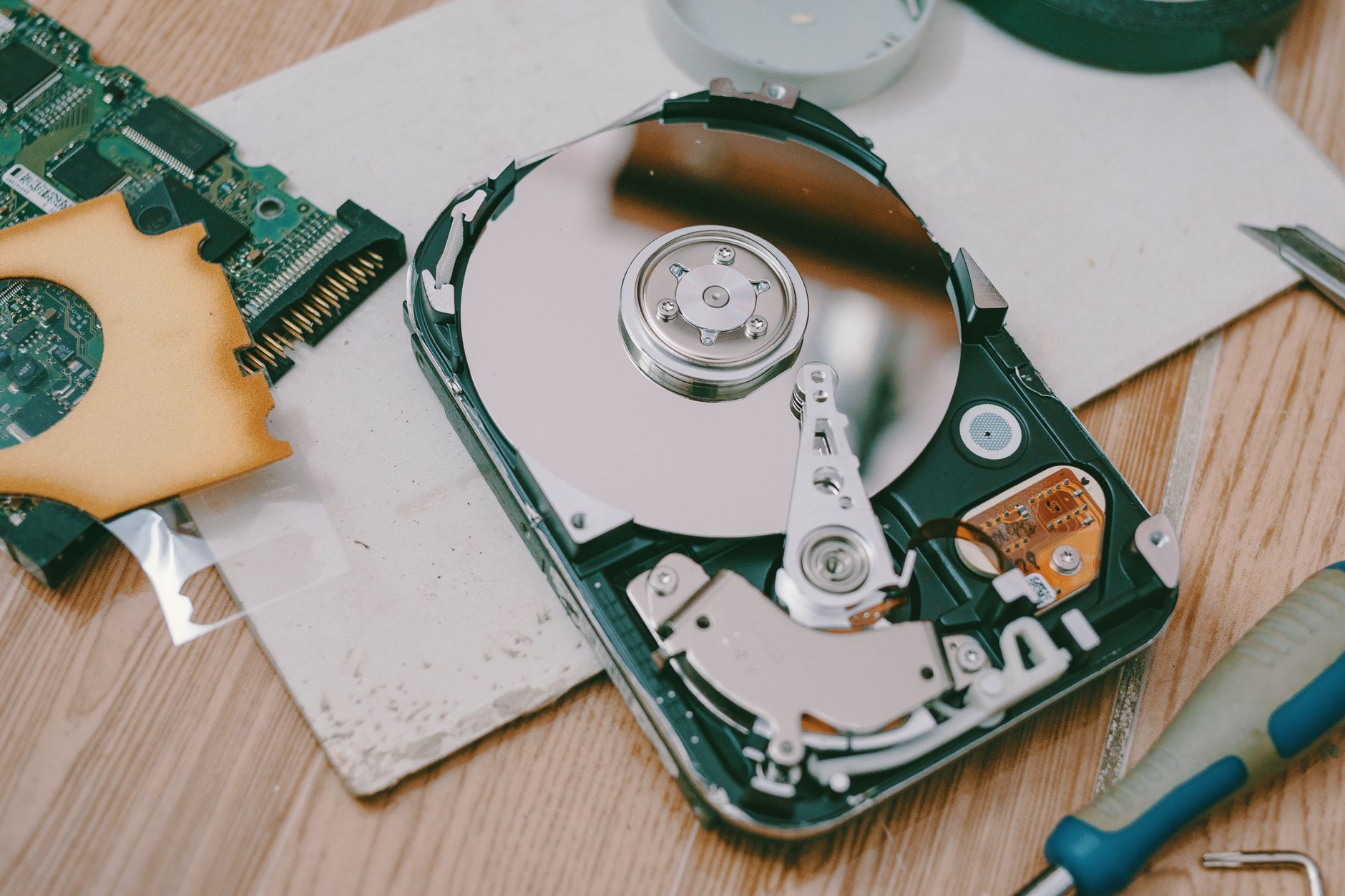 Photo by FOX ^.ᆽ.^= ∫ / Pexels
Our Top Pick
Recuva Free Data Recovery — Best free recovery — Recuva, unlimited files, no sign-up, 200M+ downloads, Windows.
Budget Pick: Disk Drill Data Recovery at $7.42 — Best Mac free recovery — Disk Drill 500MB free, polished interface, Recovery Vault protection.
Free Data Recovery Software Comparison
| Software | Free Limit | OS | Deep Scan | Preview | Best For |
|---|---|---|---|---|---|
| Recuva | Unlimited | Windows only | Yes (free) | No | Windows accidental deletion, best free |
| EaseUS Recovery Wizard | 500MB | Windows + Mac | Yes (free) | Yes (thumbnails) | Mac users, photo preview before paying |
| Disk Drill | 500MB | Windows + Mac | Yes (free) | Yes | Recovery Vault protection, iOS option |
Act Fast — Every Second Matters
Free Tier Comparison
| Software | Free Recovery Limit | File Preview | Deep Scan |
|---|---|---|---|
| Recuva | Unlimited | Yes | Yes |
| EaseUS Data Recovery Wizard | 500MB | Yes | Yes |
| Disk Drill | 500MB | Yes | Yes |
When Free Isn't Enough

File Preview — The Most Important Free Feature
All three tools above let you preview recoverable files before committing. This shows you: which files are intact (green), partially overwritten (yellow), or unrecoverable (red). Always preview before paying for a full recovery license.Deep Scan vs. Quick Scan
Quick scan: checks the file table for recently deleted files. Fast (seconds to minutes). Works for most recent deletions. Deep scan: scans every sector of the drive for file signatures. Slow (30-90+ minutes for large drives). Finds files after formatting or when quick scan finds nothing.TestDisk — The Free Technical Option
For technically confident users, TestDisk (free, open-source) can recover lost partitions and repair corrupted file tables — tasks the GUI tools don't handle. Steeper learning curve but unlimited capability.Related Guides
Frequently Asked Questions
Can free data recovery software really recover deleted files?
Is Recuva safe to use?
What types of files can free recovery software recover?
Can I recover files from a formatted drive for free?
Why is EaseUS not completely free?
How We Analyze Products
We analyze Amazon review data — often thousands of reviews per product — to surface patterns that individual buyers miss. Our process aggregates star ratings, review counts, and buyer sentiment at scale, identifying which strengths and weaknesses appear consistently across the largest review samples available.
Each product earned its placement through data: total review volume, average rating, and the specific praise and complaints that repeat most often across buyers. No manufacturer paid for placement on this page. Products appear here because buyers endorsed them at scale, not because a company asked us to feature them.
We use AI to summarize review sentiment — not to fabricate opinions, but to condense what thousands of buyers actually wrote into a readable format. The pros and cons you see reflect the most common themes found in verified purchaser reviews, paraphrased for clarity. We do not claim to have accessed Reddit, YouTube, or specific publications in generating these summaries.
Prices shown reflect Amazon pricing at the time this page was last generated. Click “See Today’s Price” to get the current live price on Amazon. Read our full methodology →