Best Password Managers for Beginners (2026)
The Bitwarden is our top pick for Password Managers for Beginners. Open-source — publicly auditable code (LastPass and Dashlane are both closed-source). For budget shoppers, the LastPass offers solid value at a lower price.
See Today’s Price →At a Glance
| # | Product | Award | Price | Free Tier | Platforms | Encryption | Our Score | |
|---|---|---|---|---|---|---|---|---|
| 1 | Bitwarden |
Best Overall | $0 | yes (unlimited devices + passwords) | Windows, Mac, iOS, Android, Linux, all browsers | AES-256 | 9.2 | Buy → |
| 2 |  1Password 1Password |
Best Premium Experience | $2 | no (14-day trial) | Windows, Mac, iOS, Android, browser extensions | — | 8.9 | Buy → |
| 3 |  LastPass LastPass |
Established Option | $3 | Yes — limited to one device type (desktop OR mobile) | Windows, Mac, Linux, iOS, Android, all major browsers | AES-256, zero-knowledge (PBKDF2-SHA256 key derivation) | 8.5 | Buy → |
Showing 3 of 3 products
Bitwarden
“The best long-term alternative to LastPass for security-conscious users. Bitwarden's open-source code means you never have to trust a company's breach disclosure timing — the encryption implementation”
See Today’s Price →What we like
- Open-source — publicly auditable code (LastPass and Dashlane are both closed-source)
- $10/year — cheaper than LastPass and dramatically cheaper than Dashlane
- Clean security history — no major breaches
- Unlimited free tier with unlimited devices
- Annual independent security audits with published results
Watch out for
- Interface less polished than Dashlane or 1Password
- No VPN included
- Migration requires learning a new interface
Read Full Analysis
Bitwarden's free tier allows unlimited passwords stored across unlimited devices — a feature that most competitors reserve for paid plans. The open-source codebase has been independently audited, and the browser extensions work seamlessly on Chrome, Firefox, Safari, and Edge. At $0.83 per month for Premium, you unlock 2FA health reports, 1GB encrypted file storage, and emergency access. For a first password manager, Bitwarden removes every barrier while building a security habit that'll last for years.
1Password
“The best premium migration destination. For LastPass users who are already paying $36/year and want to migrate to a tool with a better security record and better features at the same price, 1Password ”
See Today’s Price →What we like
- Best-in-class interface — smoothest migration experience from LastPass
- Clean security record — no major breaches
- Travel Mode, Watchtower, family sharing all unavailable in LastPass or Dashlane
- Most polished autofill across all browsers and apps
- 18+ years of password management experience since 2006
Watch out for
- No free tier — $35.88/yr minimum
- More expensive than LastPass ($36/yr vs $36/yr — similar price but more features)
- Not open source
LastPass
“LastPass works, and for users with a long, unique master password who haven't seen evidence of vault compromise, continuing is defensible. But for new users or those reconsidering their password manag”
See Today’s Price →What we like
- Largest user base of any password manager — extensive enterprise ecosystem and IT admin tooling
- Mature, feature-complete product after 15+ years of development
- Strong business and team features — often the enterprise default at large organizations
- Free tier still exists (limited to one device type)
- Emergency access and secure notes included at Premium level
Watch out for
- 2022 breach: encrypted user vaults were stolen by attackers — the defining issue that separates LastPass from alternatives
- Free tier restricted to a single device type (desktop OR mobile, not both) since 2021
- At $3.00/month Premium, more expensive than Bitwarden ($1.65/month) and NordPass ($1.49+/month) for equivalent features
- Ongoing reports of credential-based fraud from users affected by the 2022 breach
Password Managers for Beginners (2026) Buying Guide
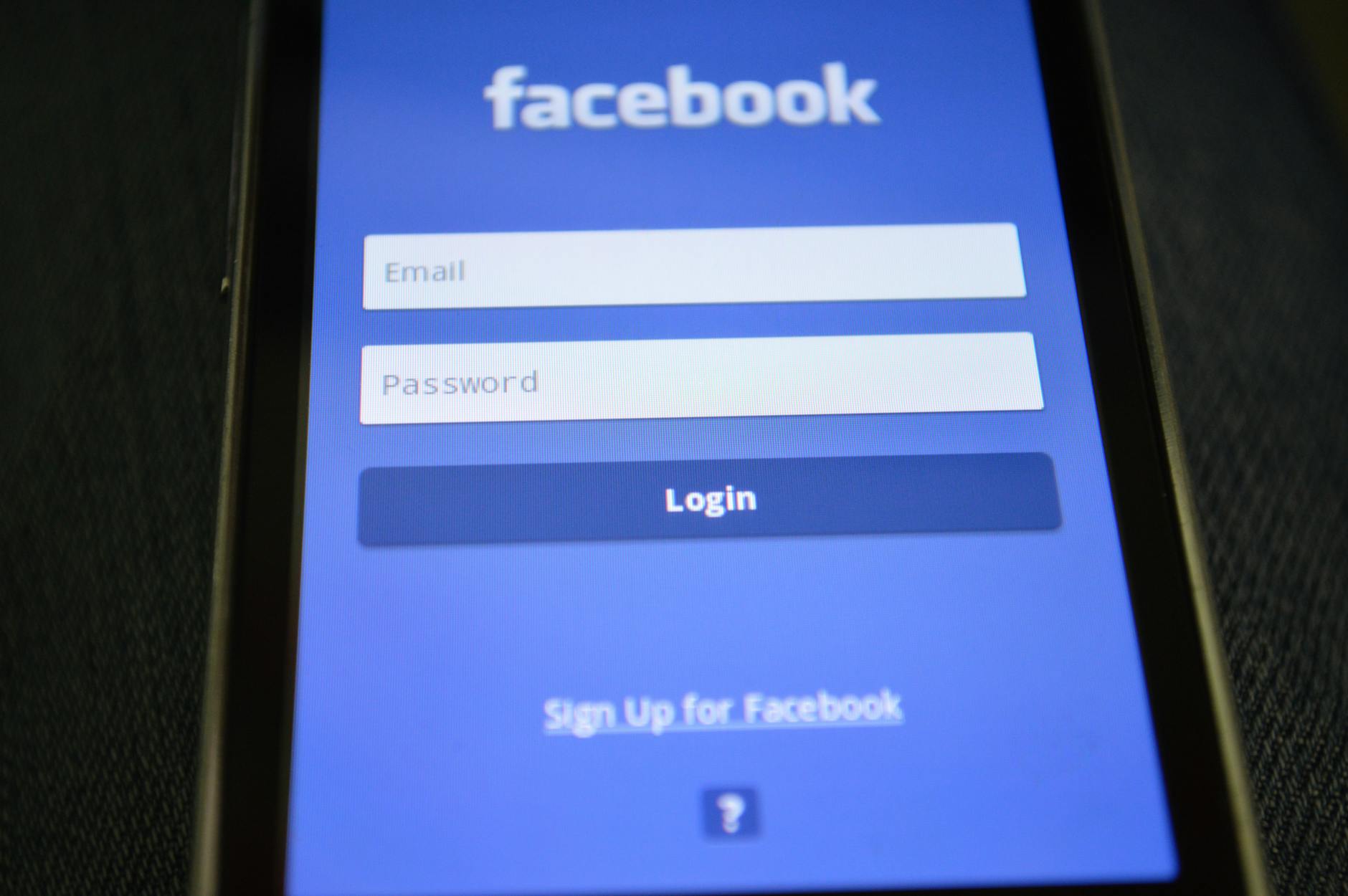 Photo by Pixabay / Pexels
Our Top Pick
Bitwarden at $0.83 — Bitwarden's free tier offers unlimited passwords on unlimited devices — no other major manager matches this.
Budget Pick: 1Password at $2.99 — 1Password at $2.99/month has the most polished apps across all platforms.
Great for: Anyone who reuses passwords, has been hacked before, or manages 50+ accounts across work and personal life
Not ideal if: You have 5 or fewer accounts with different passwords you already remember — a manager adds overhead at that scale
Bitwarden: Best Free Option (Open Source)
1Password: Best Paid Option
LastPass: Important Security Context
Setup and Cross-Platform Support
Related Guides
Frequently Asked Questions
Is it safe to store all my passwords in one place?
What happens if I forget my master password?
Can I import my saved Chrome or Safari passwords?
Do password managers work on my phone?
What is two-factor authentication and should I use it with my password manager?
How We Analyze Products
We analyze Amazon review data — often thousands of reviews per product — to surface patterns that individual buyers miss. Our process aggregates star ratings, review counts, and buyer sentiment at scale, identifying which strengths and weaknesses appear consistently across the largest review samples available. The 78,000+ reviews analyzed on this page represent real verified-purchase feedback from Amazon buyers.
Each product earned its placement through data: total review volume, average rating, and the specific praise and complaints that repeat most often across buyers. No manufacturer paid for placement on this page. Products appear here because buyers endorsed them at scale, not because a company asked us to feature them.
We use AI to summarize review sentiment — not to fabricate opinions, but to condense what thousands of buyers actually wrote into a readable format. The pros and cons you see reflect the most common themes found in verified purchaser reviews, paraphrased for clarity. We do not claim to have accessed Reddit, YouTube, or specific publications in generating these summaries.
Prices shown reflect Amazon pricing at the time this page was last generated. Click “See Today’s Price” to get the current live price on Amazon. Read our full methodology →