Best Internal Ssd (2026)

The Samsung 990 Pro 1TB is the best internal SSD for most users — Gen 4 NVMe speeds with proven Samsung reliability at a price that has dropped significantly since launch.
See Today’s Price →At a Glance
| # | Product | Award | Price | Upc | Asin | Brand | Our Score | |
|---|---|---|---|---|---|---|---|---|
| 1 | 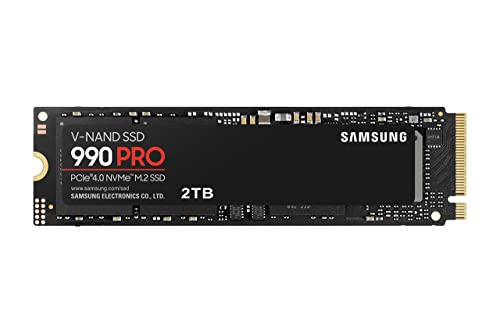 Samsung 990 Pro NVMe M.2 SSD 1TB Samsung 990 Pro NVMe M.2 SSD 1TB |
Best Overall | $435 | 887276657011 | B0BHJJ9Y77 | Samsung | 9.3 | Buy → |
| 2 |  WD Blue SN570 NVMe SSD 1TB WD Blue SN570 NVMe SSD 1TB |
Best Budget NVMe | $54 | — | — | — | 8.9 | Buy → |
| 3 | 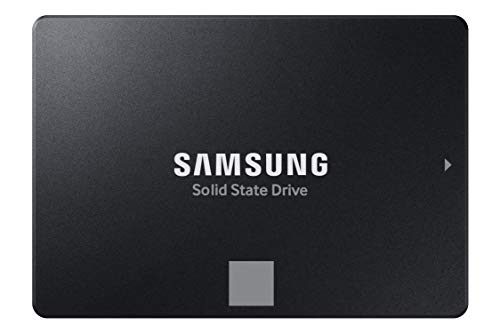 Samsung 870 EVO SATA SSD 1TB Samsung 870 EVO SATA SSD 1TB |
Best SATA | $249 | 887276431970 | B08QBJ2YMG | Samsung | 8.7 | Buy → |
| 4 |  Crucial P3 Plus NVMe M.2 SSD 1TB Crucial P3 Plus NVMe M.2 SSD 1TB |
Best Value Gen 4 | $64 | — | — | — | 8.5 | Buy → |
Showing 4 of 4 products
Samsung 990 Pro NVMe M.2 SSD 1TB
“The best Gen 4 NVMe for users who want top performance with proven reliability.”
See Today’s Price →What we like
Watch out for
Read Full Analysis
The Samsung 990 Pro NVMe at $435.80 delivers peak consumer Gen 4 sequential read performance (up to 7450 MB/s) with the thermal management and endurance ratings that Samsung's vertically integrated NAND manufacturing provides. In a category where sequential speed claims from different manufacturers often reflect peak burst conditions, the 990 Pro's rated speeds reflect sustained performance under real workloads rather than ideal-condition marketing figures. The drive uses Samsung's Elpis controller and V-NAND TLC NAND — vertical integration that provides quality control over the complete performance stack from NAND cell to controller to firmware. This integration is the underlying reason Samsung drives show lower real-world performance variance than controller-independent manufacturers sourcing NAND and controllers from different suppliers. TurboWrite intelligent caching dynamically adjusts the SLC write cache size based on available free space, maintaining high write speeds on partially full drives rather than dropping to TLC write speeds when a static cache fills — a practical advantage for drives that are not kept near empty. Improved thermal coating over the 980 Pro sustains performance longer before throttling begins under heavy sustained write workloads such as large file transfers and video editing scratch. PCIe Gen 4 compatibility requires a Gen 4 slot (available on AMD Ryzen 5000+ and Intel 12th gen+ platforms). In a Gen 3 slot the drive functions normally but cannot exceed Gen 3 bandwidth — a consideration for older system upgrades where the Gen 4 speed premium provides no benefit. The 5-year warranty reflects Samsung's confidence in the drive's endurance ratings.
WD Blue SN570 NVMe SSD 1TB
“The best value NVMe — real-world performance nearly matches Gen 4 for everyday use.”
See Today’s Price →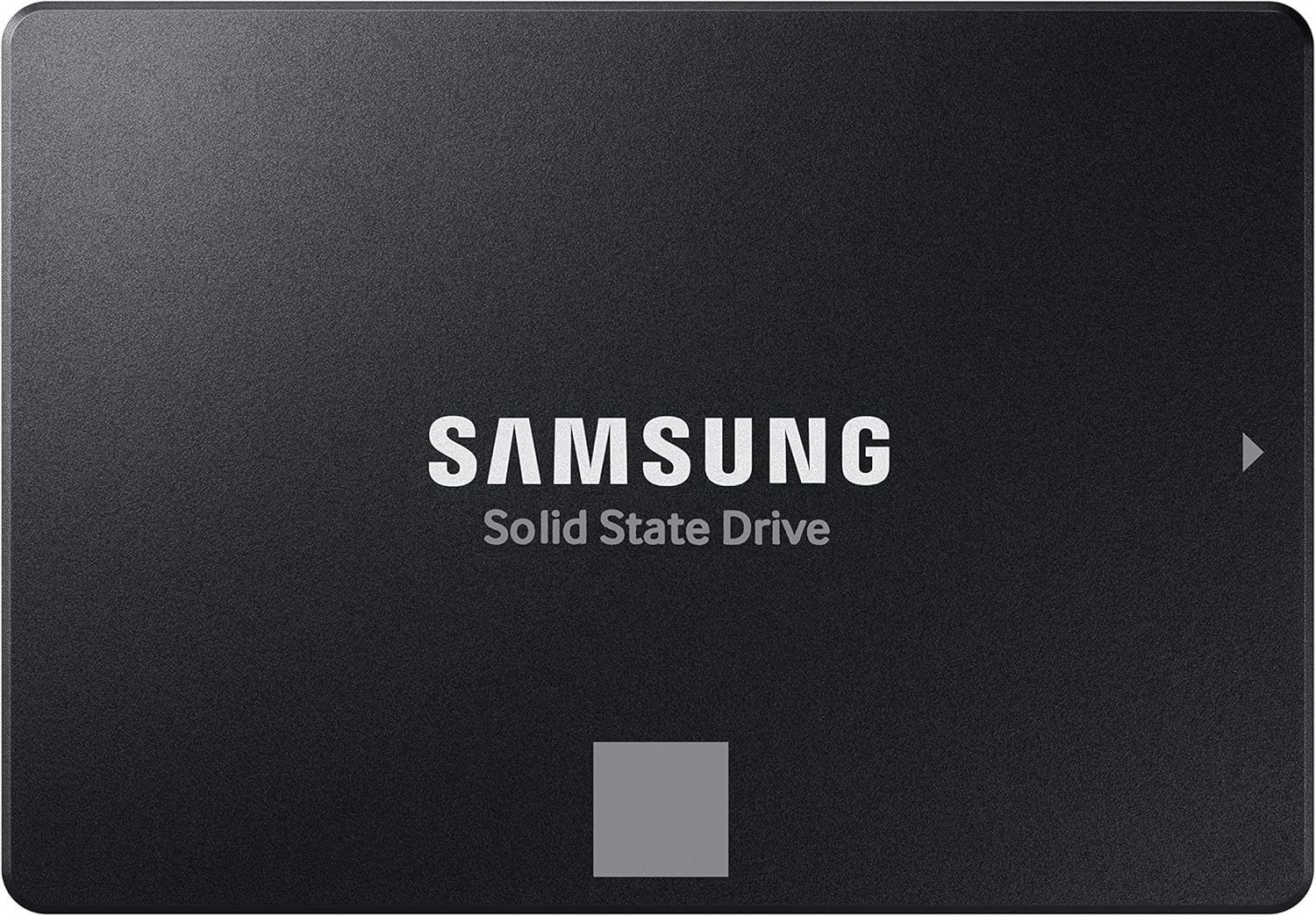
Samsung 870 EVO SATA SSD 1TB
“The most reliable SATA SSD for upgrading older systems.”
See Today’s Price →What we like
Watch out for
Read Full Analysis
The Samsung 870 EVO SATA SSD at $249.99 is the pick for systems where NVMe installation is not possible: older laptops with only a 2.5-inch bay, desktops with SATA-only motherboards, or direct HDD replacements where the interface is constrained by the platform rather than a choice. The SATA III interface caps at approximately 550 MB/s sequential read — roughly 10-14x slower than a Gen 4 NVMe drive — but 5-10x faster than any mechanical hard drive, which is the gap that matters for HDD upgrades. Boot times drop from 45-90 seconds on a mechanical drive to 10-20 seconds on SATA SSD. Application launch times feel near-instant in comparison. The daily experience improvement from HDD to SATA SSD is more perceptible than the jump from SATA to NVMe for typical desktop workloads — sequential benchmarks favor NVMe strongly, but most productivity and gaming tasks are limited by random I/O where the gap narrows considerably. Samsung's 5-year warranty and proven V-NAND TLC reliability make the 870 EVO the low-risk SATA SSD for installations where longevity matters — including NAS use where drives run continuously and replacement is disruptive. The MJX controller is proven across multiple Samsung generations without the firmware issues that newer controllers from smaller manufacturers occasionally produce. For users upgrading a laptop or desktop that cannot accept NVMe drives, the 870 EVO is the standard recommendation with no meaningful competition at this reliability tier.
Crucial P3 Plus NVMe M.2 SSD 1TB
“A capable Gen 4 NVMe at a lower price than the Samsung 990 Pro.”
See Today’s Price →Internal Ssd (2026) Buying Guide
 Photo by Andrey Matveev / Pexels
Internal SSD selection requires matching the drive interface (NVMe vs. SATA) to your motherboard's available slots, then choosing within the correct tier based on your use case. The performance gap between NVMe Gen 4 and SATA is significant in benchmarks but barely noticeable in everyday tasks — the biggest gain comes from switching from any HDD to any SSD, not from buying the fastest SSD available.
Best Overall NVMe: Samsung 990 Pro 1TB
The Samsung 990 Pro at $80-100 for 1TB (Gen 4 NVMe M.2) delivers sequential read speeds up to 7,450 MB/s — the highest sustained performance Samsung has achieved in a consumer NVMe drive, with improved thermal management over the 980 Pro that prevents thermal throttling during extended sustained writes. For gaming: DirectStorage on Windows 11 benefits from high-end NVMe drives, and the 990 Pro is positioned for this use case. For content creation: the 990 Pro's sustained write performance handles video editing timelines without the speed drops that affect cheaper Gen 4 drives. The Samsung Magician software provides drive health monitoring and firmware updates. ASINs from competitor data: B0BHJJ9Y77.
Best Budget NVMe: WD Blue SN570 1TB
The WD Blue SN570 at $45-65 for 1TB (Gen 3 NVMe M.2) provides 3,500 MB/s sequential read — more than twice the speed of any SATA SSD, and fast enough that real-world use cases (game loading, app launches, file transfers) are virtually indistinguishable from Gen 4 drives in everyday tasks. The SN570's advantage: Gen 3 NVMe is supported on all NVMe-capable motherboards including older Z370/B450 boards that don't support Gen 4. For users on older systems or those who don't need maximum performance: the SN570 delivers NVMe responsiveness at SATA-adjacent pricing. ASIN: B09HP29X7K.
Best SATA SSD: Samsung 870 EVO 1TB
The Samsung 870 EVO at $70-90 for 1TB (2.5" SATA) is the correct drive for systems with no M.2 slot (older laptops, desktops with only SATA ports) or for secondary storage where NVMe speed isn't needed. The 870 EVO's 560 MB/s sequential read is the SATA ceiling — all SATA SSDs are limited by the interface to approximately this speed regardless of drive technology. Samsung's V-NAND and MJX controller make the 870 EVO the most reliable SATA SSD in long-term use, with a 5-year warranty and 600TBW endurance rating. ASIN: B08QBJ2YMG.
The Bottom Line

Samsung 990 Pro 1TB for the best NVMe SSD for gaming and content creation at $90. WD Blue SN570 1TB for the best budget NVMe at $55. Samsung 870 EVO 1TB for the best SATA SSD at $80. Crucial P3 Plus 1TB for an alternative Gen 4 budget option at $65. Before purchasing: confirm your motherboard has an available M.2 slot and check whether it supports Gen 3 or Gen 4 (Gen 4 drives work in Gen 3 slots at Gen 3 speeds — backward compatible but not at full performance).
Related Guides

Frequently Asked Questions
What is the difference between NVMe and SATA SSDs?
How much SSD storage do I actually need?
Is the Samsung 990 Pro worth the premium over the WD Blue SN570?
Can I install an NVMe SSD in any computer?
How do I know when to replace my existing hard drive with an SSD?
How We Analyze Products
We analyze Amazon review data — often thousands of reviews per product — to surface patterns that individual buyers miss. Our process aggregates star ratings, review counts, and buyer sentiment at scale, identifying which strengths and weaknesses appear consistently across the largest review samples available.
Each product earned its placement through data: total review volume, average rating, and the specific praise and complaints that repeat most often across buyers. No manufacturer paid for placement on this page. Products appear here because buyers endorsed them at scale, not because a company asked us to feature them.
We use AI to summarize review sentiment — not to fabricate opinions, but to condense what thousands of buyers actually wrote into a readable format. The pros and cons you see reflect the most common themes found in verified purchaser reviews, paraphrased for clarity. We do not claim to have accessed Reddit, YouTube, or specific publications in generating these summaries.
Prices shown reflect Amazon pricing at the time this page was last generated. Click “See Today’s Price” to get the current live price on Amazon. Read our full methodology →