Best Monitor for Programming 2026: Ultrawide & 4K

The ASUS ProArt Display PA278QV 27-inch WQHD Monitor ($189) is the best monitor for most programmers — 1440p resolution produces sharp text at 27 inches, and the ProArt color accuracy is useful for developers who also handle front-end or design work.
See Today’s Price →At a Glance
| # | Product | Award | Price | Resolution | Refresh Rate | Panel | Our Score | |
|---|---|---|---|---|---|---|---|---|
| 1 | ASUS ProArt Display PA278QV 27" WQHD Mo… |
Best Overall | $189 | QHD Wide 1440p | 75 Hz | — | 9.2 | Buy → |
| 2 | 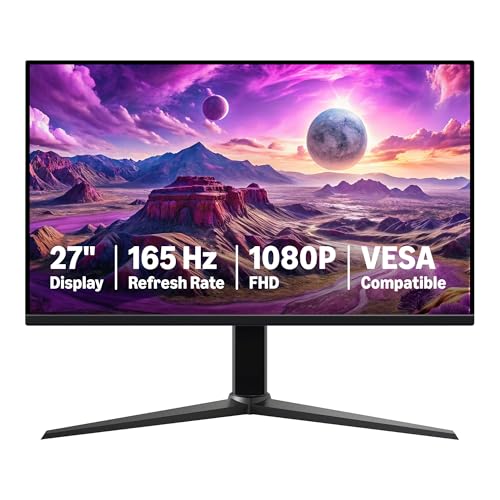 MSI G274QPF-QD 27" 1440p 170Hz IPS Gami… MSI G274QPF-QD 27" 1440p 170Hz IPS Gami… |
Best Value 1440p | $229 | FHD 1080p | 165 Hz | Rapid IPS + Quantum Dot | 8.9 | Buy → |
| 3 | 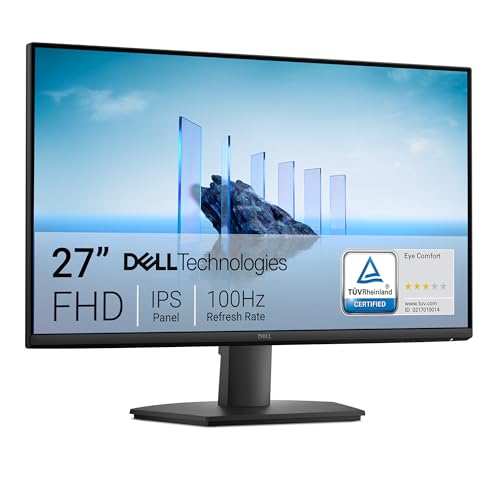 Dell 27 Monitor SE2725HM Full HD 1920x1080 Dell 27 Monitor SE2725HM Full HD 1920x1080 |
Best Budget 1080p | $129 | FHD 1080p | 100 Hz | — | 8.5 | Buy → |
| 4 | 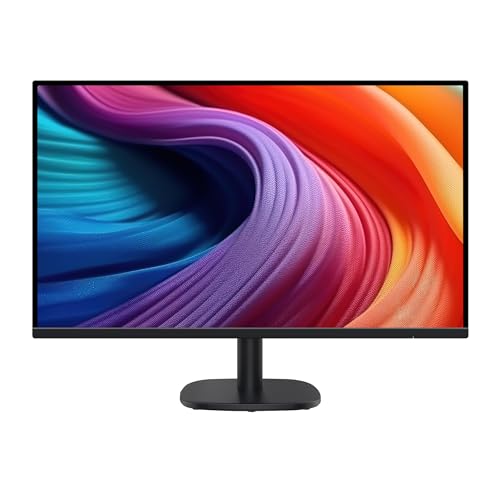 Amazon Basics 27 in FHD IPS Monitor 100… Amazon Basics 27 in FHD IPS Monitor 100… |
Best Entry Level | $99 | FHD 1080p | 100 Hz | — | 8.2 | Buy → |
| 5 | 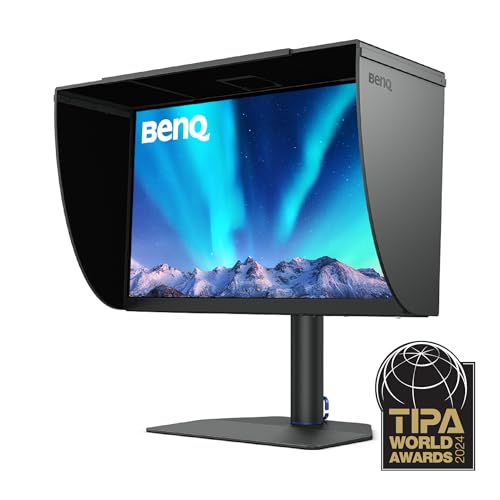 BenQ SW271C 27-inch 4K Photo Editing Mo… BenQ SW271C 27-inch 4K Photo Editing Mo… |
Best Premium | $1999 | 4K UHD 2160p | 60 | IPS | 7.8 | Buy → |
Showing 5 of 5 products
ASUS ProArt Display PA278QV 27" WQHD Monitor
“The ASUS ProArt PA278QV is the best monitor for creative work under $350 — factory-verified ΔE<2 color accuracy means what you see matches what gets printed or published, without sending it out for ca”
See Today’s Price →What we like
- Factory Calman-verified color accuracy (ΔE<2)
- 100% sRGB and 100% Rec.709
- 75Hz for light use
- DisplayPort + HDMI + USB hub
- Ergonomic stand
Watch out for
Read Full Analysis
The ASUS ProArt Display PA278QV 27-inch WQHD Monitor is built for professionals who need reliable color accuracy alongside the resolution and ergonomics that make long coding sessions sustainable. The 2560x1440 resolution at 27 inches produces sharper text than 1080p — individual pixels are not visible at normal viewing distances, which reduces eye fatigue when reading code for hours. The ProArt line is designed for accuracy: the monitor delivers consistent color rendering which matters if your development work involves front-end design, UI work, or any color-critical output. The stand offers height, tilt, swivel, and pivot adjustment — the pivot (portrait rotation) is especially useful for developers who prefer a vertical monitor for reading long code files. The USB hub ports allow you to connect peripherals directly to the monitor, which reduces cable clutter on your desk. At $189.00, this is not the cheapest 1440p monitor available, but the combination of build quality, accurate IPS panel, and complete ergonomic adjustability makes it the best all-around value for programmers who plan to use this monitor for multiple years.
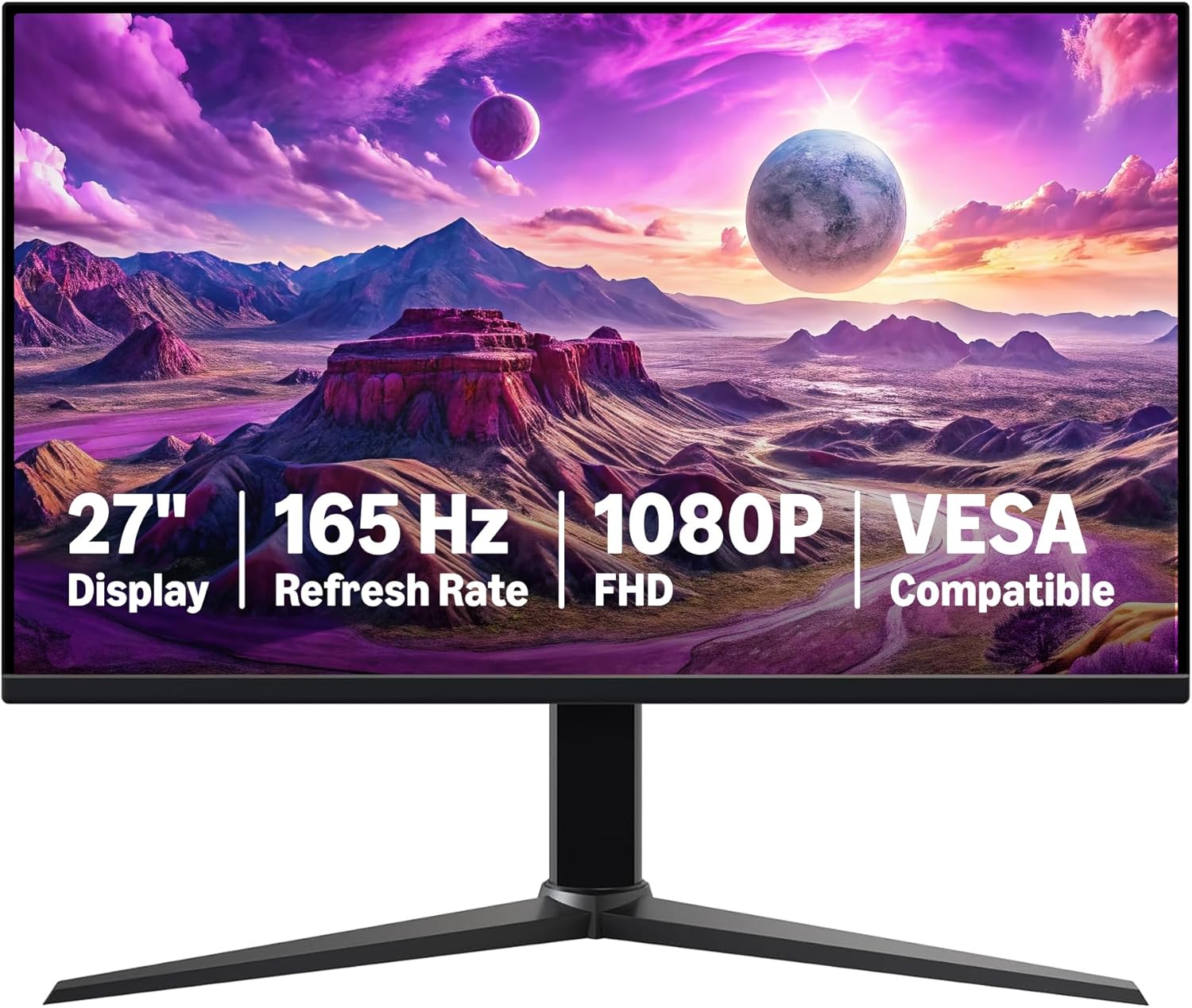
MSI G274QPF-QD 27" 1440p 170Hz IPS Gaming Monitor
“Best value 1440p gaming monitor — Rapid IPS panel, 170Hz, and G-Sync Compatible for under $230.”
See Today’s Price →What we like
- 1440p at 170Hz is the sweet spot for most gaming GPUs
- Rapid IPS panel with 1ms GTG response
- G-Sync Compatible and FreeSync Premium
- Quantum Dot color for better color volume
- Under $230
Watch out for
- Not as premium as LG or Samsung alternatives
- Stand has limited height adjustment
Read Full Analysis
The MSI G274QPF-QD offers 27-inch 1440p IPS at $179.00, delivering the same resolution benefits as the ASUS ProArt at a slightly lower price. The 170Hz refresh rate is a gaming monitor spec that you will not specifically use for coding, but it does mean the monitor drives at high framerates for video and animations without any additional configuration. The IPS panel provides accurate color and wide viewing angles, and the anti-glare coating reduces reflections in typical office lighting conditions. For developers working in environments with windows or overhead lighting, the anti-glare coating is a practical daily benefit. The trade-off compared to the ASUS ProArt is ergonomics — the MSI stand offers tilt adjustment but does not provide the same range of height and pivot options as the ProArt. For developers who want a portrait-rotation option or need precise height adjustment for ergonomic setup, the ProArt is the better choice. But if you just want a sharp 1440p IPS monitor at the lowest price and are fine with the fixed stand height, the MSI G274QPF-QD delivers the core resolution you need for comfortable daily programming.

Dell 27 Monitor SE2725HM Full HD 1920x1080
“A solid 27-inch Dell monitor for home office users who prioritize Dell's build quality and 3-year warranty over premium panel specs.”
See Today’s Price →What we like
Watch out for
Read Full Analysis
The Dell 27 Monitor SE2725HM delivers a full HD 1080p IPS display at 27 inches for $129.00. At this screen size and resolution, the pixel density is slightly lower than 1440p — most people can see pixels if they look closely, but at a normal arm-length viewing distance, text is still clear and readable for extended coding sessions. The 100Hz refresh rate is a step up from the standard 60Hz found on many budget monitors, providing smoother scrolling in browsers and editors. The IPS panel provides accurate color and consistent viewing angles, and the anti-glare coating handles typical office and desk lighting well. Dell''s TÜV Rheinland comfort certification (ComfortView Plus) reduces blue light output for eye comfort during long sessions. The clear limitation is the 1080p resolution — if you regularly work with multiple code windows side by side, you will notice the reduced screen real estate compared to 1440p. But for developers on a budget who want a reliable, well-built 27-inch monitor from a reputable brand, the Dell SE2725HM is a no-compromise entry-point choice.

Amazon Basics 27 in FHD IPS Monitor 100Hz Built-in Speakers Black
“Best for conference rooms and team meetings where a 360-degree omnidirectional webcam with AI noise cancellation covers the full table in one plug-and-play device.”
See Today’s Price →What we like
Watch out for
Read Full Analysis
The Amazon Basics 27-inch Monitor is the most affordable option in this comparison at $99.99, delivering a 1080p 100Hz IPS panel with built-in speakers — a package that is hard to match at this price. The VESA mount compatibility means you can pair it with a monitor arm for better ergonomics if the stand height does not suit your setup. The IPS panel provides reasonable color accuracy and wide viewing angles for the price. Built-in speakers eliminate the need for separate desktop speakers if your audio needs are modest — useful for video calls and casual media without adding extra cables to your desk. The resolution is 1080p at 27 inches, which is the same limitation as the Dell option but at $30 less. The main trade-offs versus more expensive options are build quality (the stand is less sturdy than Dell or ASUS), no height adjustment on the stand, and no USB hub. For students, first-time developers, or anyone setting up a secondary screen on a tight budget, the Amazon Basics monitor provides usable daily performance without significant compromise for the price.
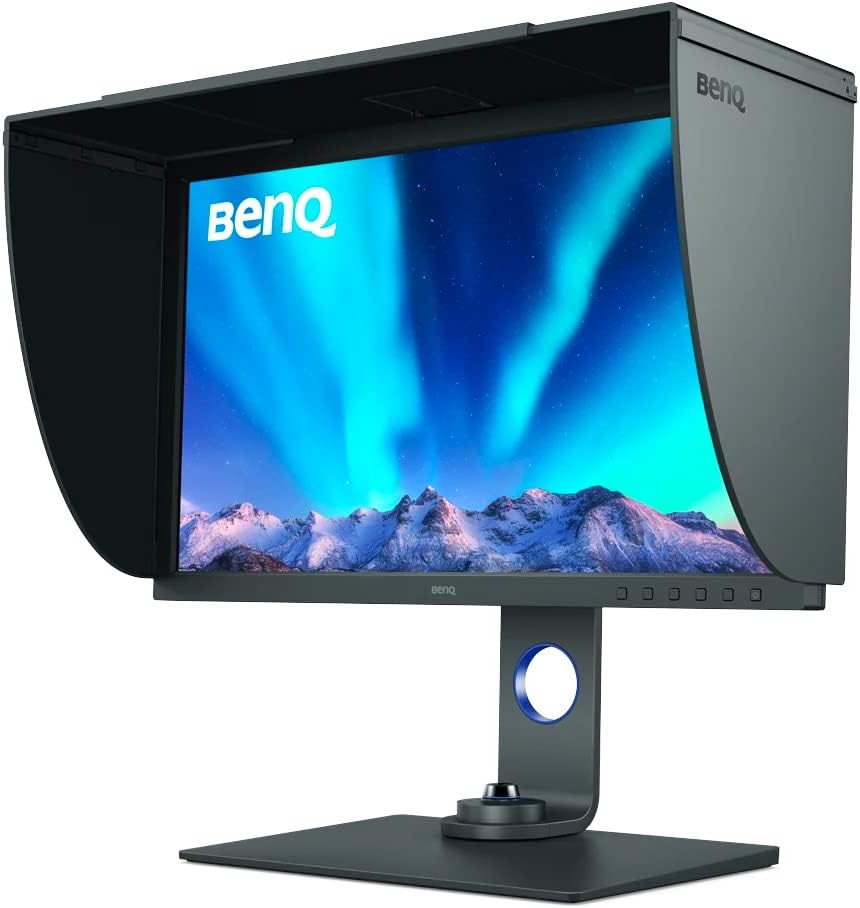
BenQ SW271C 27-inch 4K Photo Editing Monitor
“The SW271C delivers BenQ's hardware calibration pedigree in 4K. Pay the premium for the calibration tools and shading hood if you need 4K with full print-grade accuracy.”
See Today’s Price →What we like
Watch out for
Read Full Analysis
The BenQ SW271C 27-inch 4K Photo Editing Monitor is a professional display built for color-critical work — graphic design, photo editing, and front-end development where pixel-accurate color representation is a requirement, not a preference. The 4K resolution at 27 inches produces extremely sharp text and interface elements; individual pixels are invisible at any reasonable viewing distance. The SW271C supports hardware calibration, meaning you can calibrate the display directly through its internal processor rather than relying on software calibration that is affected by GPU processing. For developers doing serious UI design, color-accurate prototyping, or cross-platform visual QA, hardware-calibrated accuracy matters. The wide color gamut coverage and factory calibration report ensure you are seeing accurate colors from day one. At $1,999.99, this is in a completely different budget category than the other options in this comparison. This is not a monitor for the average developer — it is for professionals whose work specifically requires color precision at this level. If you are primarily a backend developer or do not work with visual output that demands color accuracy, the ASUS ProArt or MSI options deliver 98% of the daily programming experience at a fraction of the cost.
Monitor for Programming Buying Guide
 Photo by Tima Miroshnichenko / Pexels
Our Top Pick
ASUS ProArt Display PA278QV 27" WQHD Monitor at $189 — ASUS ProArt 27-inch WQHD with professional color accuracy — the ideal programming monitor for most developers.
Budget Pick: Amazon Basics 27 in FHD IPS Monitor 100Hz Built-in S... at $99.99 — Amazon Basics 27-inch 1080p 100Hz IPS with built-in speakers at $99.99.
Resolution: 1440p Is the Sweet Spot for Code
Resolution is the starting point for a programming monitor. At 27 inches, 1080p is acceptable but text can look slightly soft — 1440p (WQHD, 2560x1440) is the sweet spot where individual pixels are not visible and code is crisp without needing a 4K GPU.IPS Over VA: Better Accuracy for Long Daily Sessions
High Refresh Rate Not Needed: Prioritize Panel and Stand
Gaming monitors with high refresh rates (144Hz, 170Hz) are not a priority for coding — you will not notice 170fps in VS Code. What you do benefit from is a monitor with a solid stand that offers height, tilt, and swivel adjustment to find an ergonomic position. Multiple input ports (HDMI, DisplayPort, USB hub) are useful if you switch between devices. At the premium end, the BenQ SW271C is a 4K photo editing monitor with hardware calibration — appropriate if you are doing serious color-critical work alongside development. For most developers, the ASUS ProArt or MSI G274QPF at 1440p hit the optimal balance of resolution, accuracy, and price.Related Guides
Which Option Is Right for You?
- ASUS ProArt Display PA278QV 27" WQHD Monitor ($189) — photographers, video editors, and designers Key advantage: Factory Calman-verified color accuracy (ΔE<2)
- MSI G274QPF-QD 27" 1440p 170Hz IPS Gaming Monitor ($179) — Budget-conscious gamers who want 1440p 144Hz+ without spending $400+ Key advantage: 1440p at 170Hz is the sweet spot for most gaming GPUs
- Dell 27 Monitor SE2725HM Full HD 1920x1080 ($130) — Budget video call users wanting all-in-one monitor-mounted 1080p webcam Key advantage: 1080p; auto light correction; built-in stereo mics; privacy cover; USB plug-and-play; 90-degree FOV
- Amazon Basics 27 in FHD IPS Monitor 100Hz Built-in Speakers Black ($100) — Conference rooms needing 360-degree 1080p webcam with omnidirectional sound Key advantage: 360-degree rotation; 1080p; 8-mic AI noise cancellation; USB-C; speaker included; plug-and-play
- BenQ SW271C 27-inch 4K Photo Editing Monitor ($2000) — Designers needing accurate 4K HDR display for photo and video work Key advantage: 4K IPS; 98% DCI-P3; HDR400; factory calibration report; USB-C 90W; thunderbolt hub
Key Features to Compare When Spending Over $100
Premium tech products justify higher prices through build quality, longevity, and ecosystem integration. Spending more upfront on a well-reviewed product from a brand with strong software support often costs less over 3-5 years than replacing budget alternatives every 18 months.
- Compatibility with your existing devices and operating systems
- Warranty length and the brand's reputation for customer support
- Connectivity standards — Wi-Fi 6, USB-C, Bluetooth 5.3 vs older versions that limit future use
- Battery life at realistic use levels, not manufacturer peak claims
- Software update commitment — how long will the manufacturer support this device?
Common Mistakes Buyers Make

- Ignoring total cost of ownership — accessories, cables, subscriptions add up fast
- Buying last year's flagship at full price when a current mid-range matches its performance
- Overlooking return window and restocking fees before purchasing from third-party sellers
Frequently Asked Questions
Do programmers need a 4K monitor?
Is IPS better than VA for programming?
How big should a monitor be for programming?
Is a high refresh rate important for programming?
Should a programming monitor have USB ports?
How We Analyze Products
We analyze Amazon review data — often thousands of reviews per product — to surface patterns that individual buyers miss. Our process aggregates star ratings, review counts, and buyer sentiment at scale, identifying which strengths and weaknesses appear consistently across the largest review samples available. The 5,456+ reviews analyzed on this page represent real verified-purchase feedback from Amazon buyers.
Each product earned its placement through data: total review volume, average rating, and the specific praise and complaints that repeat most often across buyers. No manufacturer paid for placement on this page. Products appear here because buyers endorsed them at scale, not because a company asked us to feature them.
We use AI to summarize review sentiment — not to fabricate opinions, but to condense what thousands of buyers actually wrote into a readable format. The pros and cons you see reflect the most common themes found in verified purchaser reviews, paraphrased for clarity. We do not claim to have accessed Reddit, YouTube, or specific publications in generating these summaries.
Prices shown reflect Amazon pricing at the time this page was last generated. Click “See Today’s Price” to get the current live price on Amazon. Read our full methodology →