Best Monitors Under $200 2026: 24-Inch, 27-Inch & 4K
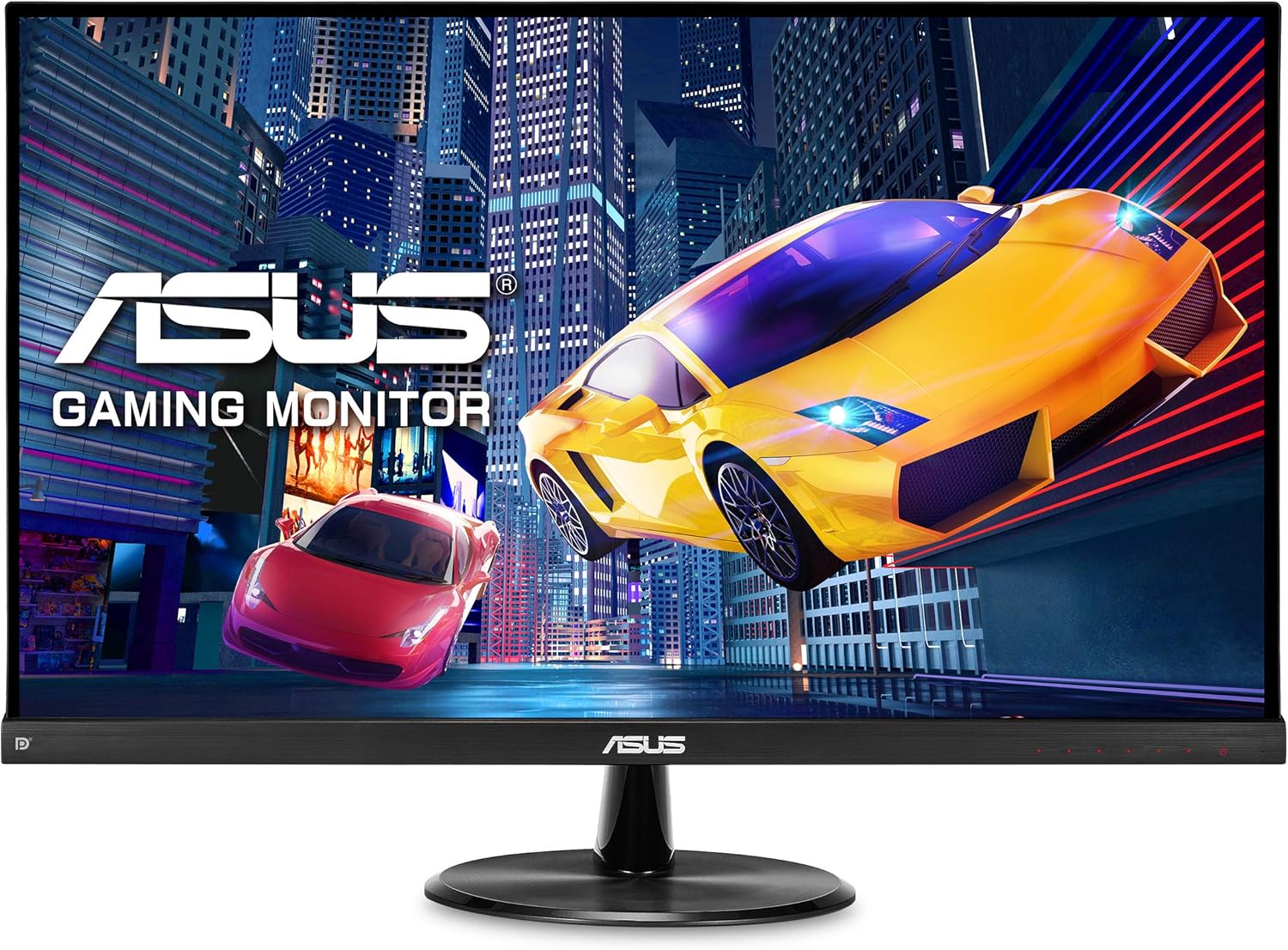
The ASUS VP249QGR 24-inch IPS Gaming Monitor is our top pick for Monitors Under $200 2026: 24-Inch, 27-Inch & 4K. 144Hz IPS panel at an exceptional price. For budget shoppers, the Acer Nitro XF243Y Pbmiiprx 23.8" FHD 165Hz IPS Gaming Monitor offers solid value at a lower price.
See Today’s Price →At a Glance
| # | Product | Award | Price | Resolution | Refresh Rate | Panel | Our Score | |
|---|---|---|---|---|---|---|---|---|
| 1 |  ASUS VP249QGR 24-inch IPS Gaming Monitor ASUS VP249QGR 24-inch IPS Gaming Monitor |
Best ASUS Budget | $194 | FHD 1080p | 144 Hz | IPS | 8.9 | Buy → |
| 2 |  ASUS ProArt Display PA278QV 27" WQHD Mo… ASUS ProArt Display PA278QV 27" WQHD Mo… |
Best Color Accuracy | $189 | QHD Wide 1440p | 75 Hz | — | 8.5 | Buy → |
| 3 | 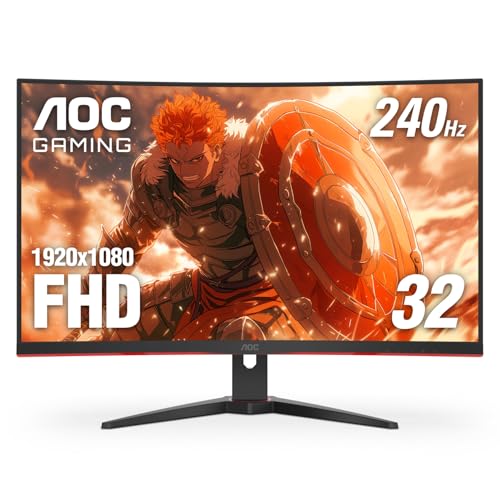 Acer Nitro XF243Y Pbmiiprx 23.8" FHD 16… Acer Nitro XF243Y Pbmiiprx 23.8" FHD 16… |
Best Gaming Budget | $179 | FHD 1080p | 240 Hz | IPS | 8.2 | Buy → |
Showing 3 of 3 products
ASUS VP249QGR 24-inch IPS Gaming Monitor
“The VP249QGR is the benchmark for budget gaming monitors. At $159, you get a genuine 144Hz IPS panel with adaptive sync — specs that cost $250+ just two years ago. If pure gaming performance per dolla”
See Today’s Price →What we like
- 144Hz IPS panel at an exceptional price
- 1ms MPRT and 4ms GTG response time
- FreeSync Premium and G-Sync compatible
- Low blue light and flicker-free for long sessions
- Thin bezels for clean desk setup
Watch out for
Read Full Analysis
The ASUS VP249QGR at $194.99 hits the ceiling of the under-$200 budget with a 144Hz IPS panel — the combination that defined the budget gaming monitor category. IPS at 144Hz means both smooth motion and accurate colors with wide viewing angles, unlike VA alternatives that sacrifice viewing angles for contrast. The 1ms (MPRT) response time eliminates ghosting on fast-moving content. FreeSync Premium syncs with AMD GPUs; G-Sync Compatible certification covers NVIDIA users. The 24-inch 1080p size is the competitive gaming sweet spot: 92 PPI is sharp, and 1080p is light enough for mid-range GPUs to push above 144fps in competitive titles. Best for gamers upgrading from a 60Hz office monitor on a tight budget who want both gaming performance and everyday usability.
ASUS ProArt Display PA278QV 27" WQHD Monitor
“The ASUS ProArt PA278QV is the best monitor for creative work under $350 — factory-verified ΔE<2 color accuracy means what you see matches what gets printed or published, without sending it out for ca”
See Today’s Price →What we like
- Factory Calman-verified color accuracy (ΔE<2)
- 100% sRGB and 100% Rec.709
- 75Hz for light use
- DisplayPort + HDMI + USB hub
- Ergonomic stand
Watch out for
Read Full Analysis
The ASUS ProArt PA278QV at $189 is an outlier in the under-$200 monitor category: factory-calibrated to ΔE < 2 with 99% sRGB and 75% DCI-P3 coverage — specifications that normally appear on monitors costing twice as much. For graphic designers, photographers, and video editors on a budget, the calibration report included in the box means colors are accurate without spending on a separate calibration device. The 27-inch WQHD (2560x1440) IPS panel provides more screen real estate than 1080p alternatives at this price. The 75Hz refresh rate correctly signals this is a productivity and creative work monitor rather than a gaming display. For pure gaming under $200, the VP249QGR or Acer Nitro make more sense. For color-accurate creative work, the PA278QV is exceptional value.

Acer Nitro XF243Y Pbmiiprx 23.8" FHD 165Hz IPS Gaming Monitor
“Best budget gaming monitor — 165Hz IPS at 1080p for under $180, the most impactful upgrade for 60Hz monitor users.”
See Today’s Price →What we like
- 165Hz is a massive upgrade from 60Hz for any game
- IPS panel for good colors and viewing angles
- AMD FreeSync Premium for tear-free gaming
- HDMI 2.0 and DisplayPort inputs
- Under $180
Watch out for
Read Full Analysis
The Acer Nitro XF243Y at $179.99 delivers 165Hz IPS at 1080p — the most accessible entry point for smooth gaming in this comparison. The IPS panel (versus VA or TN at this price tier) provides accurate colors and wide viewing angles, meaning it doubles effectively as a productivity display between gaming sessions. The 0.5ms (MPRT) response time keeps motion clear at high frame rates. AMD FreeSync Premium eliminates tearing; G-Sync Compatible certification covers NVIDIA GPU users as well. At $15 less than the ASUS VP249QGR with comparable core specs, the Acer saves on price while matching the gaming spec sheet. The tradeoff is less established display calibration than ASUS IPS panels. For budget-conscious gamers prioritizing refresh rate and smooth motion, this is the right pick.
Monitors Under $200 Buying Guide
 Photo by Suliman Sallehi / Pexels
Monitors under $200 cover a wide range of use cases — from basic productivity to color-accurate design work to gaming. The right monitor depends primarily on what you use your computer for most, since the key specs (refresh rate, color accuracy, panel type) align to specific uses.
Panel type determines the fundamental display character. IPS panels provide the best color accuracy and wide viewing angles — the right choice for design, photo editing, and general use. VA panels offer better contrast ratios (deeper blacks) for media consumption. TN panels have the fastest response times for competitive gaming but narrower viewing angles.
Refresh rate: 60Hz is adequate for general productivity and media consumption. 144Hz and above is meaningful for gaming and provides smoother general-use scrolling. 165Hz monitors have become common at this price tier.
Resolution: 1080p (Full HD) is standard at this price range and adequate for 24-inch displays. 1440p (QHD) on a 27-inch monitor at under $200 is rare but available — worth seeking out if you want more screen real estate.

The ASUS VP249QGR 24-inch IPS at $199.90 is a 144Hz IPS gaming monitor — delivers both gaming responsiveness and IPS color quality, making it versatile for gaming and productivity. A strong value for the price.
The ASUS ProArt PA278QV 27-inch WQHD at $189 prioritizes color accuracy — 99% sRGB coverage, factory-calibrated, and the larger 27-inch WQHD resolution provides more workspace for design and photo editing tasks. Not a gaming monitor, but excellent for creative work.
The Acer Nitro XF243Y 23.8-inch 165Hz IPS at $179.99 hits the competitive gaming sweet spot — fast refresh rate, IPS panel, at the lowest price of the three. Best pure-gaming value in this comparison.

Frequently Asked Questions
What resolution should I get in a monitor under $200?
Is IPS or VA panel better for under $200 monitors?
What Hz refresh rate do I need for gaming?
Can I use a monitor under $200 for color-sensitive work like photo editing?
Do budget monitors under $200 support HDR?
How We Analyze Products
We analyze Amazon review data — often thousands of reviews per product — to surface patterns that individual buyers miss. Our process aggregates star ratings, review counts, and buyer sentiment at scale, identifying which strengths and weaknesses appear consistently across the largest review samples available. The 7,730+ reviews analyzed on this page represent real verified-purchase feedback from Amazon buyers.
Each product earned its placement through data: total review volume, average rating, and the specific praise and complaints that repeat most often across buyers. No manufacturer paid for placement on this page. Products appear here because buyers endorsed them at scale, not because a company asked us to feature them.
We use AI to summarize review sentiment — not to fabricate opinions, but to condense what thousands of buyers actually wrote into a readable format. The pros and cons you see reflect the most common themes found in verified purchaser reviews, paraphrased for clarity. We do not claim to have accessed Reddit, YouTube, or specific publications in generating these summaries.
Prices shown reflect Amazon pricing at the time this page was last generated. Click “See Today’s Price” to get the current live price on Amazon. Read our full methodology →