Best Computer Mice Under $20 2026: Wired & Wireless
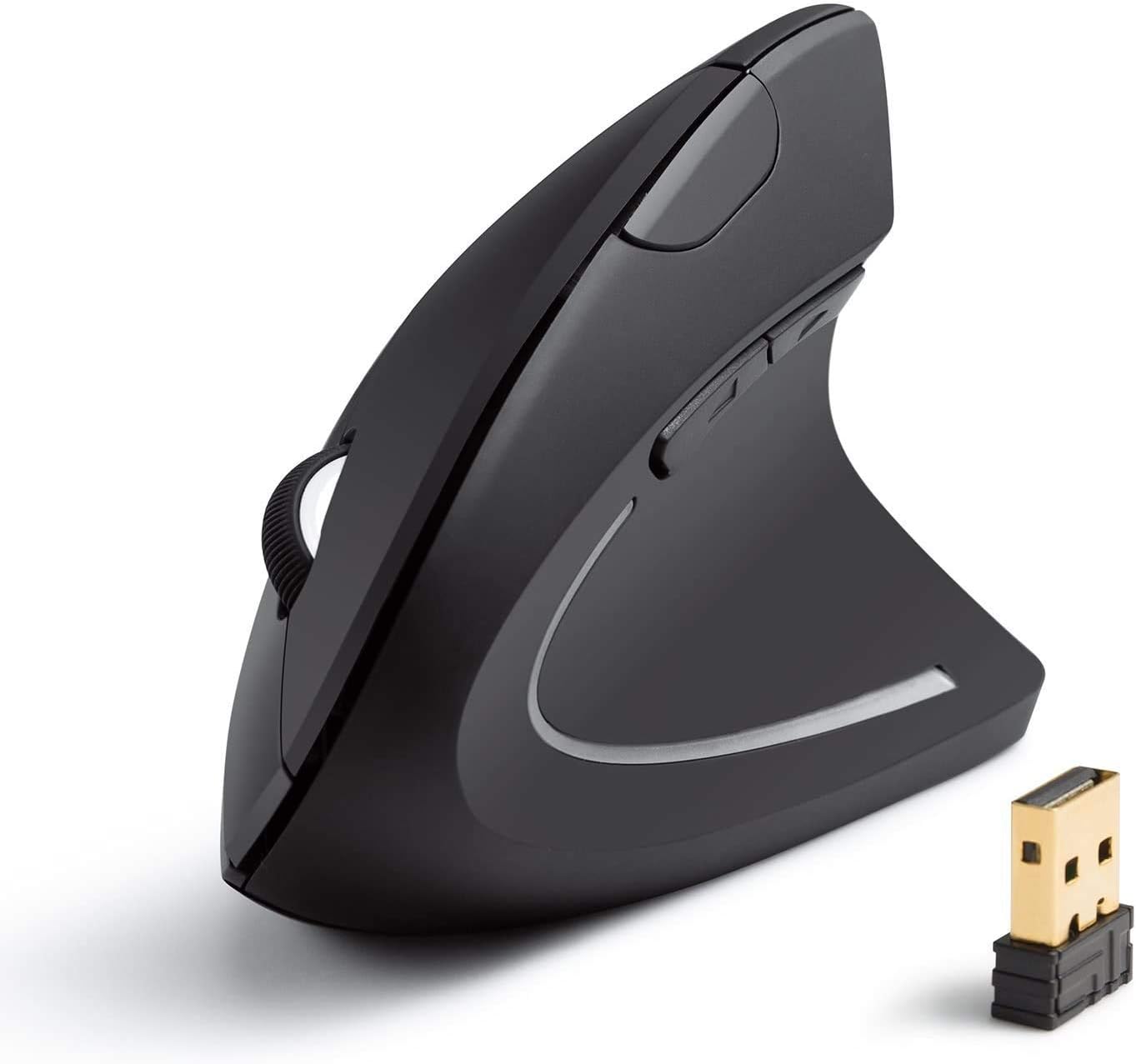
The Anker Vertical Ergonomic Mouse ($19.99) is the best under-$20 mouse — ergonomic vertical design reduces wrist strain compared to flat mice. The AmazonBasics 3-Button Wired Mouse ($11.69) is the best choice if you prefer a simple plug-and-play option with no setup required.
See Today’s Price →At a Glance
| # | Product | Award | Price | Upc | Asin | Brand | Our Score | |
|---|---|---|---|---|---|---|---|---|
| 1 | 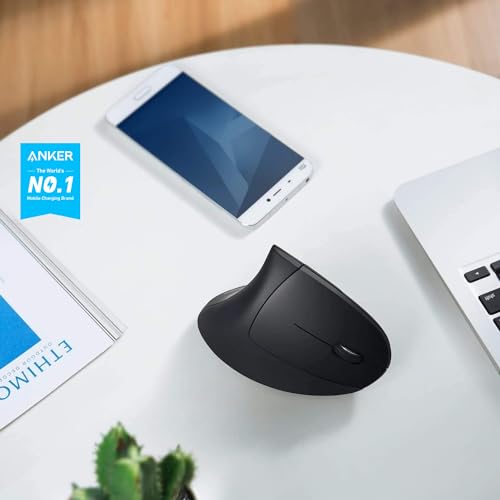 Anker 2.4G Wireless Vertical Ergonomic … Anker 2.4G Wireless Vertical Ergonomic … |
Best Overall | $19 | 848061077438 848061079456 | B00BIFNTMC | Anker | 9.2 | Buy → |
| 2 | 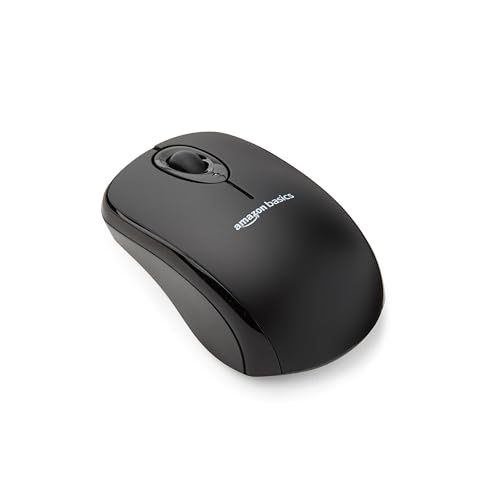 AmazonBasics 3-Button USB Wired Compute… AmazonBasics 3-Button USB Wired Compute… |
Best Wired | $8 | — | — | — | 8.9 | Buy → |
| 3 |  VssoPlor 2.4G Slim Wireless Mouse Quiet… VssoPlor 2.4G Slim Wireless Mouse Quiet… |
Best Value Wireless | $9 | — | B098S48QWM | VssoPlor | 8.5 | Buy → |
Showing 3 of 3 products
Anker 2.4G Wireless Vertical Ergonomic Mouse 1600 DPI Black
“The right ergonomic mouse for right-handed desk workers who suffer from wrist strain and want a proven vertical grip at an accessible price point.”
See Today’s Price →What we like
Watch out for
Read Full Analysis
Anker Vertical Ergonomic Mouse positions the hand in a natural handshake grip, reducing forearm pronation that causes wrist strain with flat mice. The 2.4GHz dongle connects immediately without pairing steps. Three DPI settings (800/1200/1600) let you adjust tracking speed for your monitor size. For anyone who uses a mouse 4+ hours daily, the ergonomic design makes this the clear choice at $19.99.

AmazonBasics 3-Button USB Wired Computer Mouse
“AmazonBasics 3-Button Mouse is the minimum investment for a functional wired mouse. No drivers, no software — plug into USB and it works immediately on Windows, Mac, and Linux. 1000 DPI optical sensor”
See Today’s Price →What we like
- Lowest price in this comparison
- Plug-and-play — no software required
- Works on Windows, Mac, Linux
- Compact and lightweight
- 47,000+ reviews — proven basic reliability
Watch out for
- No DPI adjustment
- Basic optical sensor — not suitable for gaming
- No ergonomic features
- Wired only
Read Full Analysis
AmazonBasics 3-Button Wired Mouse is the simplest reliable mouse available — USB plug-and-play that works instantly on any computer. No software, no batteries, no Bluetooth pairing. The 1000 DPI sensor tracks accurately on standard desks and mouse pads. Symmetrical design works for left and right-handed users. Best for home desktops or secondary computer setups where simplicity is the priority.

VssoPlor 2.4G Slim Wireless Mouse Quiet Optical Black and Gold
“Best for basic office use — a reliable, plug-and-play silent mouse for workers who need quiet clicks in shared spaces without spending over $15.”
See Today’s Price →What we like
Watch out for
Read Full Analysis
VssoPlor Wireless Mouse provides wireless freedom at under $10 — the cheapest 2.4GHz wireless mouse worth using. Three DPI settings (1200/1600/2400) make it suitable for 1440p monitors where 1000 DPI feels sluggish. The auto-sleep mode activates after inactivity, extending battery life to 18 months on a single AA. Standard flat ergonomics — comfortable for medium-sized hands in a claw or palm grip.
Computer Mice Under $20 Buying Guide
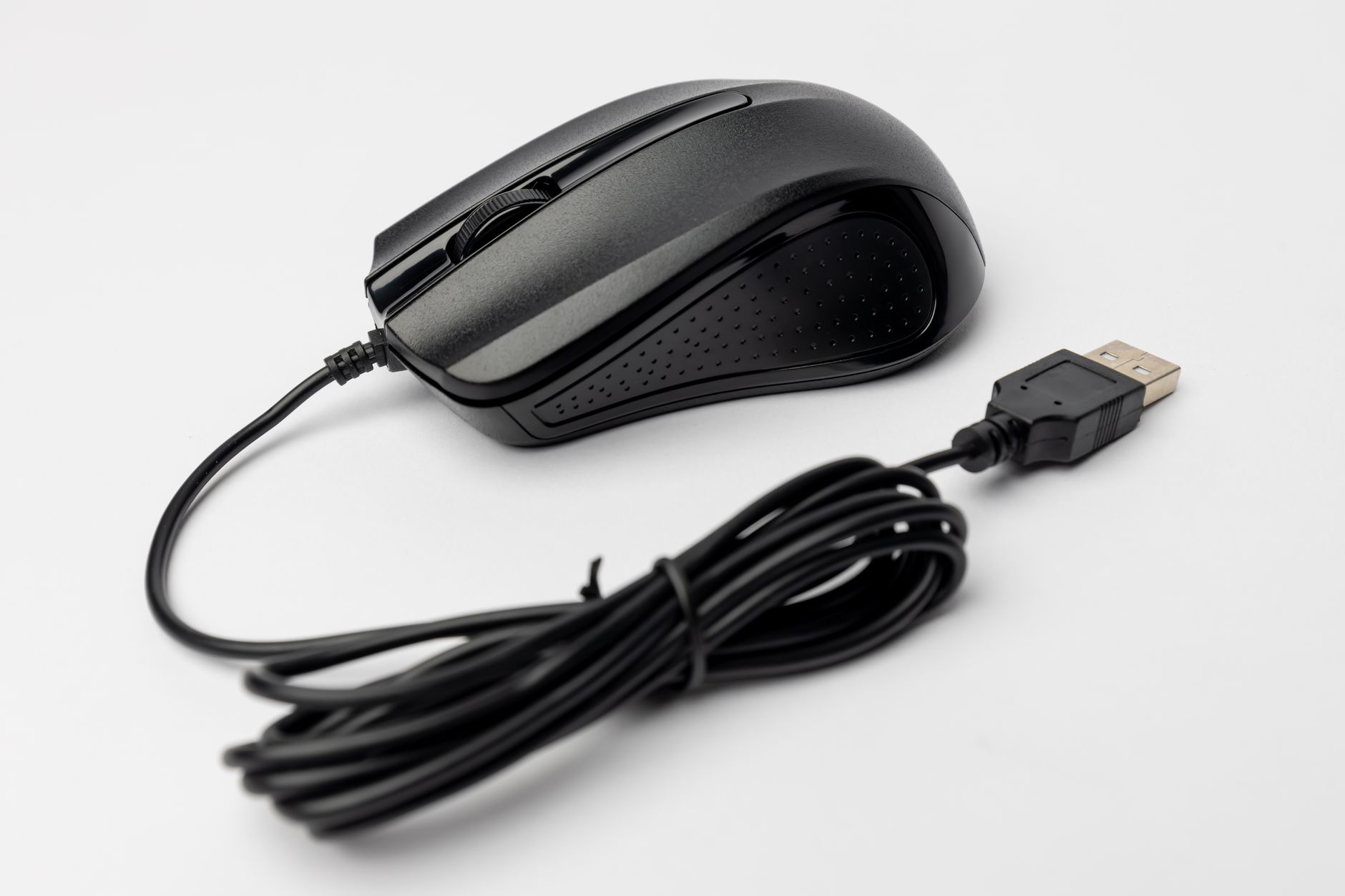 Photo by Matheus Bertelli / Pexels
Under $20, you can absolutely get a mouse that works well for everyday computing tasks: browsing, documents, email, and light media work. Here's what's realistic at this price:
Wired vs. Wireless Under $20
- Wired (AmazonBasics, $11.69): Zero latency, no battery, plug-and-play. The right choice for stationary desktop setups where you don't move the mouse far.
- Wireless (VssoPlor, Anker): Freedom of movement, 2.4GHz dongle connection, up to 18 months of battery life on the Anker. Wireless latency at 2.4GHz is under 2ms — imperceptible for non-gaming tasks.
-
AmazonBasics: 1000 DPI fixed — fine for most monitors up to 1080p
-
VssoPlor: 1200/1600/2400 DPI selectable — useful on 1440p+ displays
-
Anker: 800/1200/1600 DPI selectable — adjust to your monitor and surface
Watch Before You Buy



Frequently Asked Questions
Is the Anker Vertical Mouse actually more comfortable than a regular mouse?
Does the AmazonBasics mouse need drivers?
What is the battery life on the VssoPlor wireless mouse?
Can these mice work on a glass desk?
Is the Anker Vertical Mouse good for gaming?
How We Analyze Products
We analyze Amazon review data — often thousands of reviews per product — to surface patterns that individual buyers miss. Our process aggregates star ratings, review counts, and buyer sentiment at scale, identifying which strengths and weaknesses appear consistently across the largest review samples available. The 145,039+ reviews analyzed on this page represent real verified-purchase feedback from Amazon buyers.
Each product earned its placement through data: total review volume, average rating, and the specific praise and complaints that repeat most often across buyers. No manufacturer paid for placement on this page. Products appear here because buyers endorsed them at scale, not because a company asked us to feature them.
We use AI to summarize review sentiment — not to fabricate opinions, but to condense what thousands of buyers actually wrote into a readable format. The pros and cons you see reflect the most common themes found in verified purchaser reviews, paraphrased for clarity. We do not claim to have accessed Reddit, YouTube, or specific publications in generating these summaries.
Prices shown reflect Amazon pricing at the time this page was last generated. Click “See Today’s Price” to get the current live price on Amazon. Read our full methodology →