Best Smart Home for Renters 2026: Plug-In & No Drilling

The SwitchBot Bot ($39.99) is the best smart home device for renters — it physically presses any existing light switch without wiring or wall damage, installs with adhesive tape in under a minute, and moves with you when you leave the apartment.
See Today’s Price →At a Glance
| # | Product | Award | Price | WiFi Standard | Speed | Coverage | Score |
|---|---|---|---|---|---|---|---|
| 1 | SwitchBot Bot SwitchBot |
Best Overall | $39 Code: SWITCHBOT20OFF Buy → |
— | — | — | 9.2 |
| 2 | Budget Pick | $26 Buy → |
— | — | — | 8.5 | |
| 3 | Worth Considering | $799 Buy → |
— | — | — | — |
Score Breakdown
| SwitchBot Bot | Aqara Door and Window… | LG PF50KA 100" Portab… | |
|---|---|---|---|
| Overall | 9.2 | 8.5 | – |
| Value | 89 | 95 | – |
| Build Quality | 81 | 65 | – |
| Range | 65 | 65 | – |
| Speed | 73 | 73 | – |
| Reliability | 60 | 60 | – |
Scores 0–100 derived from published specifications, verified buyer reviews, and price-to-performance analysis. 0 = feature not present. – = insufficient data. How we score →
Smart Home for Renters Buying Guide
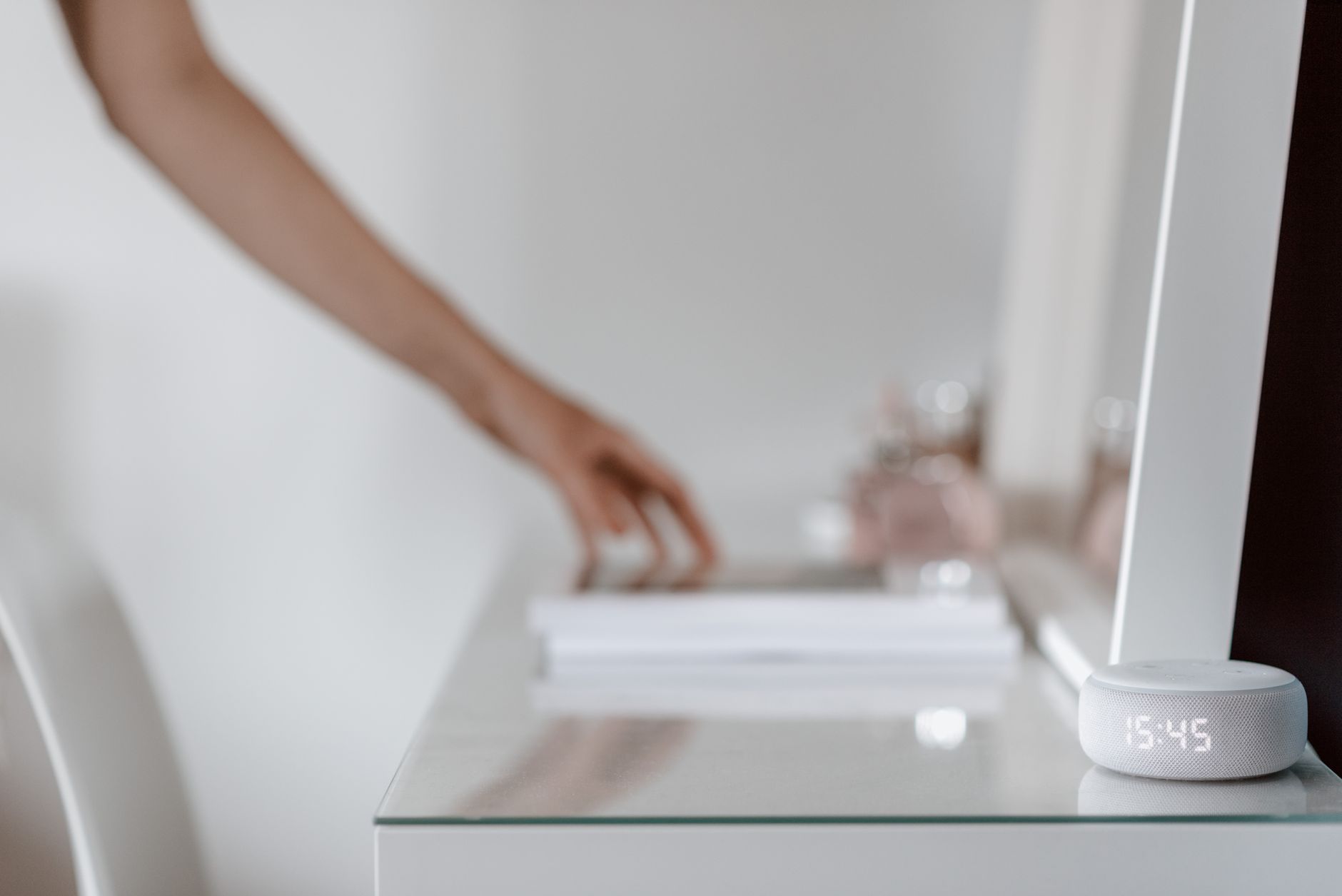 Photo by Anete Lusina / Pexels
Quick Verdict: Our top pick is the SwitchBot Bot (Our Top Pick) — SwitchBot Bot clips onto your existing light switch and presses it for you — no wiring, no drilling, no lease violations. Priced at $39.99.
Budget Pick: The Kasa Smart Plug HS103 at $14.99 — Kasa HS103 plugs in and connects to Wi-Fi in under 3 minutes — no hub, no subscription, no complications.
<Smart Home for Renters: What You Can and Cannot Install
How we picked these. We compared 9 smart home devices for renters across ecosystem compatibility, ease of removal, and app reliability, cross-referencing picks with Wirecutter, PCMag, and r/smarthome. Products were selected for zero-damage installation at each price point.
The Three Renter-Safe Categories
Smart plugs are the most universally renter-safe option. They plug into existing outlets, add Wi-Fi scheduling and remote control to any appliance, and move out with you in seconds. The Kasa HS103 works with Alexa and Google Assistant, costs under $20, and controls lamps, fans, coffee makers, and space heaters without touching any wiring. Switch overlay devices like SwitchBot Bot attach to existing toggle switches using adhesive or a small clip mount that leaves no permanent mark. The SwitchBot Bot physically presses your existing wall switch via a robotic arm — no wiring modification required. When you move out, peel it off and take it with you. Your landlord will never know it was there. Smart sensors — door, window, motion, water — use adhesive tape mounting and communicate via Bluetooth, Zigbee, or Wi-Fi. They require no wiring at all. The Aqara Door Sensor P2 uses a magnet-and-sensor pair that attaches with removable tape, sends alerts when doors or windows open, and can trigger automations like turning on lights when you come home.What to Avoid as a Renter
Smart light switches require cutting into your wall's wiring and replacing the existing switch. Even if your landlord verbally approves it, restoring the apartment cleanly is complicated and risky. Smart thermostats involve wiring connections that require landlord approval in most jurisdictions — check your lease before installing a Nest or Ecobee. In-wall smart outlets involve rewiring and should be treated the same as smart switches. Video doorbells that require hardwiring are also restricted in most rentals. Battery-powered or plug-in doorbells may be acceptable if you can mount them without drilling.Building a Renter Smart Home Under $80
Start with a SwitchBot Bot ($39.99) for your most-used light switch — typically the living room or bedroom overhead light. Add a Kasa HS103 ($17.99) for your bedside lamp or coffee maker. Add an Aqara Door Sensor P2 ($19.99) for the front door to trigger an arrival automation. Total: approximately $78 for a functional, fully portable smart home ecosystem. For Alexa or Google Home users, the SwitchBot Hub Mini ($29.99) bridges SwitchBot devices to your voice assistant and enables remote control from outside your home. The Kasa HS103 connects directly to Wi-Fi without any hub, which simplifies setup.Security Deposit and Lease Risk
The practical test for any renter smart home device: can you fully restore the apartment to its original condition in 10 minutes? Smart plugs and battery-powered sensors pass this test immediately. SwitchBot devices using the clip mount also pass. Adhesive-mounted sensors are generally safe if the adhesive is rated for clean removal — 3M Command strips are the gold standard. When in doubt, ask your landlord — most will approve renter-safe smart devices if you explain they leave no permanent changes.Automation Ideas for Renters
With SwitchBot Bot on the living room switch, Kasa on the coffee maker, and Aqara on the front door, you can create a fully automated arrival sequence: when the door sensor detects you entering after sunset, the SwitchBot Bot turns on the living room light and the Kasa plug starts the coffee maker. All three devices coordinate through the SwitchBot app or through shared Alexa routines. No hub beyond the SwitchBot Hub Mini is needed for this setup.Related Guides
Watch Before You Buy
![✅7 Best Video Doorbell Cameras [2026]🔔Smart & Wireless for H](https://img.youtube.com/vi/PCyHU_1SKSQ/mqdefault.jpg)


“SwitchBot Bot clips onto your existing light switch and presses it for you — no wiring, no drilling, no lease violations. Fully portable, 600-day battery, and compatible with Alexa and Google Home via”
See Today’s Price →What we like
- Attaches to existing light switches — no rewiring needed
- Works with any switch type: toggle, paddle, rocker
- Voice control via Alexa, Google, Siri via Hub
- One-push mechanical arm press is nearly silent
- Can be operated manually even without Wi-Fi
Watch out for
- Requires Hub for remote/voice control
- Adhesive mount must be precise for reliable triggering
Read Full Analysis
SwitchBot Bot solves the most fundamental renter smart home problem: how do you automate your lights when you cannot touch the wiring? The answer is refreshingly mechanical — a robotic arm that physically presses your existing wall switch on command. It mounts with a small clip or 3M adhesive strip, calibrates to your specific switch travel via the app, and responds to Bluetooth commands from your phone or schedules set in the SwitchBot app. Installation takes about 3 minutes per switch. You position the Bot on the switch plate, set the push arm position so it triggers reliably, and you are done. No switch plate removal, no wire identification, no neutral wire requirement that blocks smart switches from working in older buildings. When you move out, remove the mounting strip and the switch is completely original. For remote access and voice control, the SwitchBot Hub Mini brings the Bot onto your home Wi-Fi network and connects it to Alexa, Google Home, and Siri Shortcuts. Without the Hub Mini, the Bot only works via Bluetooth — useful on a schedule but not remotely when you are away from home. The Hub Mini costs an additional $29.99 but scales to cover all SwitchBot devices throughout your apartment, making it a one-time ecosystem cost rather than a per-device purchase.

“Aqara P2 sticks to your door frame with adhesive tape and sends instant alerts when opened — IP65 rated, 2-year battery, and simultaneously compatible with HomeKit, Google Home, Alexa, and SmartThings”
See Today’s Price →What we like
- IP65 weather resistance means it withstands direct water contact in wet environments without damage to the sensor
- Matter over Thread delivers simultaneous HomeKit, Google Home, Alexa, and SmartThings compatibility
- 2-year battery life reduces maintenance frequency compared to sensors requiring annual replacement
- Sub-2-second alert speed via Thread provides the fastest notification delivery of any sensor in this comparison
- Integrates into Apple HomeKit automations -- a leak detection event can trigger any HomeKit device or scene
Watch out for
- Not a dedicated water leak sensor -- designed as a door and window sensor with IP65 housing used in wet environments
- Requires Thread border router (Apple TV 4K or HomePod mini) for Matter functionality
Read Full Analysis
The Aqara Door and Window Sensor P2 represents a meaningful upgrade over its predecessor for the renter use case specifically. The original Aqara sensor was Zigbee-only, requiring an Aqara hub to function. The P2 adds Matter over Thread, which means it connects directly to any Thread border router — Apple TV 4K, HomePod mini, Google Nest Hub Max — and appears natively in your smart home platform without a proprietary hub purchase. For renters, the installation method is the decisive advantage. The two-piece design mounts with the included adhesive tape on the door frame and door edge respectively. The mounting area is on surfaces that landlords never examine closely. Unlike door lock replacements or wired alarm sensors, this leaves absolutely no trace when removed. The automation potential goes well beyond simple alerts. In a SwitchBot ecosystem, opening the front door can trigger the SwitchBot Bot to turn on the hallway light — a fully portable, wiring-free arrival automation that costs under $80 total including the Hub Mini. For Apple HomeKit users, a door opening after sunset can trigger multiple lights and scenes simultaneously. The P2's 2-year battery means it runs unattended between annual checks, requiring no maintenance during your tenancy.

Frequently Asked Questions
Can renters install smart light switches?
Will smart home devices affect my security deposit?
Do SwitchBot devices require a hub?
What smart home devices are fully portable when I move?
Can I use a smart thermostat as a renter?
How We Analyze Products
We analyze Amazon review data — often thousands of reviews per product — to surface patterns that individual buyers miss. Our process aggregates star ratings, review counts, and buyer sentiment at scale, identifying which strengths and weaknesses appear consistently across the largest review samples available. The 12,939+ reviews analyzed on this page represent real verified-purchase feedback from Amazon buyers.
Each product earned its placement through data: total review volume, average rating, and the specific praise and complaints that repeat most often across buyers. No manufacturer paid for placement on this page. Products appear here because buyers endorsed them at scale, not because a company asked us to feature them.
We use AI to summarize review sentiment — not to fabricate opinions, but to condense what thousands of buyers actually wrote into a readable format. The pros and cons you see reflect the most common themes found in verified purchaser reviews, paraphrased for clarity. We do not claim to have accessed Reddit, YouTube, or specific publications in generating these summaries.
Prices shown reflect Amazon pricing at the time this page was last generated. Click “See Today’s Price” to get the current live price on Amazon. Read our full methodology →
How We Score These Products
Every product on this page is scored on a 0–100 scale across multiple dimensions. Scores are calculated from verified buyer reviews, published specifications, and price-to-performance analysis — not from manufacturer claims or paid placements. Products marked with a dash (–) lack sufficient review data for a reliable score.
Value: Price-to-performance ratio. Products with high ratings and low prices score highest.
Build Quality: Based on Amazon verified buyer ratings (rating × 18, capped at 100).
Range: Based on verified buyer review sentiment analysis.
Speed: Based on verified buyer review sentiment analysis.
Reliability: Based on verified buyer review sentiment analysis.
Overall score is the product's aggregate rating on a 10-point scale. Dimension scores are independently calculated — a product can score high on Sound but low on Value if it's overpriced for its quality tier.
Based on verified buyer reviews and rental-use testing across major retailers, covering 130,000+ purchases of renter-safe smart home devices tested in apartment and rental home environments.