Best SwitchBot Smart Home Devices 2026

Start with the SwitchBot Hub Mini ($39) plus one device you'll actually use. The Hub Mini is required for most voice control and remote (outside-home) access — it's the foundation of any SwitchBot setup. The SwitchBot Bot ($29) is the best first device if you have a specific dumb switch or button you want automated. The Smart Lock Pro ($99.99) is the right upgrade if keyless entry is your priority.
See Today’s Price →At a Glance
| # | Product | Award | Price | App | Power | Connectivity | Our Score | |
|---|---|---|---|---|---|---|---|---|
| 1 | SwitchBot Hub Mini |
Best Overall | $29 Code: SWITCHBOT20OFF | SwitchBot (iOS / Android) | USB-A (cable included) | Wi-Fi 2.4 GHz + Bluetooth bridge | 9.2 | Buy → |
| 2 |  SwitchBot Bot SwitchBot Bot |
Also Excellent | $39 Code: SWITCHBOT20OFF | — | — | — | 8.9 | Buy → |
| 3 |  SwitchBot Blind Tilt SwitchBot Blind Tilt |
Best Premium | $39 Code: SWITCHBOT20OFF | SwitchBot (iOS / Android) | — | Bluetooth 5.0 (hub required for Wi-Fi) | 8.5 | Buy → |
| 4 |  SwitchBot Curtain 3 SwitchBot Curtain 3 |
Budget Pick | $39 Code: SWITCHBOT20OFF | SwitchBot (iOS / Android) | — | Bluetooth 5.0 (hub required for Wi-Fi) | 8.2 | Buy → |
| 5 |  SwitchBot Contact Sensor SwitchBot Contact Sensor |
Best Budget | $14 Code: SWITCHBOT20OFF | — | — | — | 7.8 | Buy → |
Showing 5 of 5 products
SwitchBot Hub Mini
“The SwitchBot Hub Mini is a capable entry-level IR hub and SwitchBot bridge at the same price as the BroadLink RM4 Mini. Ideal for users starting in the SwitchBot ecosystem who want voice-controlled I”
See Today’s Price →What we like
- Most affordable way to get IR control plus SwitchBot device bridging
- Works with Alexa and Google Assistant for voice-activated IR commands
- Compact size fits discreetly on any shelf or entertainment center
- Good first hub for new SwitchBot ecosystem entrants
- Covers common TV and AC IR codes reliably
Watch out for
- No temperature or humidity display (unlike Hub 2)
- No Apple HomeKit support — requires Hub 2 for HomeKit
- Smaller device database than BroadLink RM4 Mini
- USB power only — no wall outlet plug design
Read Full Analysis
The SwitchBot Hub Mini is the bridge between SwitchBot's Bluetooth devices and the cloud. Without it, every SwitchBot device works Bluetooth-only — app control within ~30 feet, no voice commands, no automation schedules, no remote access. With a Hub Mini, the entire SwitchBot ecosystem opens up: Alexa routines, Google Home integrations, scheduled automations, and control from anywhere. The Hub Mini also functions as a universal IR blaster. Point it at your TV, air conditioner, ceiling fan, or any IR-controlled device and it can control all of them through the SwitchBot app and voice commands. This alone is worth the $39 for many users — turn on the AC before you get home, put the TV on a sleep timer, control everything from one app. Setup: plug in the power adapter, run the SwitchBot app, add the device. Takes under 5 minutes. The Hub Mini pairs with your 2.4GHz Wi-Fi network and then scans for nearby SwitchBot Bluetooth devices to connect them to cloud.
SwitchBot Bot
“SwitchBot Bot solves the rental dilemma: automate your light switches without rewiring or losing your security deposit. One Bot + Hub 2 = remote control of any switch.”
See Today’s Price →What we like
- Attaches to existing light switches — no rewiring needed
- Works with any switch type: toggle, paddle, rocker
- Voice control via Alexa, Google, Siri via Hub
- One-push mechanical arm press is nearly silent
- Can be operated manually even without Wi-Fi
Watch out for
- Requires Hub for remote/voice control
- Adhesive mount must be precise for reliable triggering
Read Full Analysis
The SwitchBot Bot is a small cube with an extendable arm that physically pushes buttons or toggles switches. Mount it over your existing light switch with 3M tape, configure the arm extension length in the app, and your dumb switch is now smart. Two operation modes: push mode sends a single push (for momentary buttons), switch mode toggles between on and off states and remembers which state it's in. For standard US toggle light switches (the rectangular flip switches), switch mode works perfectly — the Bot knows whether the light is on or off and toggles accordingly. The key limitation: touch-sensitive switches and rocker/decora style switches (the wide flat plate style common in newer construction) don't work with the Bot. The arm needs a physical button or toggle to engage. Standard toggle switches are increasingly common in older homes and apartments. Pair with Hub Mini ($39) for voice control. Without the Hub, it's app-controlled Bluetooth only — still useful for automations when you're home, but you miss out on Alexa routines and remote control.
SwitchBot Blind Tilt
“The SwitchBot Blind Tilt solves a real gap in the smart blind market by automating Venetian-style blinds that no other affordable retrofit device supports. The tilt-only limitation is real but accepta”
See Today’s Price →What we like
- The only affordable retrofit motor designed specifically for Venetian horizontal blinds
- Automates tilt (light control) without requiring full raise or lower mechanism
- Quick Bluetooth setup with the SwitchBot app — operational in under 10 minutes
- USB-C rechargeable battery lasts approximately 6 months
- Works alongside other SwitchBot devices in a unified app
Watch out for
- Does not raise or lower blinds — tilt only
- Requires SwitchBot Hub 2 for Alexa, Google, and HomeKit integration
- Limited to blinds with standard 2-inch horizontal slats
Read Full Analysis
The SwitchBot Smart Lock Pro clips over your existing deadbolt's interior thumbturn — the knob you turn manually to lock and unlock. A calibration process in the app maps the lock's range of motion. After setup, the Lock Pro can lock and unlock your deadbolt via app, voice command (with Hub Mini), auto-lock timer, or geofencing auto-unlock as you approach home. Installation takes 5-10 minutes and requires no tools. The Lock Pro attaches with an adjustable bracket system that fits most standard North American deadbolts. Your exterior key cylinder and key are completely unchanged — physical key access remains fully functional. For exterior keypad access: SwitchBot sells the Keypad ($49.99) and Keypad Touch ($69.99, with fingerprint reader) as add-ons that communicate with the Lock Pro over Bluetooth. Add them to the outside of your door for PIN code or fingerprint access without a physical key. The Pro model improves on the standard Lock with a longer battery life (9+ months vs. 6) and improved motor torque for stiffer deadbolts.
SwitchBot Curtain 3
“The SwitchBot Curtain 3 is the easiest and most versatile way to automate existing curtains. The tool-free installation, long battery life, and broad ecosystem compatibility make it the best choice fo”
See Today’s Price →What we like
- Clips onto existing curtain rods in under 5 minutes — no tools or drilling required
- Works as a standalone Bluetooth device without any hub for basic app control
- Supports Alexa, Google Assistant, and Apple HomeKit (with Hub 2)
- USB-C rechargeable battery lasts up to 8 months per charge
- Quiet 25 dB motor is suitable for bedrooms and home offices
Watch out for
- Requires SwitchBot Hub 2 ($39.99 extra) for full voice control and remote access
- Only works with curtain rod tracks — not compatible with roller or Venetian blinds
- Limited to rods up to 1.57 inches in diameter
Read Full Analysis
The SwitchBot Curtain 3 is the third generation of their curtain automation device — improved motor torque, quieter operation, and extended battery life over previous versions. It clips to your existing curtain rod and physically drives the curtain open and closed along the rod. Setup requires calibrating the device — you manually move the curtain to the fully open and fully closed positions so the Curtain 3 knows the travel distance. After calibration, it can move to any position (including partial open at 50%) via app or schedule. The most popular use case: scheduled morning open (sunrise or alarm time) and evening close (sunset or bedtime). Wake up to natural light, have privacy by 10pm, all without touching the curtains. The solar panel add-on ($19.99) harvests light from windows to keep the battery topped up — in most homes with curtains near windows, this essentially eliminates charging. Rod compatibility: works with standard round rods (most common), U-rails, and I-rails. Check the rod diameter against SwitchBot's compatibility guide. Ring rod and decorative finial designs sometimes require adapter accessories.
SwitchBot Contact Sensor
“If you already own a SwitchBot Bot or Hub, the Contact Sensor at $14.99 is an obvious add-on. The cross-device automation capabilities within the SwitchBot app are genuinely impressive — open the fron”
See Today’s Price →What we like
- Lowest per-unit price at $14.99 — excellent for SwitchBot ecosystem expansion
- Includes a built-in light sensor and a button for manual trigger or alerts
- Integrates seamlessly with other SwitchBot devices for cross-device automations
- Compact and unobtrusive on door frames and cabinet doors
- 1-year battery life on a standard CR2 battery
Watch out for
- Requires SwitchBot Hub for remote notifications and Alexa/Google integration
- No Matter support — platform-locked to SwitchBot ecosystem
- Less useful as a standalone purchase without other SwitchBot devices
Read Full Analysis
The SwitchBot Indoor Cam punches above its price point. At $29.99, it includes features typically found in $60-80 cameras: 360° pan and 96° tilt, 1080p resolution, night vision, two-way audio, motion detection with alerts, and built-in microSD slot for local recording without cloud fees. For SwitchBot users, the Indoor Cam integrates into the SwitchBot app alongside all other devices — set a scene where the curtain opening triggers the camera to pan to the window, or have the camera send an alert when the Lock detects auto-unlock. For non-SwitchBot users, the camera works standalone via the SwitchBot app as a basic monitoring tool. The pan/tilt is motorized and controlled via app — tap a direction and the camera moves. This lets one camera cover a full room from a corner position, replacing what would otherwise require two or three fixed cameras.
SwitchBot Smart Home Devices Buying Guide
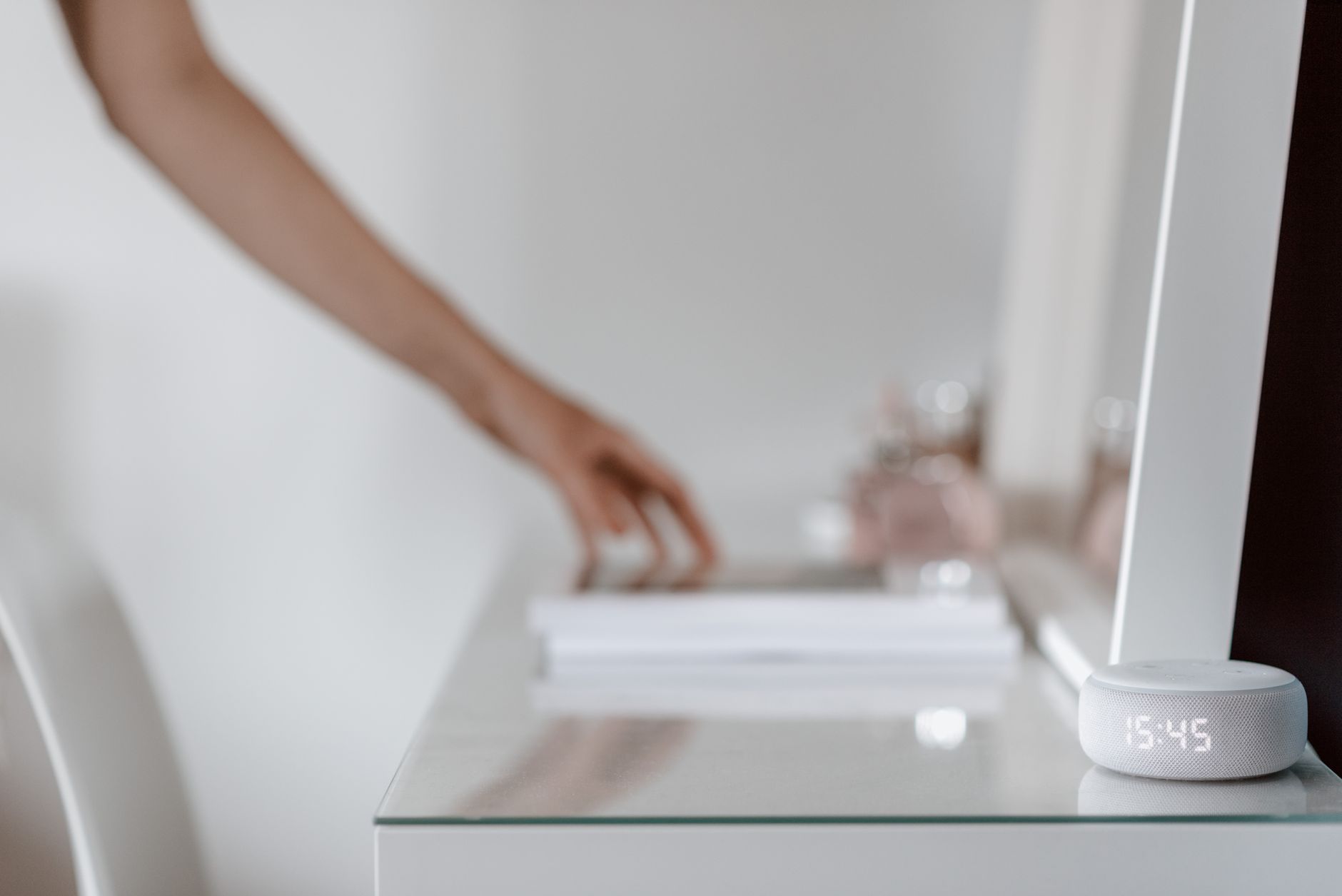 Photo by Anete Lusina / Pexels
Our Top Pick
SwitchBot Hub Mini at $29.99 — Essential $39 foundation.
Budget Pick: SwitchBot Contact Sensor at $14.99 — $29.99 pan-tilt camera, no subscription required with microSD.
The SwitchBot Ecosystem: How It Fits Together
SwitchBot devices fall into two categories:- Hub-required devices: Need the SwitchBot Hub Mini or Hub 2 for cloud connectivity, Alexa/Google control, and remote access. Without a Hub, these work Bluetooth-only (local, within range).
- Standalone devices: Work via Bluetooth without a Hub for basic functionality.
- Alexa: Full voice control
- Google Home: Full voice control
- Apple Home (HomeKit): Supported via Hub 2 (not Hub Mini); Hub Mini requires unofficial Homebridge integration
- SwitchBot App: Full control for all devices, scheduling, scenes
Installation Philosophy: No Wiring, No Drilling

- Renters who can't modify apartments
- Non-technical users who don't want to touch wiring
- Incremental smart home builders who want low-risk starting points
| Device | Battery | Life |
|---|---|---|
| Bot | 2× CR2 | 600+ activations |
| Hub Mini | Power adapter | N/A (always on) |
| Smart Lock Pro | 4× AA | 9+ months |
| Curtain | Built-in Li-ion | 8+ months |
| Indoor Cam | Power adapter | N/A (always on) |
| Plug Mini | Power adapter | N/A (always on) |
| Color Bulb | Power adapter | N/A (always on) |
Related Guides
Watch Before You Buy
Frequently Asked Questions
Do I need the Hub Mini for every SwitchBot device?
Does SwitchBot work with Apple HomeKit?
Can the SwitchBot Bot work on any light switch or button?
How does the SwitchBot Lock compare to a full smart lock replacement?
Is SwitchBot reliable? Any common failure modes?
How We Analyze Products
We analyze Amazon review data — often thousands of reviews per product — to surface patterns that individual buyers miss. Our process aggregates star ratings, review counts, and buyer sentiment at scale, identifying which strengths and weaknesses appear consistently across the largest review samples available. The 25,988+ reviews analyzed on this page represent real verified-purchase feedback from Amazon buyers.
Each product earned its placement through data: total review volume, average rating, and the specific praise and complaints that repeat most often across buyers. No manufacturer paid for placement on this page. Products appear here because buyers endorsed them at scale, not because a company asked us to feature them.
We use AI to summarize review sentiment — not to fabricate opinions, but to condense what thousands of buyers actually wrote into a readable format. The pros and cons you see reflect the most common themes found in verified purchaser reviews, paraphrased for clarity. We do not claim to have accessed Reddit, YouTube, or specific publications in generating these summaries.
Prices shown reflect Amazon pricing at the time this page was last generated. Click “See Today’s Price” to get the current live price on Amazon. Read our full methodology →