Home › Tech › Best WiFi Extender 2026: Range Boosters Compared
Best WiFi Extender 2026: Range Boosters Compared
By MyAwesomeBuy Research Team · Updated April 8, 2026 · Our Methodology
No manufacturer paid for placement. Rankings based on verified buyer review data.
Quick Answer
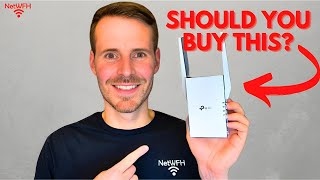
The TP-Link RE600X is the best WiFi extender for most homes, with WiFi 6 support, dual-band AX1800 speeds, and a dedicated backhaul band that maintains fast throughput at range.
WiFi extenders are often misunderstood. A cheap extender broadcasts its own network at reduced speed — your device connects to the extender, which then has to communicate back to the router on the same channel, effectively halving throughput. Good extenders solve this with a dedicated backhaul connection or by operating on a different band for the router link.
Best Overall: TP-Link RE600X WiFi 6 Extender
The RE600X brings WiFi 6 (802.11ax) to range extension, which matters if you have a WiFi 6 router — your extended network gets the same protocol benefits including better performance under congestion (multiple devices streaming simultaneously). AX1800 means up to 600 Mbps on 2.4 GHz and 1201 Mbps on 5 GHz. One-touch WPS pairing, intelligent signal light shows optimal placement. Works as extender or access point. The dual-band backhaul keeps speeds from collapsing at distance.
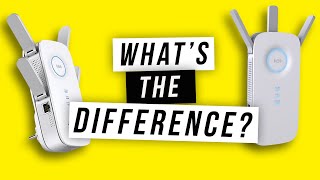
Wi-Fi Extender vs. Booster vs. Repeater: What’s the Difference?
The RE605X is the slightly more affordable TP-Link WiFi 6 option with similar AX1800 specs. The practical difference is minor — same WiFi 6 protocol, same WPS setup, same coverage range. Choose RE600X if you want the Ethernet port for wired backhaul; choose RE605X if you just need wireless extension and want to save a few dollars. Either is a significant upgrade over AC-era extenders.
The EX3700 handles basic dead-zone coverage without WiFi 6. AC750 means 300 Mbps on 2.4 GHz and 433 Mbps on 5 GHz — enough for browsing, streaming HD, and video calls in the extended zone. WPS setup, compact plug-in design, Ethernet port for wired devices. Good for older routers or apartments where you only need to reach one additional room. Not suitable for WiFi 6 routers or heavy streaming in the extended zone.
Match the extender's WiFi generation to your router — a WiFi 6 extender wastes money on an old AC router. Check if the extender creates a separate network (most do) or seamlessly extends your existing SSID with roaming support. Placement matters enormously: extenders must be within range of the router to work — halfway between router and dead zone is ideal, not at the dead zone itself. Ethernet port is useful for a wired connection to a nearby TV or gaming console.
What is the difference between a WiFi extender, repeater, and booster?
These terms are often used interchangeably and refer to the same type of device — one that receives your router's WiFi signal and rebroadcasts it. Access point is a related but distinct device that connects to your router via Ethernet and creates a new wireless zone. Mesh systems like Eero or Google Wifi are a superior solution to extenders for large homes, as they create a single unified network without speed penalties.
Will a WiFi extender slow down my connection?
Single-band extenders halve your bandwidth because they use the same channel to talk to both your router and your devices. Dual-band extenders dedicate one band to the router backhaul, significantly reducing this penalty. WiFi 6 extenders further improve multi-device performance. For the best speeds, position the extender where it receives a strong signal from the router — at least 2 bars.
Do I need WiFi 6 for my extender?
Only if your router supports WiFi 6 (802.11ax). Connecting a WiFi 6 extender to a WiFi 5 (ac) router provides no WiFi 6 benefit — the bottleneck is the router. If you have a newer router with WiFi 6, a WiFi 6 extender maintains the protocol's benefits (better congestion handling) in the extended zone.
Where should I place my WiFi extender?
Place the extender halfway between your router and the dead zone — not in the dead zone itself. The extender must receive a strong signal from the router to rebroadcast. Most extenders have a signal indicator light: green means optimal placement, amber means acceptable, red means too far from the router. If you get red, move it closer to the router.
Is a mesh WiFi system better than an extender?
Yes, for most people who can afford it. Mesh systems create a single unified network that your devices connect to seamlessly as you move through the house. Extenders typically create a second network (with a different SSID) that you have to manually connect to. Mesh is easier to manage and generally faster. Budget mesh systems start around $100-150 and are worth considering over a $60 extender if you have persistent coverage problems.
We analyze Amazon review data — often thousands of reviews per product — to surface patterns
that individual buyers miss. Our process aggregates star ratings, review counts, and buyer
sentiment at scale, identifying which strengths and weaknesses appear consistently across
the largest review samples available.
Each product earned its placement through data: total review volume, average rating, and the
specific praise and complaints that repeat most often across buyers. No manufacturer paid for
placement on this page. Products appear here because buyers endorsed them at scale, not
because a company asked us to feature them.
We use AI to summarize review sentiment — not to fabricate opinions, but to condense what
thousands of buyers actually wrote into a readable format. The pros and cons you see reflect
the most common themes found in verified purchaser reviews, paraphrased for clarity. We do not
claim to have accessed Reddit, YouTube, or specific publications in generating these summaries.
Prices shown reflect Amazon pricing at the time this page was last generated. Click
“See Today’s Price” to get the current live price on Amazon.
Read our full methodology →
Affiliate disclosure: When you buy through our links, we may earn
a small commission at no extra cost to you. This helps us keep the reviews free and
the data updated. Our recommendations are based on data, not who pays us.
Learn more →

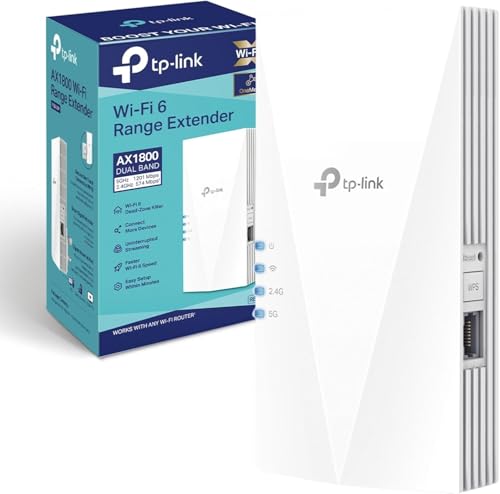 TP-Link RE600X AX1800 WiFi 6 Extender
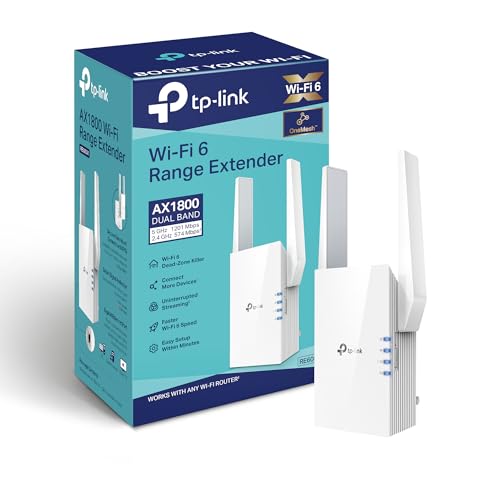 TP-Link RE605X AX1800 WiFi 6 Range Exte…
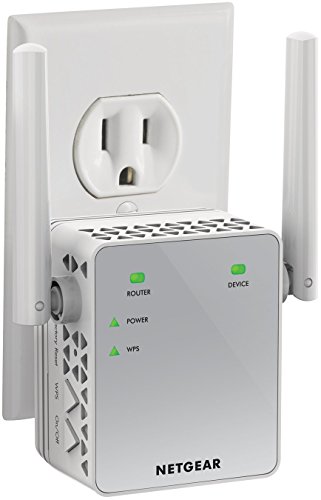 NETGEAR EX3700 WiFi Range Extender AC750
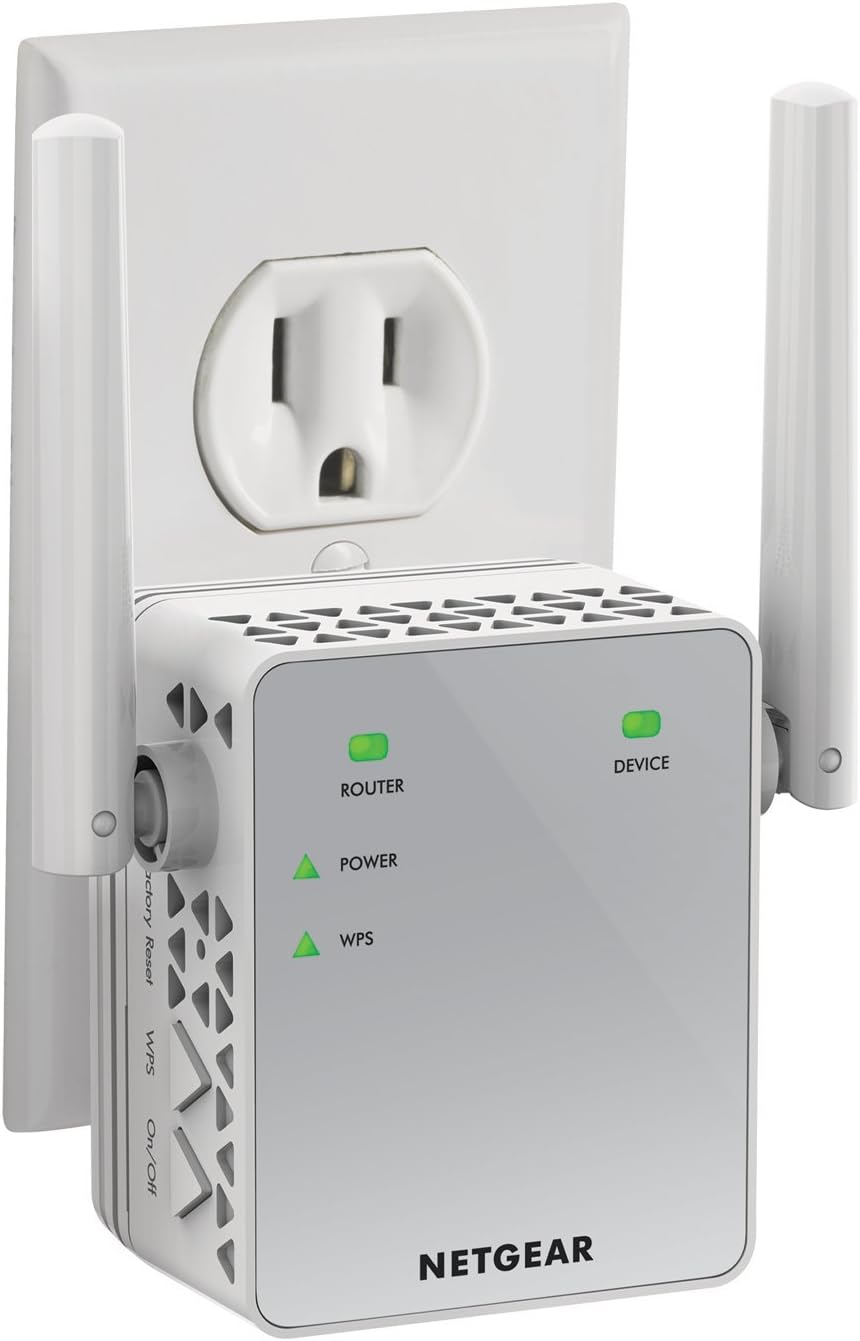
 Photo by Pixabay / Pexels