Best Wireless Mice for Work, Gaming, and Everyday Use (2026)
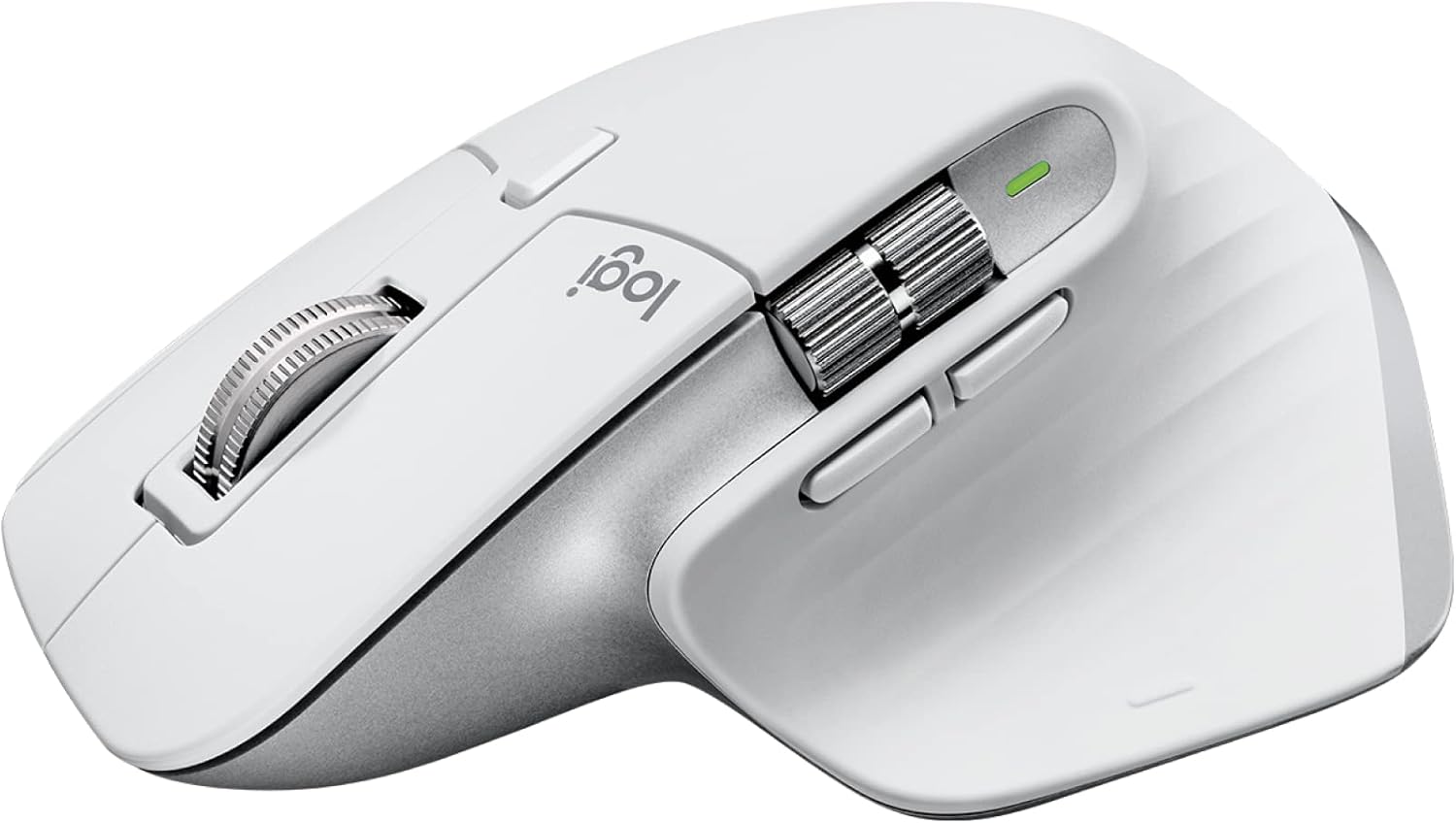
The Logitech MX Master 3S is the best wireless mouse for most people — precision sensor, ergonomic design, and seamless multi-device switching. For gaming, the Logitech G305 offers exceptional wireless performance at a fair price.
See Today’s Price →At a Glance
Showing 3 of 3 products
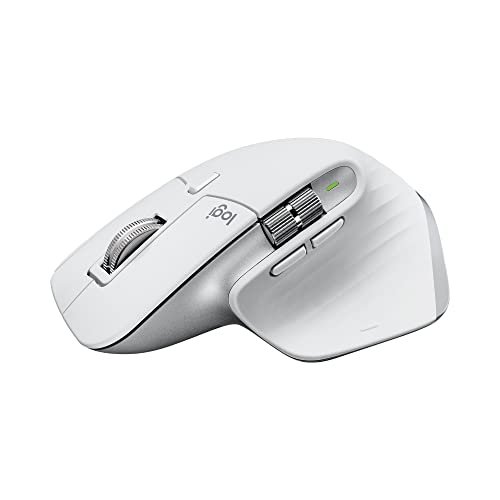
Logitech MX Master 3S Wireless Mouse
“The MX Master 3S is the best productivity mouse ever made — the MagSpeed scroll wheel flips between precise and ultra-fast infinite scrolling for different tasks.”
See Today’s Price →What we like
- MagSpeed electromagnetic scroll wheel
- 8000 DPI precision sensor
- Multi-device (3 devices)
- USB-C charging
- Silent click option
Watch out for
Read Full Analysis
The Logitech MX Master 3S is the productivity flagship — 8,000 dpi with electromagnetic MagSpeed scroll wheel (instant momentum or click-by-click in 1ms), USB-C, 70-day battery, and Logi Bolt + Bluetooth for up to 3 devices. At ~$100 it's the most expensive here. Common complaints: it's right-hand-only (no left-hand version) and the large size is uncomfortable for users with small hands. The MagSpeed scroll wheel is legitimately transformative for document and spreadsheet work — this is its primary differentiator. vs G305: G305 is for gaming (lightweight, 1000Hz polling); MX Master is for productivity. vs Apple Magic Mouse: MX Master is far more ergonomic for long work sessions.

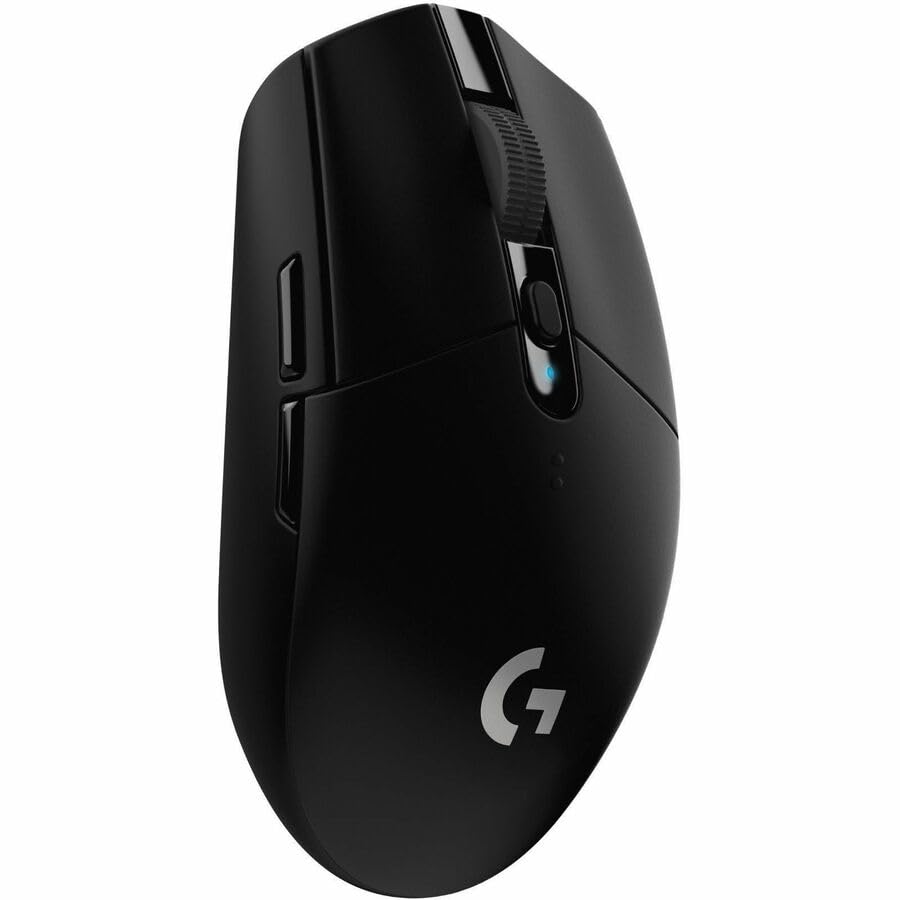
Logitech G305 LIGHTSPEED Wireless Gaming Mouse
“The Logitech G305 is the best-value wireless gaming mouse — LIGHTSPEED 1ms wireless technology at $40 is extraordinary, with a 250-hour battery on one AA.”
See Today’s Price →What we like
- LIGHTSPEED (1ms wireless performance)
- HERO sensor (250+ hour battery on 1 AA)
- 12000 DPI
- Affordable gaming wireless
Watch out for
- Uses AA battery (not USB-C rechargeable)
- Older design
Read Full Analysis
The Logitech G305 LIGHTSPEED is the gaming-first wireless pick — HERO 12,000 dpi sensor, 1ms report rate via LIGHTSPEED 2.4GHz wireless, and 99g weight at ~$50. It runs 250 hours on a single AA battery. The sensor performance rivals wired gaming mice at a fraction of the cable drag. Common complaints: the shape is ambidextrous (neutral, not ergonomic), and the single AA battery adds weight vs rechargeable options. vs MX Master: MX Master destroys the G305 for office work (ergonomics, scrolling, side buttons). G305 is strictly for gaming where low-latency matters more than comfort. vs Razer Pro Click: G305 is lighter and faster; Pro Click is more ergonomic.
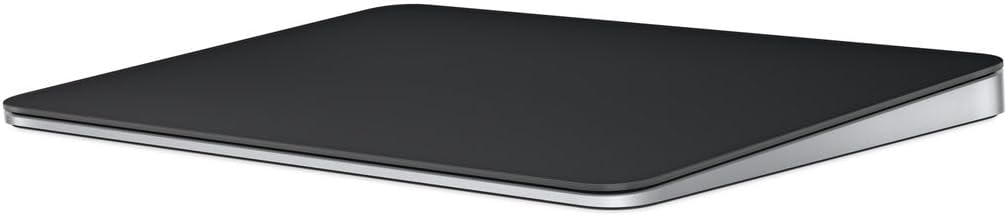
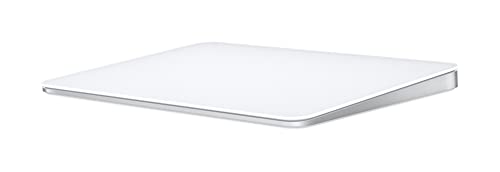
Apple Magic Mouse
“The Apple Magic Mouse delivers macOS gestures that no third-party mouse can match — swiping between desktops and scrolling feels completely natural on a Mac.”
See Today’s Price →What we like
- Multi-Touch surface for gestures
- Seamless macOS integration
- Long battery (1 month)
- Slim, attractive design
Watch out for
- Charges on bottom (unusable while charging)
- Flat design less ergonomic
Read Full Analysis
The Apple Magic Mouse is the only mouse here optimized for macOS — the full-surface Multi-Touch enables horizontal scrolling, Exposé gestures, and full-screen swipes without extra buttons. Battery life is approximately 1 month on a charge. At ~$80 it's designed for Mac users who want native gesture integration. Common complaints: the charging port is on the bottom (unusable while charging), and the flat profile is considered uncomfortable by many ergonomics reviewers. vs MX Master 3S: MX Master is far more comfortable and productive for non-gesture workflows. Magic Mouse wins only for Mac users who specifically want native gesture controls.
Wireless Mice for Work, Gaming, and Everyday Use (2026) Buying Guide
 Photo by Gije Cho / Pexels
Our Top Pick
Logitech MX Master 3S Wireless Mouse at $99 — The Logitech MX Master 3S is the best wireless mouse for most people — precision sensor, ergonomic design, and seamless multi-device switching....
Budget Pick: Logitech G305 LIGHTSPEED Wireless Gaming Mouse at $26.99 — A solid choice for gaming on a budget — LIGHTSPEED wireless and a precision sensor at an entry-level price.
| Model | DPI | Wireless Type | Battery | Weight | Best For | Price |
|---|---|---|---|---|---|---|
| Logitech MX Master 3S | 8,000 | Logi Bolt + BT 5.1 | 70 days (USB-C) | 141g | Productivity / work | ~$100 |
| Logitech G305 | 12,000 | LIGHTSPEED 2.4GHz | 250 hrs (1x AA) | 99g | Gaming | ~$50 |
| Apple Magic Mouse | Not disclosed | Bluetooth 5.0 | ~1 month (Lightning) | 99g | Mac gesture users | ~$80 |
| Razer Pro Click | 16,000 | BT 5.0 + HyperSpeed | 400 hrs (AA) | 106g | Productivity + gaming | ~$80 |
2.4GHz vs. Bluetooth: Which Wireless Standard to Choose
2.4GHz USB dongles (Logitech LIGHTSPEED, Logi Bolt, Razer HyperSpeed) deliver latency under 1ms — essentially indistinguishable from wired. This is the correct choice for gaming and any use case where precision matters. The dongle occupies a USB port but provides a dedicated, interference-resistant signal. Bluetooth (BT 5.0, 5.1) adds 5–10ms of latency and can be interrupted by other Bluetooth devices. It's ideal for travelers (no dongle to lose), laptop users with limited USB ports, and productivity use on multiple computers. The Logitech MX Master 3S supports both — 2.4GHz for peak performance at the desk, Bluetooth for laptop use on the go.
DPI, Sensor Type, and Tracking Performance

DPI (dots per inch) controls how far the cursor moves per inch of mouse movement. Higher DPI isn't better by default — it's about matching DPI to screen resolution and personal preference. 800–1600 DPI covers most productivity use; 400–800 DPI is standard for competitive gaming (lower DPI = more control at high precision). Optical sensors track on almost any surface including glass; laser sensors can be overly sensitive on textured surfaces. All picks on this list use optical sensors. Maximum DPI specs are often irrelevant — look for "zero smoothing" and "no acceleration" claims instead, which indicate accurate 1:1 tracking.
Ergonomic vs. Ambidextrous Design
Ergonomic (right-hand) designs like the Logitech MX Master 3S contour to the natural rest position of the right hand — thumb groove, sculpted palm support, finger ridges. They reduce wrist and forearm strain during extended use. Ambidextrous designs are symmetric and usable by either hand — better for left-handed users or hot-desk environments where the mouse switches between users. Most gaming mice are ambidextrous or slightly right-biased. For 6+ hours of daily use, an ergonomic design reduces fatigue noticeably compared to a flat symmetric shape.
Battery Life and Programmable Buttons

Battery life: The MX Master 3S lasts 70 days on a charge; the G305 runs 250 hours on a single AA battery. Rechargeable via USB-C is more convenient for desk use; replaceable AA is better for travel where outlets aren't always available. Avoid mice that charge via Micro-USB (a legacy connector being phased out). Programmable buttons: Extra side buttons, scroll wheel modes, and thumb paddles add value for power users — the MX Master 3S's horizontal scroll wheel and application-specific button profiles are genuinely useful in Photoshop, Excel, and browser workflows. For pure gaming, fewer buttons with more reliable switches is often better than feature count.
Related Guides

Frequently Asked Questions
Are wireless mice good for gaming?
What DPI do I need for a mouse?
What should I look for when buying wireless mice?
How much should I expect to spend on wireless mice?
How long do wireless mice typically last?
How We Analyze Products
We analyze Amazon review data — often thousands of reviews per product — to surface patterns that individual buyers miss. Our process aggregates star ratings, review counts, and buyer sentiment at scale, identifying which strengths and weaknesses appear consistently across the largest review samples available. The 54,649+ reviews analyzed on this page represent real verified-purchase feedback from Amazon buyers.
Each product earned its placement through data: total review volume, average rating, and the specific praise and complaints that repeat most often across buyers. No manufacturer paid for placement on this page. Products appear here because buyers endorsed them at scale, not because a company asked us to feature them.
We use AI to summarize review sentiment — not to fabricate opinions, but to condense what thousands of buyers actually wrote into a readable format. The pros and cons you see reflect the most common themes found in verified purchaser reviews, paraphrased for clarity. We do not claim to have accessed Reddit, YouTube, or specific publications in generating these summaries.
Prices shown reflect Amazon pricing at the time this page was last generated. Click “See Today’s Price” to get the current live price on Amazon. Read our full methodology →