Best Wireless Mouse Under $30 2026: Compact & Ergonomic

The Logitech G305 LIGHTSPEED Wireless Gaming Mouse ($26.99) is the best wireless mouse under $30 — LIGHTSPEED wireless technology provides a 1ms connection that matches wired performance, with a HERO sensor that tracks accurately on nearly any surface.
See Today’s Price →At a Glance
| # | Product | Award | Price | Dpi | Upc | Asin | Our Score | |
|---|---|---|---|---|---|---|---|---|
| 1 | 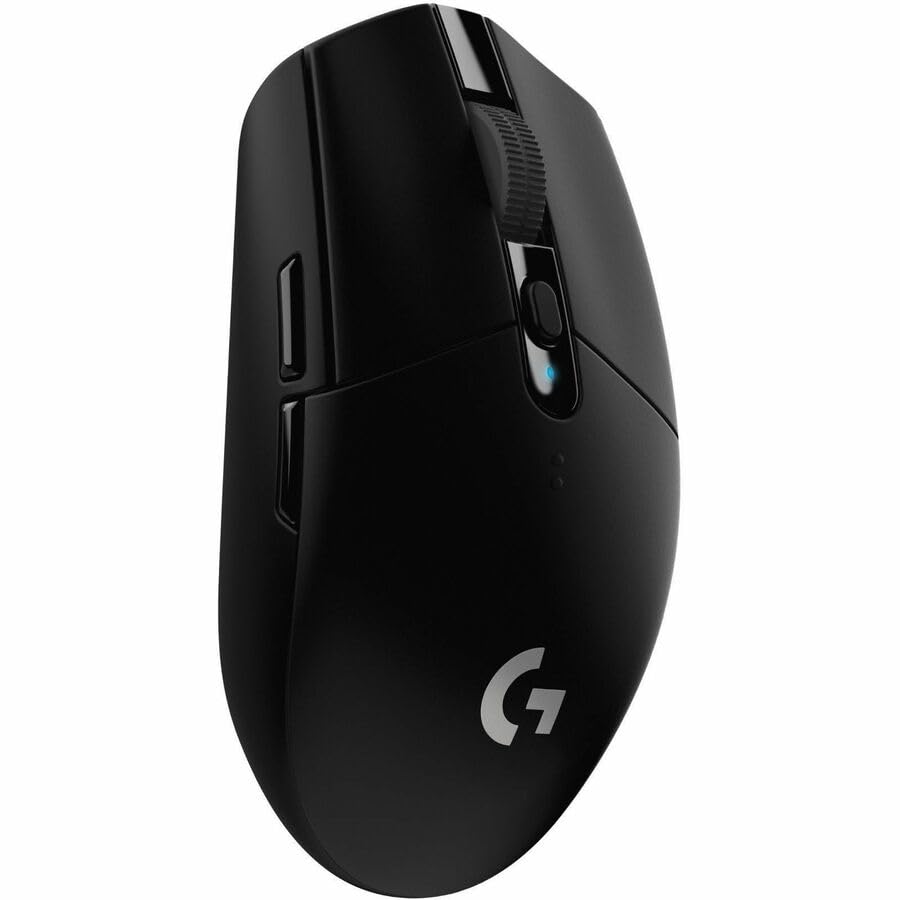 Logitech G305 LIGHTSPEED Wireless Gamin… Logitech G305 LIGHTSPEED Wireless Gamin… |
Best Overall | $39 | 12000 | 097855137692 | B07CMS5Q6P | 9.2 | Buy → |
| 2 |  ProtoArc EM11 Bluetooth Wireless Vertic… ProtoArc EM11 Bluetooth Wireless Vertic… |
Best Ergonomic | $21 | — | — | B0CX18LHWS | 8.9 | Buy → |
| 3 | 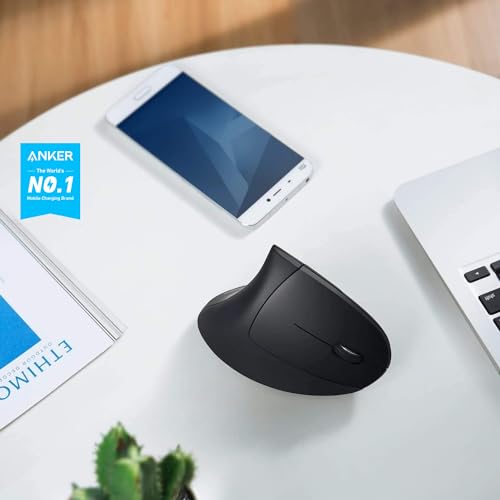 Anker 2.4G Wireless Vertical Ergonomic … Anker 2.4G Wireless Vertical Ergonomic … |
Best Vertical Budget | $19 | — | 848061077438 848061079456 | B00BIFNTMC | 8.5 | Buy → |
| 4 |  VssoPlor 2.4G Slim Wireless Mouse Quiet… VssoPlor 2.4G Slim Wireless Mouse Quiet… |
Best Ultra-Budget | $9 | — | — | B098S48QWM | 8.2 | Buy → |
Showing 4 of 4 products
Logitech G305 LIGHTSPEED Wireless Gaming Mouse
“The Logitech G305 is the best-value wireless gaming mouse — LIGHTSPEED 1ms wireless technology at $40 is extraordinary, with a 250-hour battery on one AA.”
See Today’s Price →What we like
- LIGHTSPEED (1ms wireless performance)
- HERO sensor (250+ hour battery on 1 AA)
- 12000 DPI
- Affordable gaming wireless
Watch out for
- Uses AA battery (not USB-C rechargeable)
- Older design
Read Full Analysis
The Logitech G305 LIGHTSPEED Wireless Gaming Mouse earns the top spot by delivering connection quality that most wireless mice costing twice as much cannot match. LIGHTSPEED is Logitech''s proprietary wireless protocol operating at 1ms report rate — functionally equivalent to a wired connection for any task from everyday office work to gaming. At $26.99, it is the most capable wireless performance available under $30. The HERO sensor is one of the more accurate optical sensors available in this price range, tracking consistently across mouse pads, desks, and most other surfaces. Battery life is rated at 250 hours on a single AA battery — that is months of daily use before you need to change batteries. The G305 is a right-handed design and is lightweight. The form factor skews toward gaming ergonomics (a slight hump toward the back), which some office users find less neutral for extended use compared to a more symmetrical or vertical design. It also uses a USB nano-receiver rather than Bluetooth, so you will need a USB-A port available. For users who want the best wireless performance under $30 and do not have ergonomic restrictions, the G305 is the clear top choice.

ProtoArc EM11 Bluetooth Wireless Vertical Ergonomic Mouse Black
“Best for remote workers who want a compact, silent wireless mouse that travels well and works reliably across any operating system.”
See Today’s Price →What we like
Watch out for
Read Full Analysis
The ProtoArc EM11 NL is a vertical mouse designed to position the hand in a more neutral handshake grip rather than the palm-flat position of a traditional mouse. For users who experience wrist fatigue or discomfort during long computer sessions, vertical mice can significantly reduce strain by changing the forearm rotation angle. The ProtoArc supports three connection modes: 2.4GHz USB receiver, Bluetooth 5.0, and Bluetooth 3.0 — which means it can pair simultaneously with multiple devices and switch between them. This multi-device connectivity is particularly useful for users who work across a laptop and a desktop or between a computer and a tablet. At $21.99, it is the most affordable multi-device wireless mouse in this comparison. The rechargeable battery charges via USB, eliminating the need to buy replacement batteries. The trade-off is the vertical form factor itself — not everyone finds vertical mice comfortable, and the learning curve of adjusting to the different grip angle takes a few days. The ProtoArc is also right-hand only by design. For ergonomically-motivated buyers on a budget, this is the best value vertical mouse available under $30.
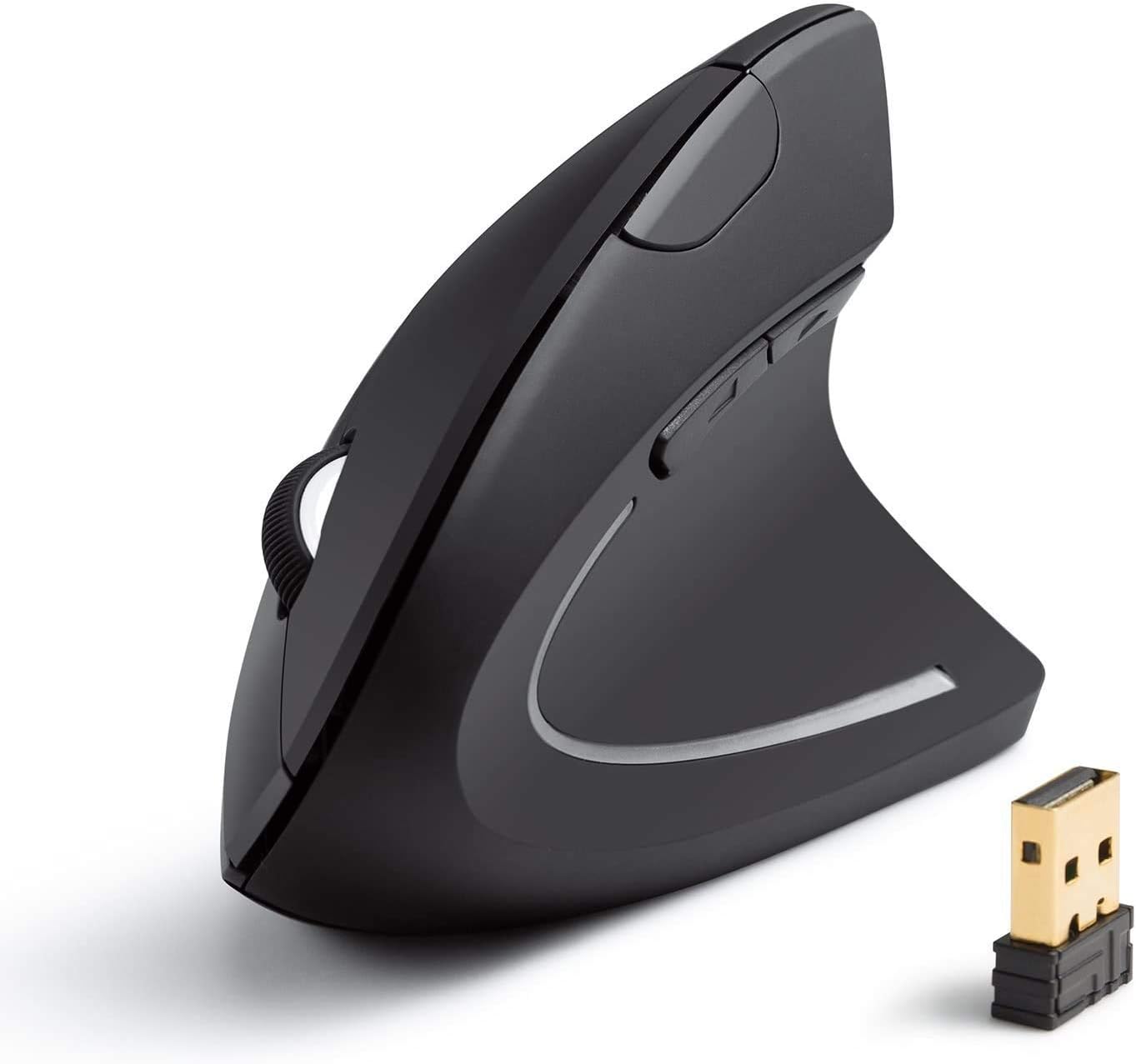
Anker 2.4G Wireless Vertical Ergonomic Mouse 1600 DPI Black
“The right ergonomic mouse for right-handed desk workers who suffer from wrist strain and want a proven vertical grip at an accessible price point.”
See Today’s Price →What we like
Watch out for
Read Full Analysis
The Anker 2.4G Wireless Vertical Ergonomic Optical Mouse brings the ergonomic vertical design to the lowest price point in this comparison at $19.99. It connects via a 2.4GHz USB nano-receiver and offers three adjustable DPI settings (800, 1200, and 1600) to customize cursor speed for different tasks or monitor sizes. The five-button layout includes the standard two main buttons and scroll wheel plus back and forward navigation buttons — a useful addition for browser and file-navigation tasks. The 2.4GHz connection is reliable for daily use without the more advanced protocol of the Logitech G305. The trade-off compared to the ProtoArc is the lack of multi-device Bluetooth connectivity — the Anker connects to one device via a single USB receiver. There is no rechargeable battery; it uses AA batteries which last a reasonable period under normal use. For users who want a vertical mouse for a single computer without paying more than $20 and do not need multi-device switching, the Anker delivers the ergonomic design at a genuine entry-level price.

VssoPlor 2.4G Slim Wireless Mouse Quiet Optical Black and Gold
“Best for basic office use — a reliable, plug-and-play silent mouse for workers who need quiet clicks in shared spaces without spending over $15.”
See Today’s Price →What we like
Watch out for
Read Full Analysis
The VssoPlor Wireless Mouse delivers basic 2.4G wireless functionality at $9.98 — the lowest price point in this comparison. The slim profile is comfortable for lighter hands and extended work sessions, and the quiet click mechanism reduces the click noise compared to standard mouse buttons, which is useful in shared office environments or quiet spaces. The nano receiver plugs into a USB-A port and delivers reliable 2.4GHz wireless connectivity for standard desktop and laptop use. The mouse is ambidextrous in design, accommodating both right and left-handed users. At this price point, the trade-offs are real: the optical sensor is a basic resolution design without DPI adjustment, the scroll wheel and buttons feel less premium than the Anker or Logitech options, and battery life is shorter than the Logitech G305. This is not a mouse for users with specific ergonomic needs or performance requirements. But for someone who needs a secondary wireless mouse for a spare computer, travel use, or wants a simple wireless option with no frills and minimal spend, the VssoPlor delivers functional wireless mouse capability at a price that is hard to argue with.
Wireless Mouse Under $30 Buying Guide
 Photo by Alexandr Kozlenko / Pexels
Our Top Pick
Logitech G305 LIGHTSPEED Wireless Gaming Mouse at $26.99 — Logitech G305 LIGHTSPEED Wireless — near-wired performance with HERO sensor at $26.99.
Budget Pick: VssoPlor 2.4G Slim Wireless Mouse Quiet Optical Blac... at $9.98 — VssoPlor Wireless Mouse 2.4G Slim — silent optical mouse with nano receiver at $9.98.
Great for: Gamers who need precision and low latency, designers who spend hours in Photoshop, and anyone with a laggy wireless mouse
Not ideal if: You use a trackpad for everything and rarely plug in a mouse — forced adjustment can hurt your workflow
Key Factors: Connection, Sensor, Battery, Ergonomics
For a wireless mouse under $30, the key factors are wireless connection quality, sensor accuracy, battery life, and ergonomics.2.4GHz vs. Bluetooth: Connection Types

Sensor Accuracy and DPI Settings
Sensor accuracy affects tracking smoothness — look for optical sensors with adjustable DPI settings; 800-1600 DPI covers most desktop and laptop use.Battery Life: AA vs. Rechargeable

Watch Before You Buy

Frequently Asked Questions
Is 2.4GHz wireless better than Bluetooth for a mouse?
What DPI do I need in a wireless mouse?
How long do batteries last in budget wireless mice?
Are vertical wireless mice worth it for wrist pain?
Can I use a wireless mouse on a laptop without USB ports?
How We Analyze Products
We analyze Amazon review data — often thousands of reviews per product — to surface patterns that individual buyers miss. Our process aggregates star ratings, review counts, and buyer sentiment at scale, identifying which strengths and weaknesses appear consistently across the largest review samples available. The 123,033+ reviews analyzed on this page represent real verified-purchase feedback from Amazon buyers.
Each product earned its placement through data: total review volume, average rating, and the specific praise and complaints that repeat most often across buyers. No manufacturer paid for placement on this page. Products appear here because buyers endorsed them at scale, not because a company asked us to feature them.
We use AI to summarize review sentiment — not to fabricate opinions, but to condense what thousands of buyers actually wrote into a readable format. The pros and cons you see reflect the most common themes found in verified purchaser reviews, paraphrased for clarity. We do not claim to have accessed Reddit, YouTube, or specific publications in generating these summaries.
Prices shown reflect Amazon pricing at the time this page was last generated. Click “See Today’s Price” to get the current live price on Amazon. Read our full methodology →