Dell vs LG Ultrawide Monitor 2026: Which Is Best for Productivity?

Dell wins for single-cable laptop setup and productivity with IPS Black contrast; LG wins for gaming refresh rate and value. The Dell U3423WE replaces a separate dock; the LG 34GP83A-B maximizes gaming performance per dollar.
See Today’s Price →At a Glance
| # | Product | Award | Price | Resolution | Refresh Rate | Panel | Our Score | |
|---|---|---|---|---|---|---|---|---|
| 1 | 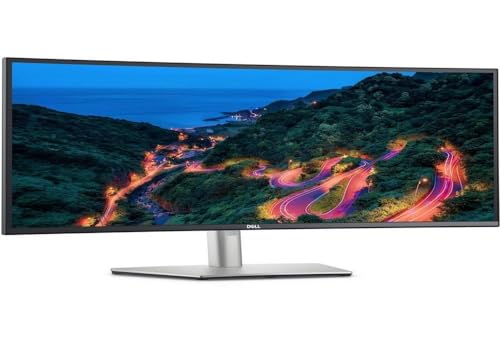 Dell UltraSharp U3423WE 34.1-Inch WQHD … Dell UltraSharp U3423WE 34.1-Inch WQHD … |
Best Overall | $776 | QHD Wide 1440p | 80 Hz | — | 9.2 | Buy → |
| 2 | 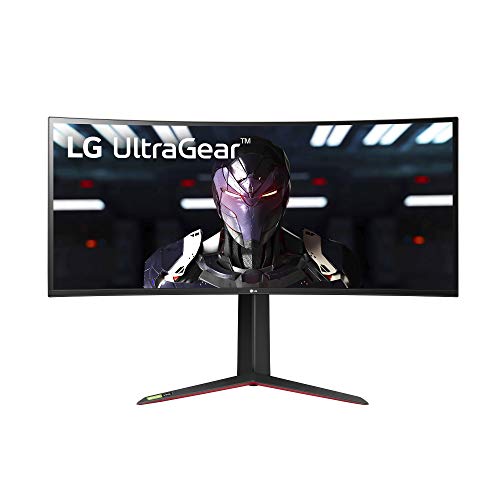 LG 34GP83A-B 34-Inch Nano IPS Ultrawide… LG 34GP83A-B 34-Inch Nano IPS Ultrawide… |
Best Gaming | $679 | QHD Ultra Wide 1440p | 144 Hz | Nano IPS | 8.9 | Buy → |
| 3 | 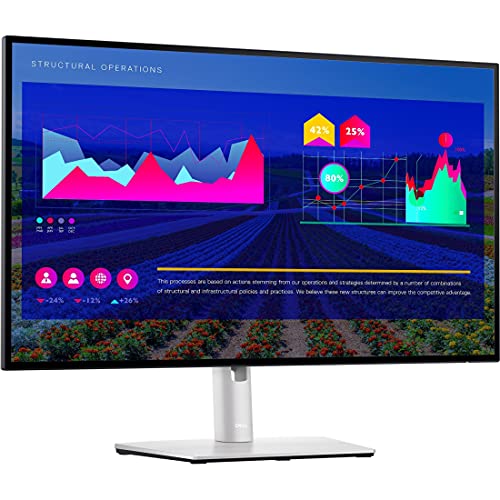 Dell UltraSharp U2722D 27-inch QHD Monitor Dell UltraSharp U2722D 27-inch QHD Monitor |
Best Compact Dell | $312 | QHD Wide 1440p | 75 | IPS | 8.5 | Buy → |
| 4 | 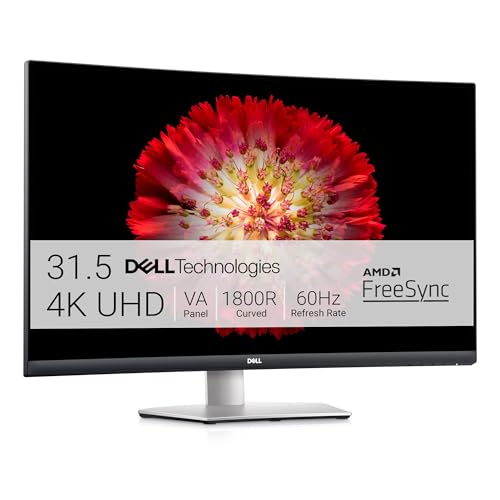 Dell S3221QS 32-Inch 4K Curved Monitor Dell S3221QS 32-Inch 4K Curved Monitor |
Best 4K Value | $329 | 4K UHD 2160p | 60 Hz | VA | 8.2 | Buy → |
Showing 4 of 4 products
Dell UltraSharp U3423WE 34.1-Inch WQHD Curved Ultrawide Monitor USB-C Hub
“The Dell U3423WE is a 34-inch WQHD (3440x1440) curved ultrawide with a 90W USB-C charging port and built-in USB hub — connects a laptop with a single cable while charging it. IPS Black panel delivers ”
See Today’s Price →What we like
- 90W USB-C charging powers most laptops through the cable
- IPS Black panel with 1000:1 contrast — better than standard IPS
- 34-inch WQHD 3440x1440 ultrawide resolution
- Built-in USB hub replaces separate dock
Watch out for
- Higher price than standard widescreen monitors
- No high refresh rate — 60Hz suited for productivity, not gaming
Read Full Analysis
The Dell UltraSharp U3423WE is Dell's premium curved ultrawide monitor—the 34.1-inch WQHD (3440x1440) curved IPS panel, built-in 90W USB-C Power Delivery that charges laptops while using the monitor as a display, and the integrated USB-C hub with Ethernet, USB-A, and USB-B connectivity for a single-cable docking solution. At $700–800, the U3423WE is the productivity-focused ultrawide that eliminates the need for a separate laptop dock. The USB-C hub functionality is the U3423WE's differentiating feature for laptop users—single USB-C cable to the monitor delivers video, power charging, data connectivity, and Ethernet simultaneously. For professionals who switch frequently between desk and meeting room use, the single cable connection/disconnection workflow replaces multiple cable management. Against LG Ultrawide gaming monitors on this comparison page, Dell UltraSharp U3423WE is the productivity/professional-use ultrawide versus LG's gaming-focused Nano IPS panels. Dell's Color Space coverage (99% sRGB, 99.5% Rec 709) serves color-accurate creative work; LG's 144Hz refresh rate serves gaming. The comparison is work-focused versus gaming-focused ultrawide at similar pricing.
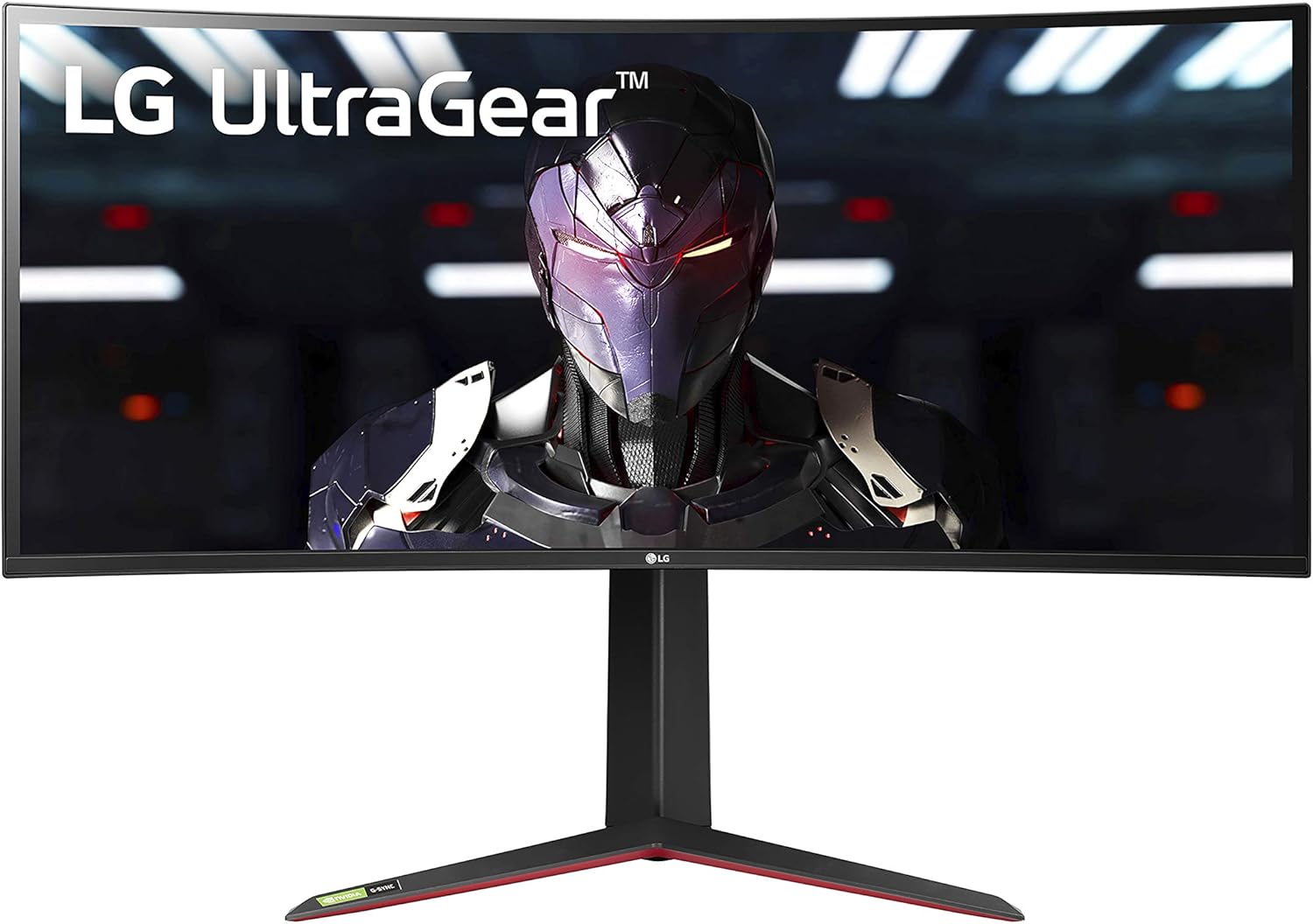
LG 34GP83A-B 34-Inch Nano IPS Ultrawide Gaming Monitor
“The best value ultrawide gaming monitor. Nano IPS, 160Hz, and G-SYNC in a proven package at a mid-range price.”
See Today’s Price →What we like
- Nano IPS — 98% DCI-P3 for gaming + creative work
- 160Hz at 3440x1440
- G-SYNC + FreeSync Premium Pro
- 1800R curve for immersive gaming
- ~$400–500 — best value ultrawide
Watch out for
- DisplayHDR 400 — basic HDR
- 1800R curve not for all desk setups
- No USB-C connectivity
Read Full Analysis
The LG 34GP83A-B is LG's gaming ultrawide monitor—the 34-inch Nano IPS panel at 144Hz refresh rate with 1ms response time (overclocked), G-Sync Compatible and FreeSync Premium certification for tear-free gaming at the ultrawide resolution. At $500–600, the 34GP83A-B is the gaming ultrawide competitor to Dell's productivity-focused U3423WE. The Nano IPS technology provides IPS-level color accuracy (98% DCI-P3 color space) at the 144Hz gaming refresh rate that TN panels traditionally dominated—combining the wide viewing angles and color quality of IPS with the gaming performance of high-refresh displays. The anti-glare treatment reduces reflections in brighter gaming environments. Against Dell UltraSharp U3423WE on this page, LG 34GP83A-B's 144Hz and 1ms response time are the specific gaming performance advantages. Dell's USB-C hub charging is the productivity workflow advantage that gaming monitors typically don't include. The $100–200 price advantage of the LG gaming ultrawide makes it the better value for pure gaming use cases.
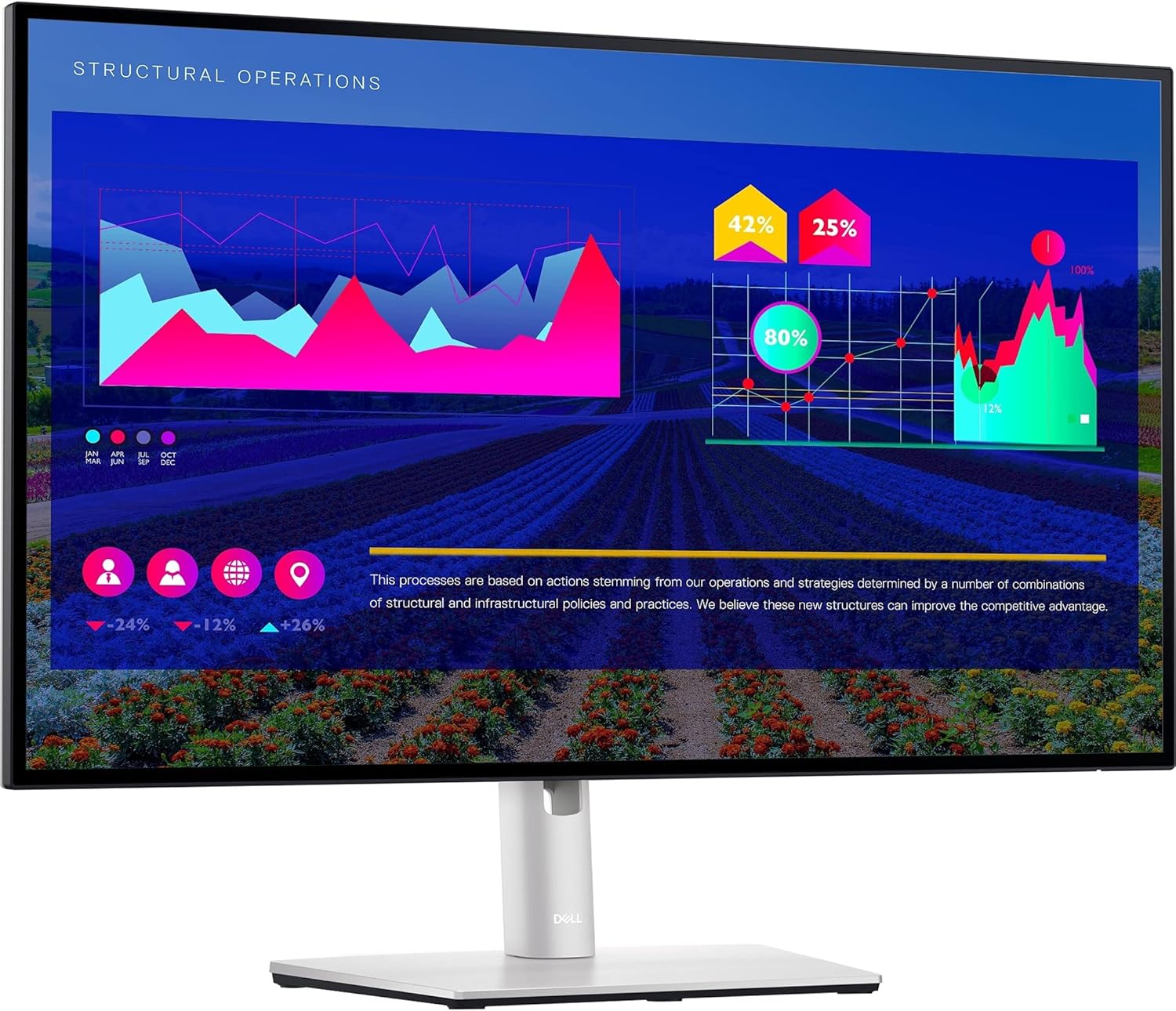
Dell UltraSharp U2722D 27-inch QHD Monitor
“Best versatile choice for photographers who also need a productive office monitor. The USB hub is genuinely useful and the ergonomics are best-in-class.”
See Today’s Price →What we like
Watch out for
Read Full Analysis
The Dell UltraSharp U2722D is a 27-inch QHD (2560x1440) IPS monitor—not an ultrawide, appearing on the ultrawide comparison page as Dell's standard-format QHD productivity monitor. At $450–550, the U2722D is Dell's professional 27-inch standard-format display with 90W USB-C Power Delivery, Thunderbolt 4 hub (some configurations), and the Dell factory calibration providing Delta E < 2 color accuracy out of the box. The U2722D's 90W USB-C Power Delivery matches the U3423WE ultrawide's laptop charging capability in a 27-inch 16:9 format for users who prefer the standard aspect ratio. The Thunderbolt 4 daisy-chain capability (on Thunderbolt versions) enables connecting multiple monitors from a single laptop Thunderbolt port. On an ultrawide comparison page, the U2722D represents the standard-format alternative for users evaluating whether the ultrawide format serves their workflow—the 27-inch QHD versus 34-inch WQHD ultrawide comparison is common for buyers deciding between formats before brand/model selection.

Dell S3221QS 32-Inch 4K Curved Monitor
“The best value 4K curved monitor for cinematic gaming. 60Hz limits it for action titles but excels for story games.”
See Today’s Price →What we like
- ~$350 — lowest price 4K entry here
- 32-inch 1800R curve — immersive for cinematic games
- VA panel — 3000:1 contrast for dark scenes
- 90% DCI-P3 color coverage
- Built-in speakers
Watch out for
- 60Hz only — not suitable for action/competitive gaming
- No HDMI 2.1 — 4K/60Hz from consoles
- VA panel has slower response than IPS
Read Full Analysis
The Dell S3221QS is Dell's 32-inch 4K curved monitor—not an ultrawide format, appearing on the ultrawide comparison page as Dell's 32-inch standard-aspect (16:9) 4K option. At $350–450, the S3221QS provides 4K (3840x2160) resolution in a curved 32-inch VA panel at a mid-range price that combines high resolution with the curved format. The VA panel technology provides better contrast ratios than IPS (typically 3000:1 versus 1000:1) for deeper black levels in dim environments, making it better for multimedia and movie viewing than IPS but with narrower viewing angles. The 4K resolution on 32 inches provides pixel density that makes text rendering sharp without scaling adjustments. On an ultrawide comparison page, the S3221QS represents the standard-format 4K alternative—buyers who want high resolution may choose 4K 32-inch over ultrawide WQHD 34-inch depending on whether resolution or screen width is the priority for their primary use case.
Dell vs LG Ultrawide Monitor Buying Guide
Our Top Pick
LG 34GP83A-B 34-Inch Nano IPS Ultrawide Gaming Monitor at $679.99 — LG 34GP83A-B 160Hz Nano IPS — fastest ultrawide refresh rate in this comparison at a $400 savings vs Dell — best gami....
Budget Pick: Dell UltraSharp U2722D 27-inch QHD Monitor at $312.73 — Dell U2722D 27" QHD IPS USB-C offers the Dell factory-calibration quality in a smaller footprint — ideal for desks wh....
Great for: Remote workers needing screen real estate, gamers who want high refresh rates, and content creators who need color accuracy
Not ideal if: You work from a laptop on the go — a monitor only helps when you have a consistent desk setup to plug into
Ultrawide Use Cases: Productivity vs. Gaming
Ultrawide monitor selection (21:9 aspect ratio, typically 3440×1440 resolution) depends on primary use case.Productivity: Dell's Single-Cable USB-C Setup

Gaming: LG 160Hz Nano IPS Handles Fast Motion
Gamers prioritize refresh rate and response time: LG's 34GP83A-B 160Hz Nano IPS handles fast-paced titles without motion blur, with 1ms GtG response time verified by LG. IPS Black (Dell U3423WE) achieves 1000:1 contrast ratio — double standard IPS — closing the gap with VA panels without VA's slower response time. Color accuracy matters for content creators: Dell UltraSharp U3423WE is factory-calibrated to Delta E < 2, suitable for photo and video editing without additional calibration.Related Guides
Watch Before You Buy
Frequently Asked Questions
What is the difference between IPS and IPS Black panels?
Can I use a Dell UltraSharp monitor with a MacBook?
What resolution is a 34-inch ultrawide monitor?
Is 160Hz worth it for an ultrawide monitor?
Does the LG 34GP83A-B support G-Sync?
How We Analyze Products
We analyze Amazon review data — often thousands of reviews per product — to surface patterns that individual buyers miss. Our process aggregates star ratings, review counts, and buyer sentiment at scale, identifying which strengths and weaknesses appear consistently across the largest review samples available. The 4,634+ reviews analyzed on this page represent real verified-purchase feedback from Amazon buyers.
Each product earned its placement through data: total review volume, average rating, and the specific praise and complaints that repeat most often across buyers. No manufacturer paid for placement on this page. Products appear here because buyers endorsed them at scale, not because a company asked us to feature them.
We use AI to summarize review sentiment — not to fabricate opinions, but to condense what thousands of buyers actually wrote into a readable format. The pros and cons you see reflect the most common themes found in verified purchaser reviews, paraphrased for clarity. We do not claim to have accessed Reddit, YouTube, or specific publications in generating these summaries.
Prices shown reflect Amazon pricing at the time this page was last generated. Click “See Today’s Price” to get the current live price on Amazon. Read our full methodology →