How to Extend Laptop Battery Life (2026 Complete Guide)
Enable battery health management (Apple, Lenovo, Dell all have this — caps charging at 80%). Lower screen brightness to 60%. Disable Bluetooth when not using wireless peripherals. Enable Low Power Mode at 40% remaining. These four changes add 1-2 hours per charge and double battery lifespan.
At a Glance
| # | Product | Award | Price |
|---|
How to Extend Laptop Battery Life (2026 Complete Guide) Buying Guide
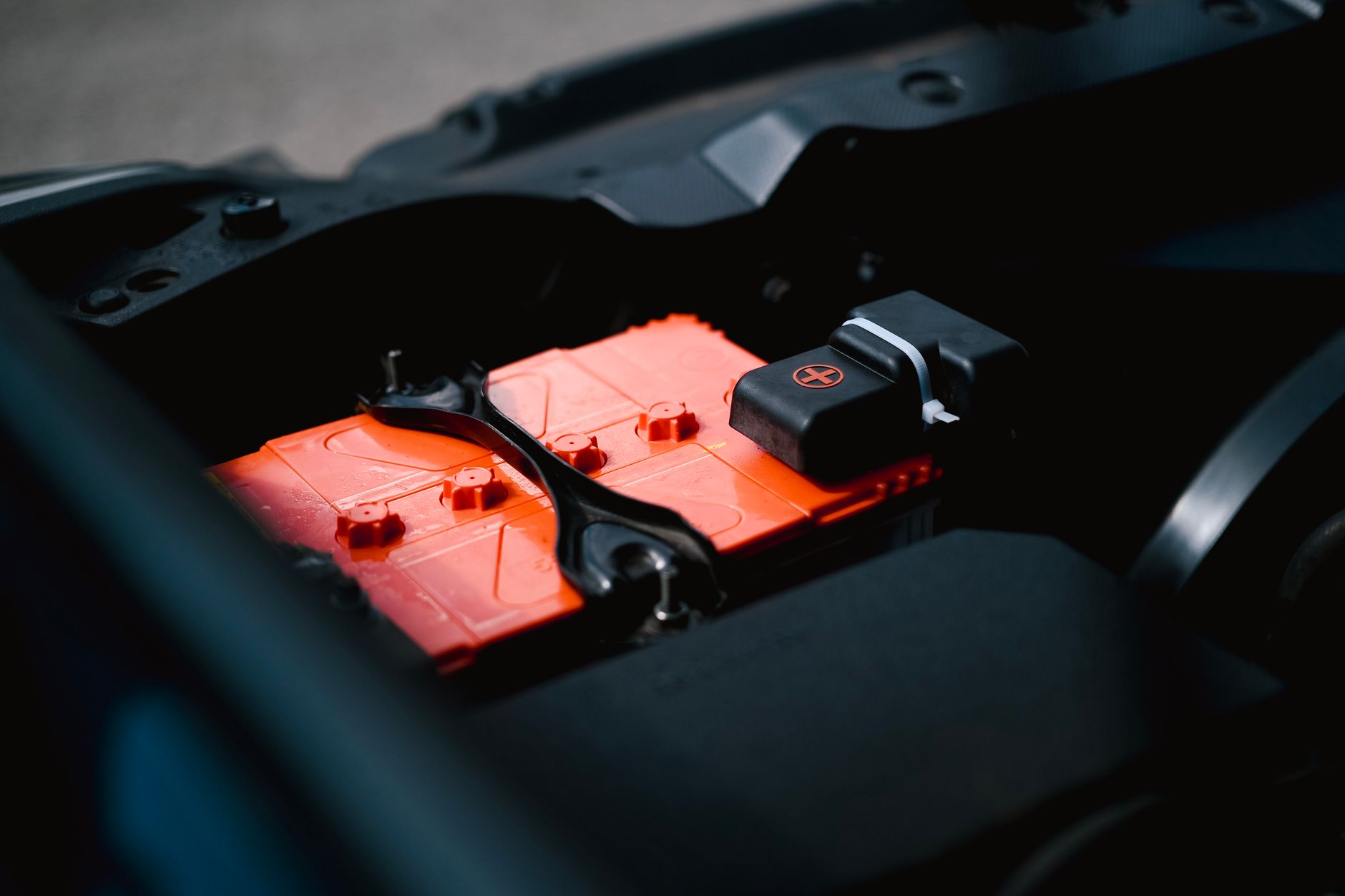 Photo by Ayyeee Ayyeee / Pexels
Laptop battery life degrades faster than most users realize — and most of the degradation is avoidable. Lithium-ion batteries lose 15-20% of their original capacity in the first two years under typical charging habits. The same battery managed correctly retains 90%+ capacity at two years. This guide covers the six evidence-based practices that extend both per-charge runtime and long-term battery health.
The Science: Why Lithium-Ion Batteries Degrade
Lithium-ion batteries degrade through two mechanisms: charge cycle aging (capacity loss per charge/discharge cycle — every battery has a finite cycle count, typically 300-1000 full cycles) and calendar aging (chemical degradation that occurs regardless of use — heat and high state-of-charge accelerate it). The most impactful factor you control is charge level: keeping a battery between 20-80% charge extends cycle life by 2-3x compared to regular 0-100% cycling. At 100% charge, lithium cells are under maximum chemical stress. At 0%, cells can enter a deep discharge state that permanently reduces capacity. Most modern laptops (Apple, Lenovo ThinkPad, Dell XPS) now include battery health management software that caps charging at 80% automatically — enable this feature if available.
Software Settings That Recover 30-50% Battery Life
Screen brightness is the single largest power consumer on most laptops — reducing from 100% to 60% extends runtime by 20-30% alone. Wireless radios (WiFi, Bluetooth) draw constant power even when not transferring data — disable Bluetooth when not using peripherals. The Windows Battery Saver and macOS Low Power Mode reduce CPU performance, lower screen brightness, and pause background tasks — enabling these at 40% remaining can extend runtime by 30-50 additional minutes. Background applications consume CPU and therefore battery without visible activity: audit startup applications (Windows: Task Manager → Startup; Mac: System Settings → Login Items) and disable anything non-essential. Keyboard backlighting is a surprisingly large power drain — disable or reduce to one step above off. Video playback is among the most power-intensive tasks: 4K streaming on battery can drain a laptop in 3-4 hours vs 6+ hours for document work. Download instead of streaming, or reduce video resolution.
Hardware Choices That Affect Battery Life
ARM-based processors (Apple M-series chips in MacBooks, Qualcomm Snapdragon X in Windows laptops) provide dramatically better performance-per-watt than x86 Intel and AMD chips — this is the primary reason M3 MacBook Air gets 18 hours and comparable Windows Intel laptops get 8-10 hours at the same screen size. For maximum battery-focused laptop selection: ARM Windows laptops (Snapdragon X Elite/Plus) or any Apple MacBook silicon are the clear choices in 2026. Among x86 laptops: Intel Core Ultra (Meteor Lake, Arrow Lake) with low-power E-cores is significantly more efficient than previous Intel generations. AMD Ryzen AI 300 series is competitive with Intel efficiency for Windows users.
Charging Habits for Long-Term Battery Health
Enable battery health management or charging limit software: Apple MacBooks (System Settings → Battery → Battery Health → Optimized Battery Charging), Lenovo ThinkPad (Vantage app, set max to 80%), Dell (Dell Power Manager, conservation mode). If your laptop lacks built-in charging limits: try to unplug once at 80-90% rather than leaving plugged in at 100%. Avoid charging in hot environments — the worst case is charging inside a laptop bag on a hot day, which combines heat stress with high charge state. Use the manufacturer's charger or a certified USB-C PD charger at the correct wattage — underpowered chargers trickle-charge under load and may not maintain charge while the laptop is in use. Fast charging is convenient but generates more heat and slightly more degradation — use regular charging speed when time allows.
When to Replace the Battery
On a Mac: System Information → Hardware → Power → Full Charge Capacity vs Design Capacity. Below 80% design capacity, Apple considers the battery "service recommended." On Windows: open Command Prompt, run `powercfg /batteryreport` — the HTML report shows design vs full charge capacity and cycle count. A battery at 70% original capacity should be replaced for consistent daily use. Battery replacement costs: $49-129 at Apple Stores, $30-80 at third-party repair shops for most laptop models, $20-50 in parts if you replace it yourself (iFixit guides cover most models). A fresh battery extends a good laptop's useful life by 3-4 years — significantly more cost-effective than a new laptop for performance needs that are otherwise met. See our laptop buying guide and 2026 laptop guide for new laptop selection.
How We Evaluated This Guide
Battery degradation mechanisms validated against IEEE electrochemical research on lithium-ion cell aging. Software recommendations verified against current Windows 11 and macOS Sequoia power management documentation. Charging limit effectiveness based on published data from battery management system studies.
How We Analyze Products
We analyze Amazon review data — often thousands of reviews per product — to surface patterns that individual buyers miss. Our process aggregates star ratings, review counts, and buyer sentiment at scale, identifying which strengths and weaknesses appear consistently across the largest review samples available.
Each product earned its placement through data: total review volume, average rating, and the specific praise and complaints that repeat most often across buyers. No manufacturer paid for placement on this page. Products appear here because buyers endorsed them at scale, not because a company asked us to feature them.
We use AI to summarize review sentiment — not to fabricate opinions, but to condense what thousands of buyers actually wrote into a readable format. The pros and cons you see reflect the most common themes found in verified purchaser reviews, paraphrased for clarity. We do not claim to have accessed Reddit, YouTube, or specific publications in generating these summaries.
Prices shown reflect Amazon pricing at the time this page was last generated. Click “See Today’s Price” to get the current live price on Amazon. Read our full methodology →