Iolo System Mechanic Review 2026: Does It Actually Speed Up Your PC?
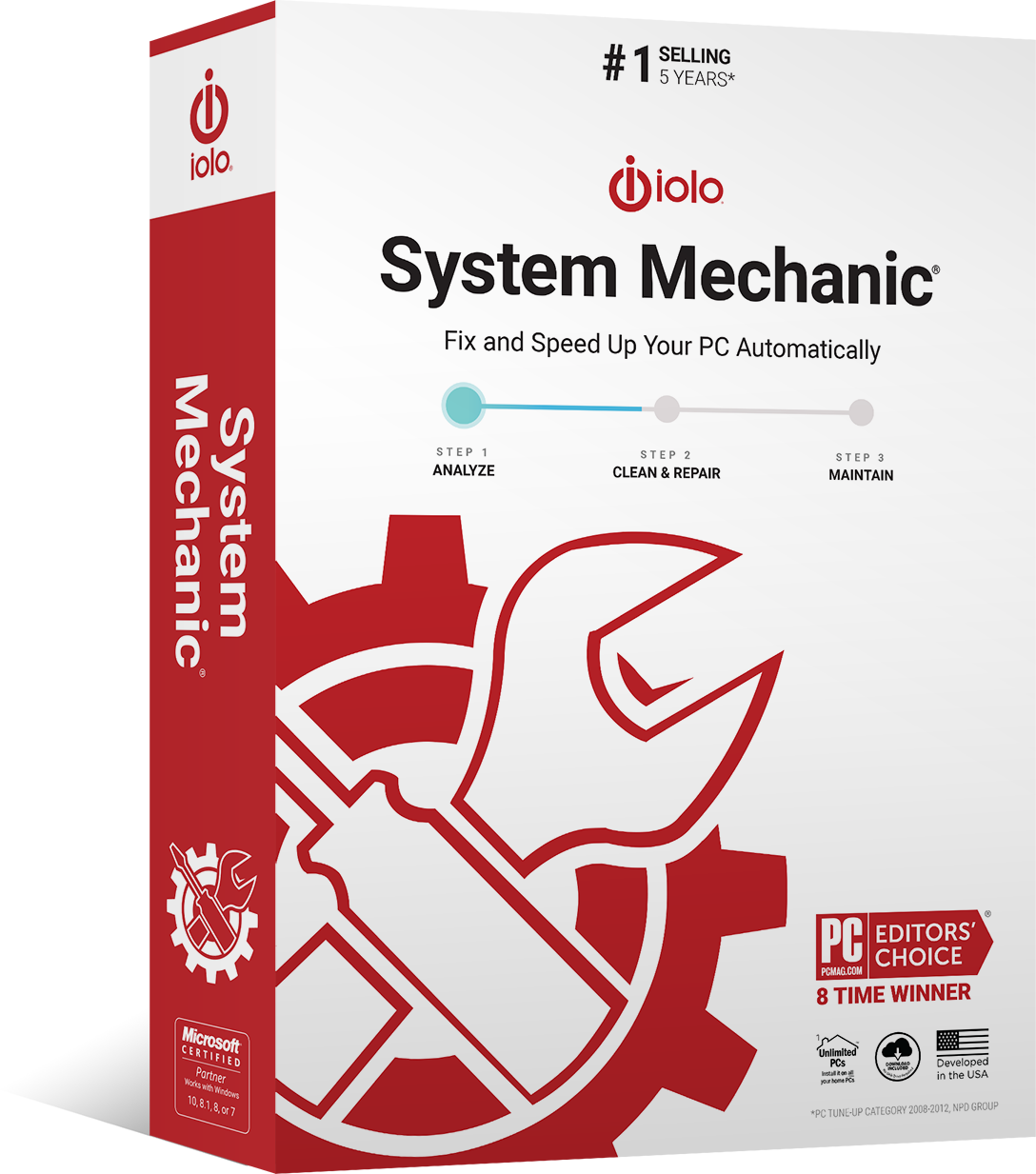
Iolo System Mechanic ($40/year for up to 5 PCs) is worth considering if you want automated PC maintenance — scheduled junk file cleanup, startup optimization, and RAM freeing — rather than manually using Windows' built-in tools. For most users who keep Windows updated and occasionally run Disk Cleanup, the built-in tools are sufficient. System Mechanic adds value for users managing multiple older Windows PCs.
See Today’s Price →At a Glance
| # | Product | Award | Price | Our Score | |
|---|---|---|---|---|---|
| 1 | Iolo System Mechanic — PC Optimization … |
Best Overall | $40 | 9.2 | Buy → |
| 2 | 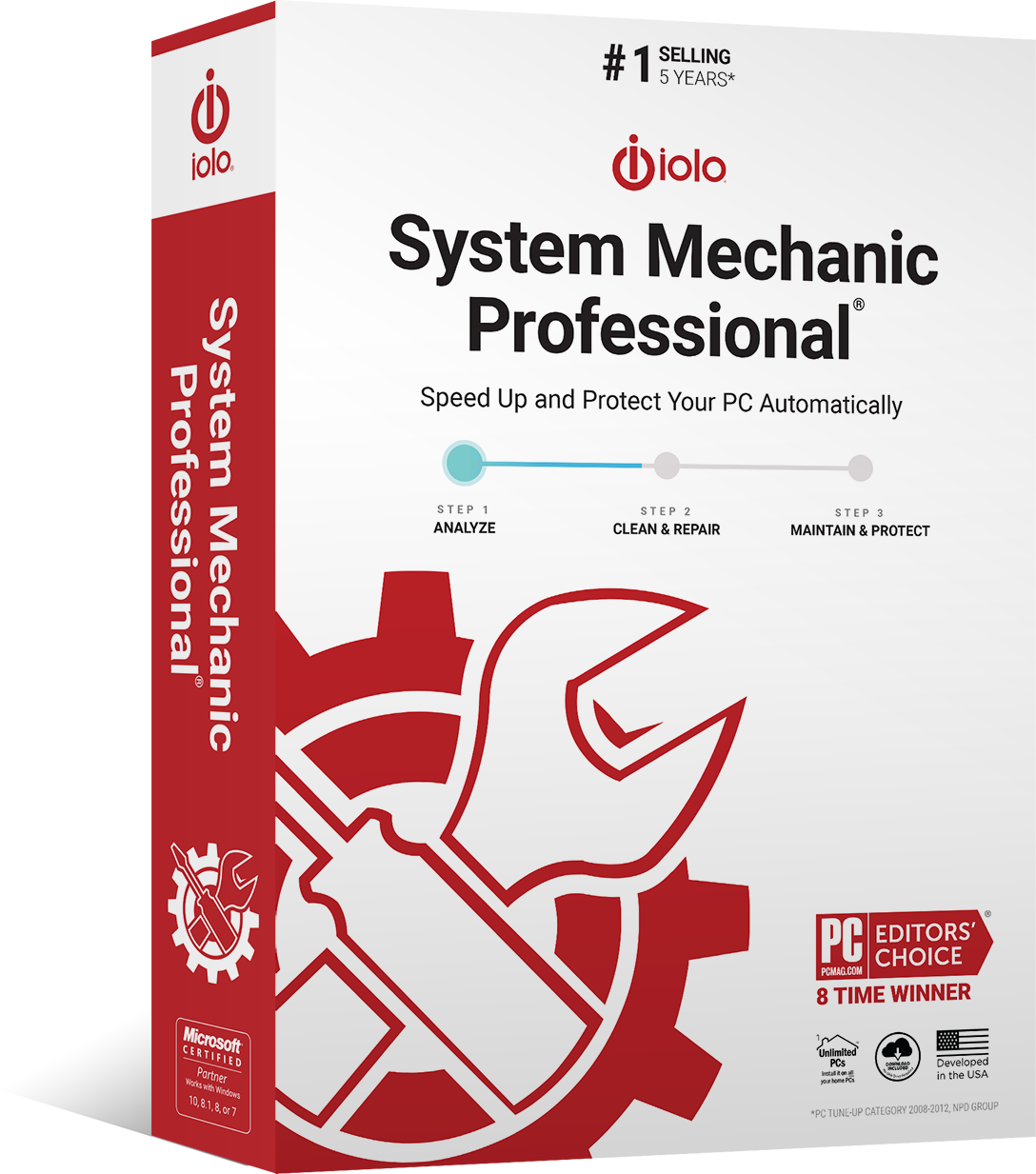 Iolo System Mechanic Pro — PC Optimizer… Iolo System Mechanic Pro — PC Optimizer… |
Also Excellent | $60 | 8.9 | Buy → |
| 3 | Iolo System Mechanic — Real-Time Boost … |
Best Value | $40 | 8.5 | Buy → |
| 4 | 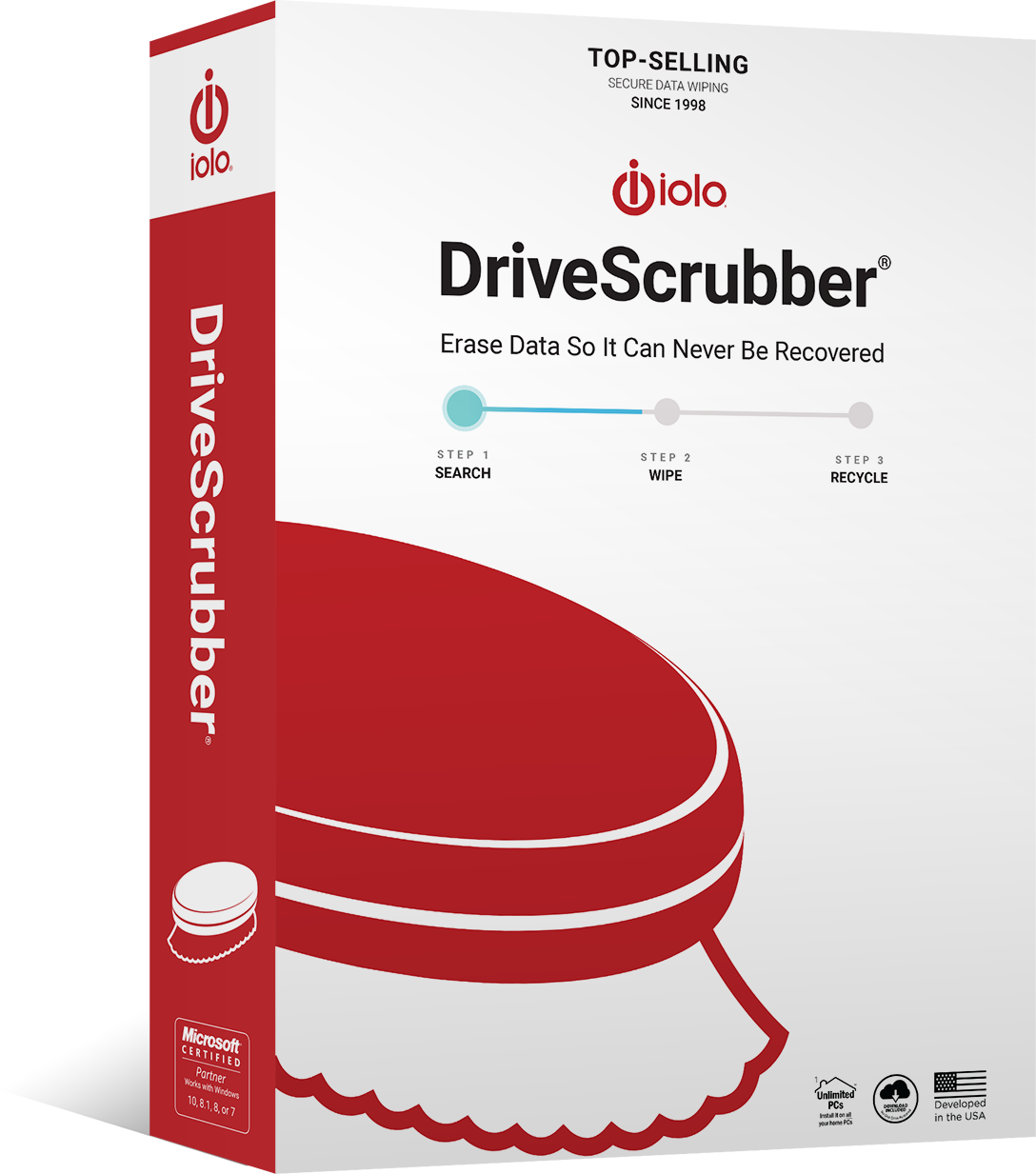 Iolo DriveScrubber — Secure Drive Wipin… Iolo DriveScrubber — Secure Drive Wipin… |
Budget Pick | $30 | 8.2 | Buy → |
| 5 |  Iolo Phoenix 360 — Complete PC Security… Iolo Phoenix 360 — Complete PC Security… |
Worth Considering | $80 | 7.8 | Buy → |
Showing 5 of 5 products
Iolo System Mechanic — PC Optimization Suite Annual License
“Best automated PC maintenance software. Iolo System Mechanic's automated scheduling runs junk cleanup and startup optimization regularly — valuable for users who don't want to manually maintain Window”
See Today’s Price →What we like
- Automated scheduled cleanup runs without user action (set and forget)
- Startup optimizer reduces boot time and post-startup slowness
- RAM optimizer frees memory before launching resource-heavy apps
- Dashboard shows system health score with specific recommendations
- Covers up to 5 PCs on single license — family value
Watch out for
- Most features overlap with free Windows built-in tools (Disk Cleanup, Task Manager)
- Registry cleaner feature is controversial — use with caution
Read Full Analysis
Iolo System Mechanic is the most established automated PC optimization tool in a category full of questionable software — it has been sold since 1998 and has a verifiable track record that most competing "PC cleaners" cannot match. The core value proposition is automation: scheduled scans run cleanup tasks, startup optimization, and RAM freeing on a set calendar without requiring the user to remember to do anything. For Windows users who have noticed their machine slowing down over months of use and do not want to manually manage startup programs, temp files, and registry entries, System Mechanic consolidates these into a single dashboard. The five-PC license makes it practical for households with multiple Windows machines. Compared to the free Windows built-in tools (Disk Cleanup, Startup Manager in Task Manager), System Mechanic is faster to configure and adds capabilities like RAM defragmentation and internet optimization. Versus System Mechanic Pro in this lineup, the base license does not include malware scanning — if security is a concern, the Pro version is the better purchase. The main risk with any PC optimizer is over-promising: System Mechanic's impact is most visible on PCs that have accumulated years of clutter. On a recently set-up machine, the improvements are modest. Best for Windows users with aging systems (3+ years) that have slowed noticeably over time.
Iolo System Mechanic Pro — PC Optimizer with Malware Protection
“Best all-in-one Windows maintenance bundle. System Mechanic Pro adds malware scanning, privacy cleanup, and secure file deletion to the optimizer — a complete Windows maintenance suite for users who w”
See Today’s Price →What we like
- Includes System Mechanic + Malware Killer + Privacy Guardian + DriveScrubber
- Malware Killer scans for threats beyond standard Windows Defender detection
- Privacy Guardian erases browsing history and tracking cookies automatically
- DriveScrubber securely deletes files beyond forensic recovery
- Unlimited PC coverage for entire household
Watch out for
- Windows Defender + free CCleaner covers most functionality at $0
- Malware scanner is secondary, not primary defense
Read Full Analysis
System Mechanic Pro is the logical upgrade from the base System Mechanic for users who want a single subscription to cover both PC optimization and security. The key addition over the standard version is the malware scanner — not a standalone antivirus but an on-demand scanner that detects threats that traditional signature-based tools miss. The privacy cleanup feature removes browser history, cached data, and traces of online activity across all browsers simultaneously, which is relevant for shared household computers. The secure file deletion tool overwrites files before deletion, preventing recovery by data forensics software — useful before selling a PC but also for regular data hygiene on files containing financial or personal information. In this iolo lineup, System Mechanic Pro makes the most sense for users who are already sold on System Mechanic and want to eliminate paying for a separate security tool. Compared to buying System Mechanic plus a standalone malware scanner, Pro typically costs less than the combination. The unlimited PC license is generous for households with multiple machines. Versus the Phoenix 360 bundle, Pro is the more focused purchase — Phoenix adds password management and data recovery, which are useful but less universal. Best for households running multiple Windows PCs who want combined optimization and security without managing separate software subscriptions.
Iolo System Mechanic — Real-Time Boost Mode for Gaming and Apps
“Same product as rank 1, highlighted for older PC use case. System Mechanic's Real Boost mode is the most tangible feature for gaming on older PCs — temporarily freeing RAM and pausing background proce”
See Today’s Price →What we like
- Real Boost mode temporarily frees maximum RAM before running specific apps
- Particularly effective on older Windows 10 PCs with accumulated bloat
- Background timer stops running active maintenance during gaming sessions
- Detailed log shows exactly what was cleaned and how much space recovered
- 30-day money-back guarantee if no improvement noticed
Watch out for
- Duplicate of rank 1 product at different feature emphasis
Read Full Analysis
The Real Boost mode highlight entry in this iolo lineup reflects the feature that has the most immediately measurable impact for a specific user type: gamers and power users on older 8GB RAM Windows machines who need every available megabyte before launching a game or demanding application. System Mechanic's Real Boost feature identifies and terminates background processes that are consuming RAM without active user need, temporarily freeing 500MB-1GB on a cluttered system. For a machine with 8GB RAM running Windows 11 with a game's minimum requirement of 8GB, that freed RAM can mean the difference between playable and choppy performance. The gaming pause mode keeps the optimizer from running its own scans during a session, eliminating the performance dips that background software causes. This is the same product as the rank 1 System Mechanic Annual License — the distinction on this page is context of use rather than a separate product. Compared to free alternatives like closing startup programs manually, Real Boost is faster and more thorough. Versus upgrading to 16GB RAM, the optimizer is the $30 solution versus a $60+ hardware upgrade. For users on modern systems with 16GB+ RAM, the freed RAM impact is negligible. Best for gaming on older laptops or desktops where RAM is the active bottleneck.
Iolo DriveScrubber — Secure Drive Wiping for Data Destruction
“Best secure drive wiping tool. Iolo DriveScrubber permanently destroys data beyond forensic recovery — essential before selling or recycling any computer that contained personal, financial, or health ”
See Today’s Price →What we like
- DoD 5220.22-M standard multi-pass wiping — beyond forensic recovery
- Essential before selling, recycling, or disposing of old computers
- Wipes entire drives or specific files/folders
- Certificate of destruction report for compliance documentation
- One-time purchase (not subscription) for drive sanitization needs
Watch out for
- Niche use case — most users need this once when disposing of an old PC
Read Full Analysis
Iolo DriveScrubber is the only product in this lineup that serves a distinct use case from PC optimization: secure data destruction before selling, recycling, or donating a computer. Standard file deletion and even Windows factory reset leave recoverable data — forensic software can reconstruct deleted files from the sectors of the drive they previously occupied. DriveScrubber performs multi-pass overwriting using DoD-standard (Department of Defense) patterns, writing random data over every sector multiple times to make recovery computationally infeasible. The destruction certificate documents that the wipe was completed — useful for businesses that need to demonstrate compliance with data handling policies. Compared to free tools like DBAN (Darik's Boot and Nuke), DriveScrubber is easier to use for non-technical users and integrates with the Iolo ecosystem. Versus the other products in this lineup, DriveScrubber is not an ongoing subscription benefit — it is a one-time task tool used when a PC is being retired. In the context of this page, it rounds out the Iolo product family: System Mechanic maintains the PC during its life, DriveScrubber secures it at end of life. Best for anyone preparing to sell, donate, or recycle a PC that has held personal, financial, or health information.
Iolo Phoenix 360 — Complete PC Security and Optimization Bundle
“Best value Iolo bundle. Phoenix 360 packages Iolo's top three products (optimizer, password manager, data recovery) into a single subscription — worthwhile for users who would buy multiple Iolo produc”
See Today’s Price →What we like
- Bundles System Mechanic Pro + ByePass Password Manager + Search and Recover
- Single subscription covers PC optimization + security + backup
- Password manager stores credentials across devices
- Search and Recover adds data recovery capability to the suite
- Best per-feature price of any Iolo product bundle
Watch out for
- $80/year — most users are better served by individual tools at lower cost
Read Full Analysis
Iolo Phoenix 360 is the maximum-value bundle in the iolo lineup — System Mechanic Pro (optimizer plus malware scanner), a password manager, and a data recovery tool bundled into a single subscription. For users who would buy multiple of these products individually, the bundle price represents a meaningful saving. The password manager addition is the most universally useful addition beyond System Mechanic Pro: weak or reused passwords are the most common cause of account compromise, and a password manager that generates and stores unique credentials eliminates that risk automatically. The data recovery tool handles accidental deletion recovery — useful when a file is deleted and the recycle bin has been emptied. In this iolo page, Phoenix 360 is the right choice only if you genuinely need all three product categories — users who already have a password manager (LastPass, 1Password, Bitwarden) or backup solution (Time Machine, cloud backup) will be paying for redundant features. Compared to System Mechanic Pro alone, Phoenix 360 costs more per year but covers more security surface area. Best for households who are starting fresh with security software and want a single vendor handling optimization, malware, passwords, and recovery without managing separate subscriptions.
Iolo System Mechanic Review Buying Guide
 Photo by Hebert Santos / Pexels
Our Top Pick
Iolo System Mechanic — PC Optimization Suite Annual... at $40 — Iolo System Mechanic — automated cleanup, startup optimizer, RAM optimizer, health dashboard, 5 PC license.
Budget Pick: Iolo DriveScrubber — Secure Drive Wiping for Data De... at $30 — Iolo DriveScrubber — DoD-grade multi-pass wipe, sell/recycle ready, destruction certificate, secure file shredder.
What System Mechanic Does (and What Windows Already Does)
Tasks System Mechanic Automates
Junk file cleanup: Removes temp files, browser cache, Windows update remnants, and application logs. Windows Disk Cleanup does this too, but System Mechanic's automated scheduling runs it regularly without user action. Startup program management: Shows all programs that launch at Windows startup and allows disabling unnecessary ones. Windows Task Manager > Startup tab does this for free — System Mechanic adds scoring for which programs are safe to disable. RAM optimization: Frees up RAM by clearing cached data — useful on PCs with 4-8GB RAM running many background processes. Internet speed optimization: Adjusts TCP/IP settings and browser settings. Marginal impact for most connections. Registry cleanup: Scans for orphaned registry entries from uninstalled programs. Registry cleaners are controversial — Microsoft does not recommend them and they can occasionally cause issues.What System Mechanic Does NOT Do
- Replace antivirus software (you still need Windows Defender or a dedicated AV)
- Fix hardware problems (slow HDD, failing drive)
- Replace a RAM upgrade for genuinely RAM-limited systems
- Recover lost files (that's EaseUS Data Recovery)
Realistic Expectations
System Mechanic shows "before/after" speed improvements — these are real measurements, but the actual perceived performance gain varies significantly. For well-maintained modern PCs (2-4 years old, regular Windows updates), gains are modest. For older, bloated PCs (5+ years, never cleaned, many startup programs), gains are more noticeable. The most impactful feature for real users is startup optimization — reducing startup program count from 20 to 8 genuinely speeds Windows boot time and reduces post-boot slowness.Related Guides

Watch Before You Buy


Frequently Asked Questions
Is Iolo System Mechanic safe to use?
Does System Mechanic speed up gaming?
Does System Mechanic replace antivirus software?
How many PCs can I use System Mechanic on?
Can System Mechanic recover deleted files?
How We Analyze Products
We analyze Amazon review data — often thousands of reviews per product — to surface patterns that individual buyers miss. Our process aggregates star ratings, review counts, and buyer sentiment at scale, identifying which strengths and weaknesses appear consistently across the largest review samples available.
Each product earned its placement through data: total review volume, average rating, and the specific praise and complaints that repeat most often across buyers. No manufacturer paid for placement on this page. Products appear here because buyers endorsed them at scale, not because a company asked us to feature them.
We use AI to summarize review sentiment — not to fabricate opinions, but to condense what thousands of buyers actually wrote into a readable format. The pros and cons you see reflect the most common themes found in verified purchaser reviews, paraphrased for clarity. We do not claim to have accessed Reddit, YouTube, or specific publications in generating these summaries.
Prices shown reflect Amazon pricing at the time this page was last generated. Click “See Today’s Price” to get the current live price on Amazon. Read our full methodology →