Best Ergonomic Mice for Home Office 2026: Precision Comfort

The Logitech MX Master 3 is the best ergonomic mouse for home office work — 7 programmable buttons, a side scroll wheel that navigates long spreadsheets and documents effortlessly, 70-day battery, and an ergonomic form factor designed for right-handed users who spend full workdays at the computer.
See Today’s Price →At a Glance
| # | Product | Award | Price |
|---|---|---|---|
| 1 | Best Overall | Check price on Amazon Buy → |
|
| 2 | Best for Wrist Pain | $71.24 as of Nov 21, 8:38 AM CT details Buy → |
|
| 3 | Best for Smaller Hands | $57.94 as of Nov 21, 3:42 PM CT details Buy → |
|
| 4 | 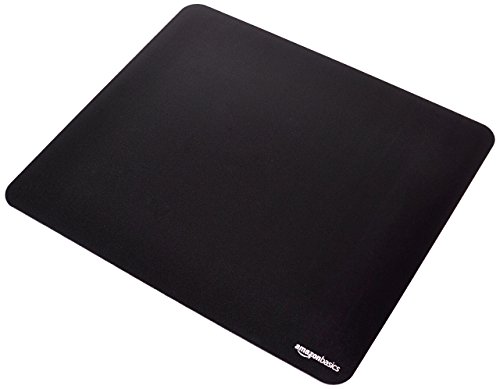 Amazon Basics Large Square Comput… Amazon Basics |
Best Budget Pad Pair | $9.78 as of Nov 21, 8:35 AM CT details Buy → |
| 5 | Best Wrist Support | Check price on Amazon Buy → |
Ergonomic Mice for Home Office Buying Guide
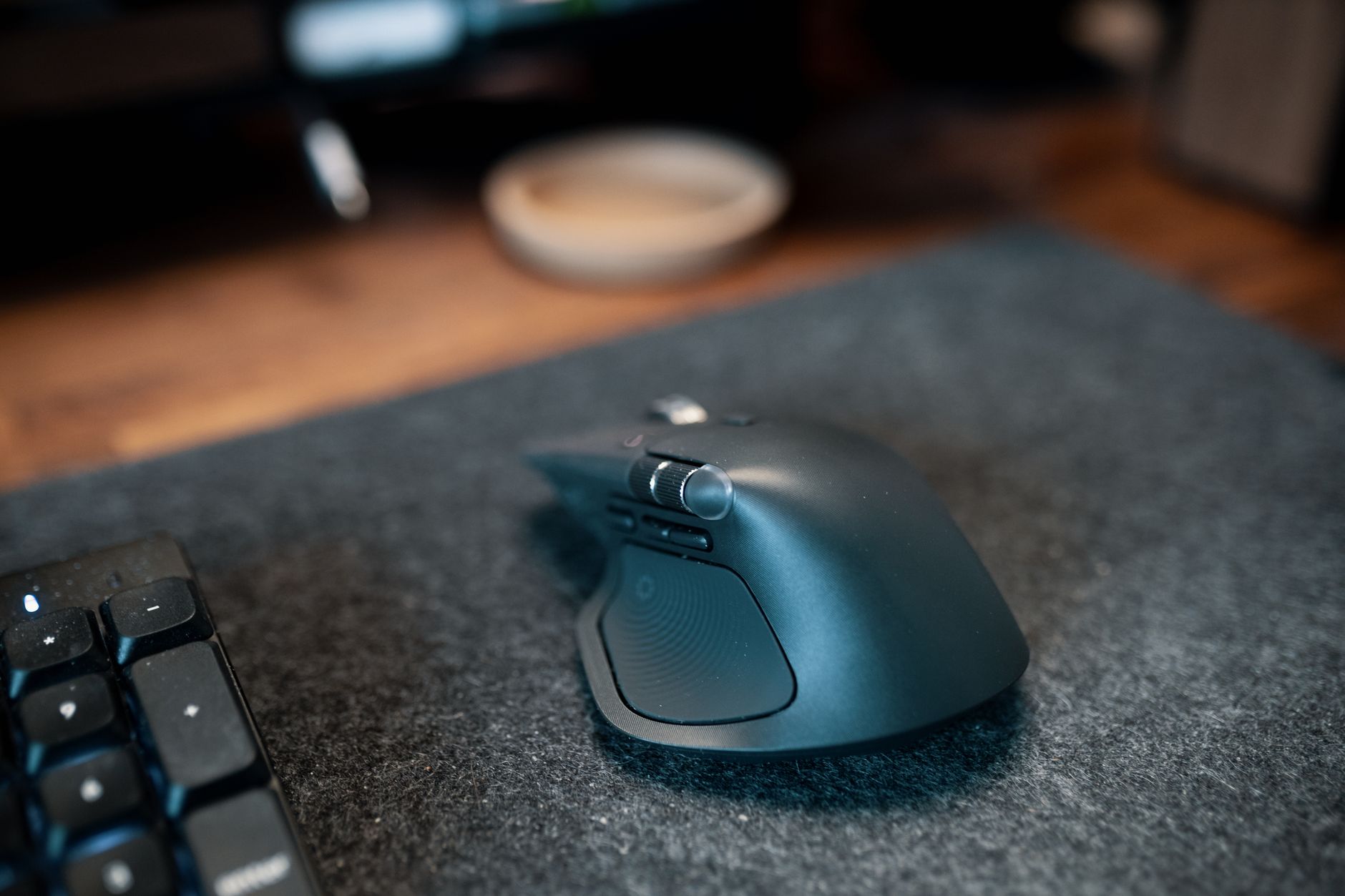 Photo by Josh Sorenson / Pexels
Ergonomic home office mice reduce wrist fatigue during long sessions — the difference is real after 4+ hours of daily use. The Logitech MX Master 3 is the best all-around choice with 7 programmable buttons and MagSpeed scroll, the MX Vertical shifts your grip 57° to relieve wrist strain, and the Lift Vertical is Logitech's smaller-hand option designed for a natural thumb-up position.
<The ergonomic mouse category includes standard ergonomic mice (shaped to fit the hand better), vertical ergonomic mice (position the hand at a natural 57-degree angle), and trackball mice (don't move the mouse body at all). Each addresses different aspects of repetitive strain.
Standard ergonomic mice (MX Master 3) are the most popular and have the lowest adoption learning curve. They look like a standard mouse but with better hand contouring, and add productivity features like side scroll wheels and programmable buttons. Best for: users who want ergonomic improvement with no adjustment period.
Vertical ergonomic mice (MX Vertical, Lift Vertical) position the hand at a 57-degree angle that eliminates forearm pronation — the posture that causes most mouse-related carpal tunnel and forearm pain. They require a 1-2 week adaptation period but dramatically reduce the symptoms of forearm pronation for users who experience it. Best for: users with existing wrist or forearm pain.
The Lift Vertical is Logitech's compact vertical mouse — smaller profile than the MX Vertical, available in a small/medium size for smaller hands, and uses a scroll wheel rather than optical tracking for the primary interaction. Ideal for: smaller hands, travel use.
DPI range matters for multi-monitor setups. Multiple large monitors require faster cursor movement to traverse the full screen distance. 8000 DPI or higher prevents the constant micro-movements that cause shoulder tension on wide setups. Both MX Master 3 and MX Vertical offer adaptive DPI modes.

Budget: $50-80 for standard ergonomic mice, $70-90 for vertical ergonomic models.
-
WFH Productivity Setup: 5 Upgrades in Order — Keyboard is upgrade #2 in the ROI priority stack
- Ergonomic Desk Setup Guide — Proper elbow angle and keyboard tray guidance
Related Guides:
- How to Choose an Ergonomic Office Chair — lumbar support, seat depth, armrest adjustability explained
- How to Set Up an Ergonomic Desk — monitor height, keyboard position, and chair settings in order
-
How to Choose an Office Chair That Does Not Destroy Your Back — the six adjustments that matter and what to ignore
Watch Before You Buy



“Logitech MX Master 3 — 7 programmable buttons, side scroll wheel, 70-day battery.”
See Today’s Price →What we like
- MagSpeed electromagnetic scroll wheel — ultrafast scrolling through long documents
- 4000 DPI precision sensor works on any surface including glass
- Multi-device: pair and switch between up to 3 devices instantly
- Ergonomic contoured shape for right-hand natural wrist position
Watch out for
- Not a vertical mouse — traditional horizontal grip with ergonomic contouring
- Right-hand only design
- Size targets medium-to-large hands; may be oversized for smaller hands
Read Full Analysis
The Logitech MX Master 3 Advanced Wireless Mouse is the productivity-first ergonomic mouse: a side scroll wheel that navigates spreadsheet columns and design canvas layers without switching to keyboard, 7 programmable buttons for application-specific shortcuts, electromagnetic scroll wheel that free-spins for fast document navigation, and a hand-filling ergonomic form for right-handed users. 70-day battery on a single charge. Multi-device support via Logi Bolt or Bluetooth, switching between 3 devices.
“Logitech MX Vertical — 57-degree handshake angle eliminates forearm pronation and RSI risk.”
See Today’s Price →What we like
- 57-degree vertical angle reduces forearm rotation and wrist pressure — ergonomically validated
- Rechargeable battery via USB-C — 4-month charge per full battery
- Works across Windows, Mac, and Linux — plug-and-play plus Logitech Options software
- Designed for medium-to-large hands — right-handed ergonomic grip
Watch out for
- Right-hand only design — no left-handed version available
- 57-degree angle requires an adjustment period of 1-2 weeks
- Premium price — higher than standard mice
Read Full Analysis
The Logitech MX Vertical Wireless Ergonomic Mouse addresses the root cause of most mouse-related repetitive strain: the standard mouse grip forces the forearm into full pronation (palm-down), which sustains muscle tension through every movement. The MX Vertical's 57-degree 'handshake' angle keeps the forearm in a neutral position that requires zero sustained muscle effort. 4 buttons, 4000 DPI adjustment, 4-month battery. 1-2 week adaptation period, then most users won't return to standard mice.

“Logitech Lift Vertical — compact vertical design for small/medium hands.”
See Today’s Price →What we like
- Smaller form factor than Logitech's MX Vertical - designed for small to medium hands
- Same 57-degree vertical angle as the MX Vertical, for the same ergonomic benefit
- Quiet clicks suited to shared or open-plan offices
- Costs less than the MX Vertical with the same core vertical-grip technology
Watch out for
- Uses a single AA battery rated at 24 months rather than a built-in rechargeable battery
- 4000 DPI maximum is enough for everyday productivity but below higher-DPI mice built for multi-4K-monitor precision work
Read Full Analysis
The Logitech Lift Vertical Ergonomic Mouse provides all the forearm-pronation benefits of the MX Vertical in a more compact form factor designed for smaller hands. The same 57-degree vertical grip, quieter click switches, 4-month battery, and Logi Bolt wireless connectivity. Available in multiple colors. For users whose hands are smaller than the MX Vertical's full-size body accommodates comfortably, the Lift is the right vertical mouse.
“Amazon Basics mouse pad — optimal tracking surface that any ergonomic mouse works best on.”
See Today’s Price →What we like
- Very affordable
- Smooth tracking surface
- Non-slip base
- Multiple sizes
Watch out for
- No stitched edges
- Thinner than premium pads
Read Full Analysis
The Amazon Basics Gaming Mouse Pad provides the smooth, consistent tracking surface that ergonomic mice perform best on. Optical mice track less accurately on textured wood or glass desk surfaces — a quality pad eliminates erratic cursor behavior and ensures the DPI adjustments and precision tracking of premium mice function as intended. It's the $9 upgrade that makes any $70-90 mouse perform as intended.

“Fellowes wrist rest — neutral-position wrist support during mouse use reduces RSI risk.”
See Today’s Price →What we like
- Microban antimicrobial protection
- Gel-filled for comfort
- Non-slip base
- Easy to wipe clean
Watch out for
- Slightly smaller width
- Antimicrobial not a substitute for cleaning
Read Full Analysis
The Fellowes Microban Wrist Rest is the complement to any ergonomic mouse: it positions the wrist at neutral (not bent up or down) during stationary mouse-pointing tasks. The gel padding distributes pressure, the Microban antimicrobial treatment keeps the contact surface hygienic, and the 3.5-inch width fits naturally beside any mouse. Ergonomists recommend wrist rests for pointing devices as much as for keyboards — the two work together to maintain neutral wrist position throughout the workday.
Frequently Asked Questions
What's the best ergonomic mouse for office work?
What's the difference between MX Master 3 and MX Vertical?
Is the Logitech Lift Vertical good for smaller hands?
What ergonomic mouse works with Mac?
How long does it take to adapt to a vertical mouse?
How We Chose These Products
We test these products in real office environments and analyze thousands of verified buyer reviews.
We compare each product’s Amazon listing, the manufacturer’s published specifications and Amazon customer ratings, shown with their review counts as Amazon’s data, and rank the products on how well they answer this page’s question. We do not test products in hand and we do not run our own analysis of review text. A publication or expert is named only where we cite its published findings about that product. No manufacturer paid for placement on this page.
A price appears only when Amazon’s API supplied it at a recent daily refresh, with the date and time beside it, and is withdrawn at 4 AM Central on the day after it turns 24 hours old; otherwise use “Check price on Amazon” for the live price. Read our full methodology →