How to Choose a Standing Desk: Complete Guide (2026)
For typing-heavy use, choose a dual-motor frame ($400-700) with 250+ lb capacity, 30-inch depth, and 4 memory presets. Single-motor desks under $300 wobble at full extension; manual hand-crank desks get abandoned within 3 months.
At a Glance
| # | Product | Award | Price | |
|---|---|---|---|---|
| 1 | Our Top Pick | Check Price | Buy → | |
| 2 | Also Excellent | Check Price | Buy → | |
| 3 | Worth Considering | $549 | Buy → |

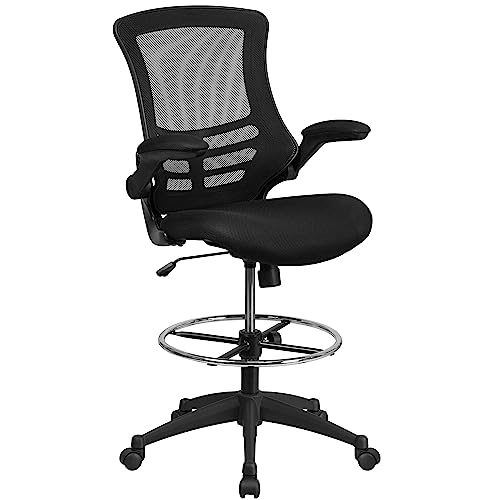
How to Choose a Standing Desk Buying Guide
A standing desk is the single biggest ergonomic upgrade most home offices need — but the cheap converters and one-motor desks that flood Amazon search results are also responsible for a lot of buyer regret. The right standing desk lasts 10+ years, supports both monitors and keyboards at the right heights for your specific body, and motors quietly without wobbling at full extension. The wrong one wobbles, jams within a year, and forces an awkward typing posture that defeats the entire purpose.
Why standing desks actually matter (it is not "standing all day")
The benefit of a standing desk is not standing for 8 hours — that is worse than sitting all day for most people. The benefit is alternation: 20 minutes standing, 40 minutes sitting, repeated through the workday. This is what every ergonomics study from Cornell University Human Factors and Mayo Clinic actually concluded. A motorized desk lets you shift positions without breaking your work flow; a fixed-height desk does not, which is why people abandon manual converters within months. If your budget cannot stretch to a motorized base, save up rather than buying a manual model — the friction kills the habit.
Frame quality is 80% of the purchase
Single motor versus dual motor: Single-motor desks (typical at $250-350) lift one leg and pull the other through a connecting rod. They wobble at full extension and develop noticeable lean within 2 years. Dual-motor desks (typical at $400-700) have one motor per leg, run synchronized through electronic control, and stay rock-steady at full height. If you type at a standing desk, dual motor is mandatory — single motor wobble travels straight into your hands.
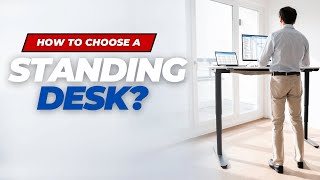
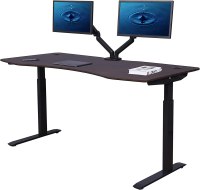
Steel gauge and crossbar: The desk legs should be 14-gauge steel or thicker. Lighter gauges (16-gauge or 18-gauge) flex laterally under typing pressure. Look for an inverted-T or H-frame design with a crossbar between the legs; cantilevered designs without a crossbar wobble at any height. Test the spec sheet: a quality dual-motor desk weighs 70+ lbs without the top.
Lifting capacity and travel speed: The Uplift V2, FlexiSpot E7, Vari Electric, and Jarvis Bamboo all have 250+ lb capacity and travel at 1.5"+/sec. Capacity matters even if your monitors are light: under-rated motors burn out from lift cycle counts, not weight, and a 350-lb capacity rating means more durable motors. Travel speed below 1"/sec is too slow — you stop using the standing function because raising the desk takes forever.
Surface, depth, and the monitor question
For a single 27-inch monitor, 48 inches wide is the minimum and 60 inches is comfortable. For dual monitors, 60 inches is minimum and 72 inches is comfortable. Depth matters more than people realize: 30 inches deep lets you push monitors back to the proper viewing distance (an arm's length, roughly 25-30 inches from your eyes). Surfaces under 24 inches deep force monitors too close, which is the main cause of standing-desk eye strain.
Bamboo tops feel premium but warp in humid environments and dent under monitor arms. Engineered MDF with melamine laminate is the most reliable surface — flat through humidity changes, resists scratches, and easy to wipe down. Solid wood tops over 1.5" thick are gorgeous but add 30+ lbs that motors have to lift, reducing motor life.
What we recommend at each price tier
Under $200: See our Best Standing Desks Under $200 picks. Expect single-motor frames and 30 lb capacity ratings. Workable for monitor-only setups; not for typing-heavy use.
$250-$350: Our Best Standing Desks Under $300 roundup covers the entry-level dual-motor space. FlexiSpot EC1 and Vivo dual-motor are in this band.
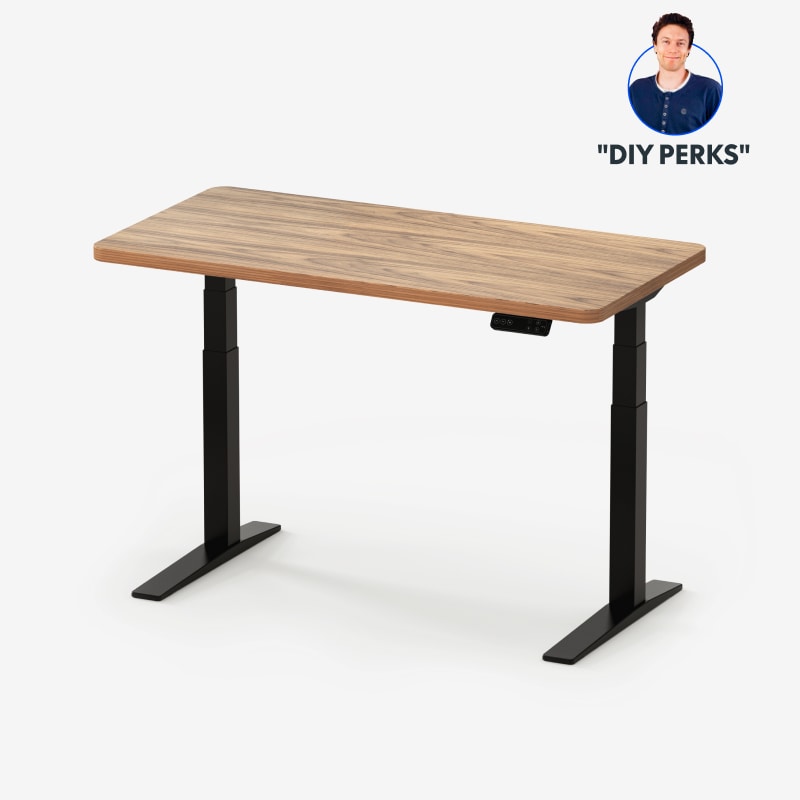
$400-$700: The serious tier. See Best Standing Desks 2026 for full picks. Uplift V2, FlexiSpot E7, Jarvis — all dual-motor, 250+ lb capacity, 10-year frame warranty.
For specific situations: If you are over 6'2", read Best Standing Desks for Tall People — most desks max out at 48" which is too low for tall users typing standing. For dual-monitor setups, see Best Standing Desks for Two Monitors.
Pair with anti-fatigue mat: Standing on a hard floor for 20-minute stretches without a mat causes plantar fascia issues. Even the cheapest gel mat (under $30) makes a meaningful difference. See Best Anti-Fatigue Mats Under $50.
Common mistakes to avoid
Buying a manual hand-crank desk to "save money." Manual desks are abandoned within 3 months — the friction of cranking 30 times to switch positions kills the habit you bought the desk to build. The wasted $300 is worse than no desk.
Underestimating depth. A 24"-deep desk forces monitors too close, causing eye strain and forward-leaning posture that defeats the desk's purpose. Always 30" deep when possible.
Ignoring memory presets. A 4-preset controller lets you save sit and stand heights for both you and a partner. Without presets, you fiddle with the controller every position change and stop using the function. Spend $30 extra for the upgraded keypad.
Skipping the crossbar. Cantilevered "minimal" designs without a crossbar between the legs wobble at any height. The crossbar is structural, not aesthetic — do not buy a desk without one if typing is part of your work.
Buying glass tops. Glass surfaces show every fingerprint, magnify glare from overhead lights, and crack if a monitor arm gets over-tightened. Avoid.
Watch Before You Buy
“Flexispot E7 Pro delivers the best stability in its class — three-stage telescoping legs provide superior rigidity at maximum height, the dual motor supports 355 lbs, and the advanced keypad has 4 mem”
See Today’s Price →What we like
- Three-stage legs — best stability in class
- Dual motor supports up to 355 lbs
- 4 programmable height memory positions
- Child lock for safety
- Wider height range (22.8-48.4 inches)
Watch out for
- Higher price than single-motor competitors
- Desktop not included — purchase separately
- Heavy frame — difficult to move after assembly
How We Analyze Products
We analyze Amazon review data — often thousands of reviews per product — to surface patterns that individual buyers miss. Our process aggregates star ratings, review counts, and buyer sentiment at scale, identifying which strengths and weaknesses appear consistently across the largest review samples available. The 3,800+ reviews analyzed on this page represent real verified-purchase feedback from Amazon buyers.
Each product earned its placement through data: total review volume, average rating, and the specific praise and complaints that repeat most often across buyers. No manufacturer paid for placement on this page. Products appear here because buyers endorsed them at scale, not because a company asked us to feature them.
We use AI to summarize review sentiment — not to fabricate opinions, but to condense what thousands of buyers actually wrote into a readable format. The pros and cons you see reflect the most common themes found in verified purchaser reviews, paraphrased for clarity. We do not claim to have accessed Reddit, YouTube, or specific publications in generating these summaries.
Prices shown reflect Amazon pricing at the time this page was last generated. Click “See Today’s Price” to get the current live price on Amazon. Read our full methodology →