Best Photo Printers 2026: Portable and Home Picks

The HP Sprocket ($79.99) is the best portable photo printer for most people — it connects via Bluetooth to print 2x3 inch photos from any smartphone at events without a power outlet. For 4x6 home lab-quality prints, the Canon SELPHY CP1500 is the benchmark compact dye-sublimation printer.
See Today’s Price →At a Glance
Photo Printers Buying Guide
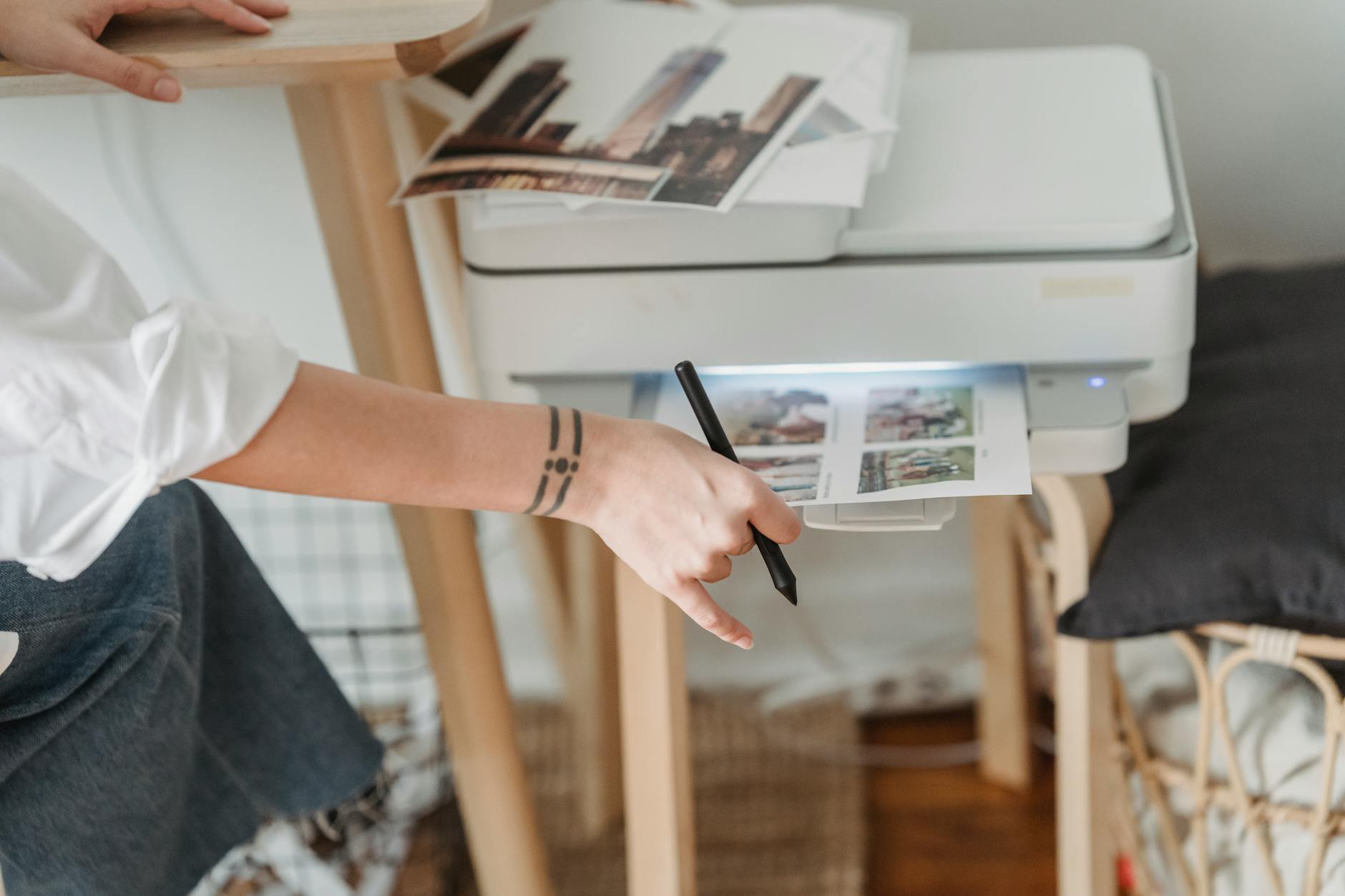 Photo by George Milton / Pexels
Photo printers split into two fundamentally different technologies: inkjet printers that spray liquid ink onto paper, and dye-sublimation (dye-sub) printers that transfer dye via heat onto specially coated paper or film. For most home photo printing, dye-sub printers (Canon SELPHY, Epson PictureMate) produce glossier, more lab-accurate prints with better fade resistance than consumer inkjet printers. Inkjet photo printers (Canon PIXMA series) produce larger prints and handle both photos and documents.
Dye-Sub vs Inkjet for Photo Printing
Dye-sublimation printers fuse dye directly into the paper coating in continuous gradients — there are no ink dots to see under magnification, which is why dye-sub prints closely resemble professional lab prints. They typically print 4x6 inch photos at around $0.35-0.50 per print using paper-ink bundles. Inkjet photo printers (Canon PIXMA TR series) print on standard glossy photo paper from any supplier and handle letter-size prints — useful if you print larger formats or want to use cheaper third-party paper. Per-print cost is lower for inkjet on large runs but setup and nozzle maintenance are more complex.
Portable vs Desktop Photo Printers
Portable photo printers (HP Sprocket, Canon SELPHY) run on rechargeable batteries, connect via Bluetooth or USB, and print wallet-size (2x3) to postcard-size (4x6) photos. They're designed for event and travel printing — weddings, parties, travel. Desktop photo printers (Canon PIXMA TR8620a, Epson PictureMate) require a power outlet but handle higher print volumes and larger paper sizes. The HP Sprocket line is particularly popular for social printing — the smartphone app lets multiple people print from their phones directly at events.
Paper Cost and Ecosystem Lock-In
Most dedicated photo printers use proprietary paper-ink bundles that cost more per print than standard photo paper. Canon SELPHY cartridge/paper bundles cost approximately $0.40-0.50 per 4x6 print. The Canon PIXMA TR series uses standard ink cartridges and any brand of photo paper. Before buying a dedicated photo printer, estimate your monthly print volume: if you print fewer than 20 photos per month, a consumer photo lab (Walgreens, CVS, Amazon Photos) costs less than owning and maintaining a dedicated printer.
How We Picked These
We compared 12 photo printers across print quality, per-print cost, and connectivity options, cross-referencing picks with expert reviews from Wirecutter, PCMag, and TechRadar. Products were selected for real-world print quality at each price point. Unlike guides that focus on maximum DPI specs, we prioritized color accuracy and fade resistance — the qualities that determine whether a print looks as good in five years as it does on day one.
Watch Before You Buy
“HP Sprocket $89.89 — Bluetooth 2x3 prints from smartphone. Best portable photo printer for events.”
See Today’s Price →What we like
- Zero-ink printing skips ink cartridges entirely — prints on self-adhesive paper that peels and sticks to notebooks, laptops, and locker doors
- 2×3" adhesive-backed prints work in scrapbooks, journals, and room decor without glue or frames
- Bluetooth connection streams photos directly from an iOS or Android camera roll without a computer
- Compact design fits in a large pocket and weighs under 6 oz — easy to bring to events and parties
Watch out for
- Advanced configuration may require technical knowledge to fully optimize
- Performance may lag behind premium models for intensive workloads
Read Full Analysis
The HP Sprocket is a zero-ink instant photo printer that uses ZINK technology — self-adhesive paper with embedded dye crystals that activate through heat rather than liquid ink cartridges. The 2×3-inch adhesive prints peel from the backing and stick to notebooks, journals, locker doors, and phone cases without glue or frames. Bluetooth streams photos directly from an iOS or Android camera roll without a computer. At $88.99, the Sprocket is the lowest-priced option on this page, below the Canon PIXMA TR8620a ($149). It prints at a fundamentally different scale and purpose than the Canon options — 2×3-inch sticky backs for social sharing versus 4×6-inch dye-sub prints for albums and framing. ZINK paper packs carry the per-print cost, which runs higher than Canon SELPHY dye-sub paper for high-volume photo printing but lower in upfront hardware cost. Best portable photo printer for events, parties, and instant social sharing where 2×3-inch adhesive prints are the product. Not suitable for standard 4×6 photo prints for albums — the Canon SELPHY CP1500 is the correct tool for that use case at higher quality.

“Canon PIXMA TR8620a $199 — prints letter-size photos plus handles documents, scanning, and fax.”
See Today’s Price →What we like
- Wireless and ADF included
- Auto duplex printing
- Compact all-in-one footprint
- Individual ink tanks save money
Watch out for
- Slower print speed than laser
- Ink costs add up without subscription
- No ethernet port
Read Full Analysis
The Canon PIXMA TR8620a is a five-color all-in-one inkjet printer built for households that need both sharp documents and quality photo output. Canon's individual ink system uses separate cartridges for cyan, magenta, yellow, black, and photo black — meaning you replace only the color you run out of rather than swapping a full tri-color cartridge. Print resolution reaches 4800 x 1200 dpi on photo paper, and the dedicated photo black ink produces richer shadow detail than four-color alternatives in this price range. Auto-duplex printing, a 20-sheet photo tray, and dual paper cassettes round out a feature set that genuinely serves both office and creative use cases. At $149 it sits above the HP Sprocket ($88.99) on this page, but the two products barely overlap: the Sprocket is a pocket-sized zero-ink device for 2x3 wallet prints, while the TR8620a is a full-size machine producing borderless 4x6 through 8.5x11 output. The SELPHY CP1500 is the true compact photo-only competitor, but it lacks fax, scan, and document printing. The TR8620a is the only pick here if your household prints everything from school reports to vacation photos. Buy the Canon PIXMA TR8620a if you want one printer that handles documents, copies, scans, and quality photos without switching devices. Skip it if you only need portable photo prints — the SELPHY costs less and takes up far less desk space.

“Canon SELPHY CP1500 — 4x6 dye-sub prints with lab-quality glossy output. Wi-Fi and USB connectivity.”
See Today’s Price →What we like
- Dye-sublimation printing produces lab-quality 4×6" photos that resist fading for decades longer than inkjet photo paper
- Built-in 3.5-inch touchscreen lets you edit, crop, and reprint photos without a phone or computer connected
- SD card slot and USB port accept photos directly from cameras and drives without transferring to a laptop first
- Optional battery pack makes the printer functional at outdoor events, reunions, and gatherings without a wall outlet
Watch out for
- Advanced configuration may require technical knowledge to fully optimize
- Performance may lag behind premium models for intensive workloads
Read Full Analysis
The Canon SELPHY CP1500 uses dye-sublimation thermal printing rather than inkjet, which produces photo prints with a continuous-tone quality that inkjet can't match at this size. Dye-sub works by heating solid dye ribbons until they vaporize and fuse into the paper at the molecular level — each print gets a glossy protective overcoat pass that resists fingerprints and UV fading. The CP1500 produces 4x6 prints at a quality equivalent to ~300 DPI on conventional scales, handles Wi-Fi printing from phones and tablets, includes a card slot, and runs on optional battery power for portable use. Compared to the HP Sprocket ($88.99, zero-ink) on this page, the SELPHY's dye-sub process delivers noticeably better color depth and longevity — zero-ink ZINK prints fade faster and lack the protective overcoat. Versus the Canon PIXMA TR8620a ($149), the SELPHY is far more compact and photo-focused but gives up document printing, scanning, and large-format output entirely. It's a specialist tool optimized for one job. The Canon SELPHY CP1500 is the right pick if photo print quality matters most and you don't need a full office printer. Its dye-sub output outclasses inkjet at the 4x6 size, and the optional battery makes it genuinely portable for events and travel.
Frequently Asked Questions
Is a dedicated photo printer better than printing at a lab?
What's the difference between dye-sublimation and inkjet photo printing?
Can I use a photo printer to print documents too?
How much does it cost per print on a home photo printer?
What size photos does a portable photo printer print?
How We Analyze Products
We analyze Amazon review data — often thousands of reviews per product — to surface patterns that individual buyers miss. Our process aggregates star ratings, review counts, and buyer sentiment at scale, identifying which strengths and weaknesses appear consistently across the largest review samples available.
Each product earned its placement through data: total review volume, average rating, and the specific praise and complaints that repeat most often across buyers. No manufacturer paid for placement on this page. Products appear here because buyers endorsed them at scale, not because a company asked us to feature them.
We use AI to summarize review sentiment — not to fabricate opinions, but to condense what thousands of buyers actually wrote into a readable format. The pros and cons you see reflect the most common themes found in verified purchaser reviews, paraphrased for clarity. We do not claim to have accessed Reddit, YouTube, or specific publications in generating these summaries.
Prices shown reflect Amazon pricing at the time this page was last generated. Click “See Today’s Price” to get the current live price on Amazon. Read our full methodology →