Best Smart IR Remotes 2026: Universal, Alexa & Hub-Free

The BroadLink RM4 Mini is the best standalone smart IR remote hub. It controls IR and RF devices, works with Alexa and Google Assistant, and costs $29.99. For users already in the SwitchBot ecosystem, the SwitchBot Hub 2 is the better dual-purpose pick at $39.99.
See Today’s Price →At a Glance

Showing 3 of 3 products
BroadLink RM4 Mini IR Remote Hub
“The BroadLink RM4 Mini is the gold standard for smart IR remote hubs. Its massive device database, combined IR and RF support, and reliable Alexa integration make it the best choice for controlling TV”
See Today’s Price →What we like
- Supports both IR and 433 MHz RF — controls more device types than IR-only hubs
- Database of 50,000+ pre-programmed codes for TVs, ACs, and audio brands
- Strong IR range up to 30 feet works reliably in large living rooms
- Native Alexa and Google Assistant integration for voice control
- Compact design plugs directly into USB power — no extra cables required
Watch out for
- App interface (IHC) has a steeper learning curve than SwitchBot's app
- No built-in temperature or humidity display
- No native Apple HomeKit support
Read Full Analysis
The BroadLink RM4 Mini has earned its reputation as the most capable IR hub at its price point through years of iteration and a consistently expanding device database. The hardware is a small disk roughly the size of a hockey puck that plugs into any USB power source. It emits IR signals in a wide-angle beam from its face and RF signals omnidirectionally from its internal antenna, giving it broad coverage for both technology types. Setup through the IHC app takes about 5 minutes: connect to Wi-Fi, search for your device in the database, and test the codes. For televisions, the app can run an auto-detect scan where it cycles through all matching IR codes until the TV responds — a useful feature for situations where the exact model is unclear. For air conditioners, the app creates a custom control panel with temperature, mode, fan speed, and swing controls that mirrors your original remote interface. Alexa integration works through the BroadLink Alexa skill and supports commands like 'Alexa, turn on the TV,' 'Alexa, set the AC to 72 degrees,' and 'Alexa, turn off the living room fan.' The app's scene and automation system allows time-based triggers and multi-device sequences. The IHC app is functional but visually dated compared to competitors — it works reliably but feels less polished than SwitchBot or Tuya-based alternatives. For buyers who prioritize capability over aesthetics, this is a minor tradeoff for the best IR performance available at this price.

SwitchBot Hub 2
“The SwitchBot Hub 2 is the connective tissue of the SwitchBot ecosystem. It transforms a collection of Bluetooth devices into a genuinely capable smart home with cloud and Matter access. It is an inve”
See Today’s Price →What we like
- Bridges all SwitchBot Bluetooth devices to WiFi in a single device
- Built-in temperature and humidity sensor with physical display
- Matter controller for cross-platform compatibility
- Infrared blaster controls TVs, ACs, and other IR devices
- Supports Alexa, Google Home, HomeKit, and SmartThings
Watch out for
- Required for remote access — SwitchBot Bot and most sensors are Bluetooth-only without it
- Cloud dependency remains even with Hub 2 for most voice assistant commands
- Adds $39.99 to the total ecosystem cost before buying any sensors or switches
Read Full Analysis
The SwitchBot Hub 2 distinguishes itself from pure IR hubs by combining multiple functions in a single compact device. Its primary job is bridging SwitchBot's Bluetooth smart home accessories — including the Curtain 3, Bot, Plug Mini, and Lock Pro — to Wi-Fi and cloud services, enabling remote access and Apple HomeKit integration for the entire SwitchBot lineup. The IR blaster is a valuable bonus rather than the primary selling point. The IR functionality covers major TV and AC brands reliably. The face of the device has a directional IR emitter with a usable range of about 25 feet, slightly less than BroadLink's RM4 Mini but sufficient for most living rooms. Setup through the SwitchBot app is notably more polished and beginner-friendly than BroadLink's IHC app — a meaningful advantage for users who are less technically comfortable. The Hub 2's front panel displays real-time temperature and humidity readings from a built-in sensor, which a surprising number of users find genuinely valuable as a secondary function. Apple HomeKit support is native without requiring any additional bridge or workaround — a key differentiator from BroadLink and most Tuya-based alternatives. If you are building a smart home that includes Apple devices, the Hub 2's HomeKit compatibility is worth the extra $10 over the BroadLink even for IR-only use cases.

SwitchBot Hub Mini
“The SwitchBot Hub Mini is a capable entry-level IR hub and SwitchBot bridge at the same price as the BroadLink RM4 Mini. Ideal for users starting in the SwitchBot ecosystem who want voice-controlled I”
See Today’s Price →What we like
- Most affordable way to get IR control plus SwitchBot device bridging
- Works with Alexa and Google Assistant for voice-activated IR commands
- Compact size fits discreetly on any shelf or entertainment center
- Good first hub for new SwitchBot ecosystem entrants
- Covers common TV and AC IR codes reliably
Watch out for
- No temperature or humidity display (unlike Hub 2)
- No Apple HomeKit support — requires Hub 2 for HomeKit
- Smaller device database than BroadLink RM4 Mini
- USB power only — no wall outlet plug design
Read Full Analysis
The SwitchBot Hub Mini occupies the entry point of the SwitchBot hub lineup, offering the core functions — IR blasting and Bluetooth-to-Wi-Fi bridging for SwitchBot devices — without the temperature display and HomeKit support found in the Hub 2. For buyers who are comfortable with Alexa and Google Assistant and do not need HomeKit, the Hub Mini delivers a functional smart remote experience at a competitive price. The IR range is adequate for standard living rooms, covering most major TV and AC brands through the SwitchBot app's learning interface. The app setup process is the same polished experience as the rest of the SwitchBot lineup, making it genuinely approachable for non-technical users. Alexa Routines can trigger IR commands, enabling automations like a 'Good Morning' routine that turns on the TV to a news channel at a set time. The main reason to consider the Hub 2 over the Hub Mini is HomeKit support — if you have any iPhones, iPads, or Macs in your household, the Hub 2's native HomeKit integration is worth the extra $10. The temperature display is a useful everyday bonus. For anyone certain they do not need HomeKit and are purely looking for Alexa-based IR control plus SwitchBot device bridging, the Hub Mini delivers everything essential at the lowest available price in the SwitchBot lineup.
Smart IR Remotes Buying Guide
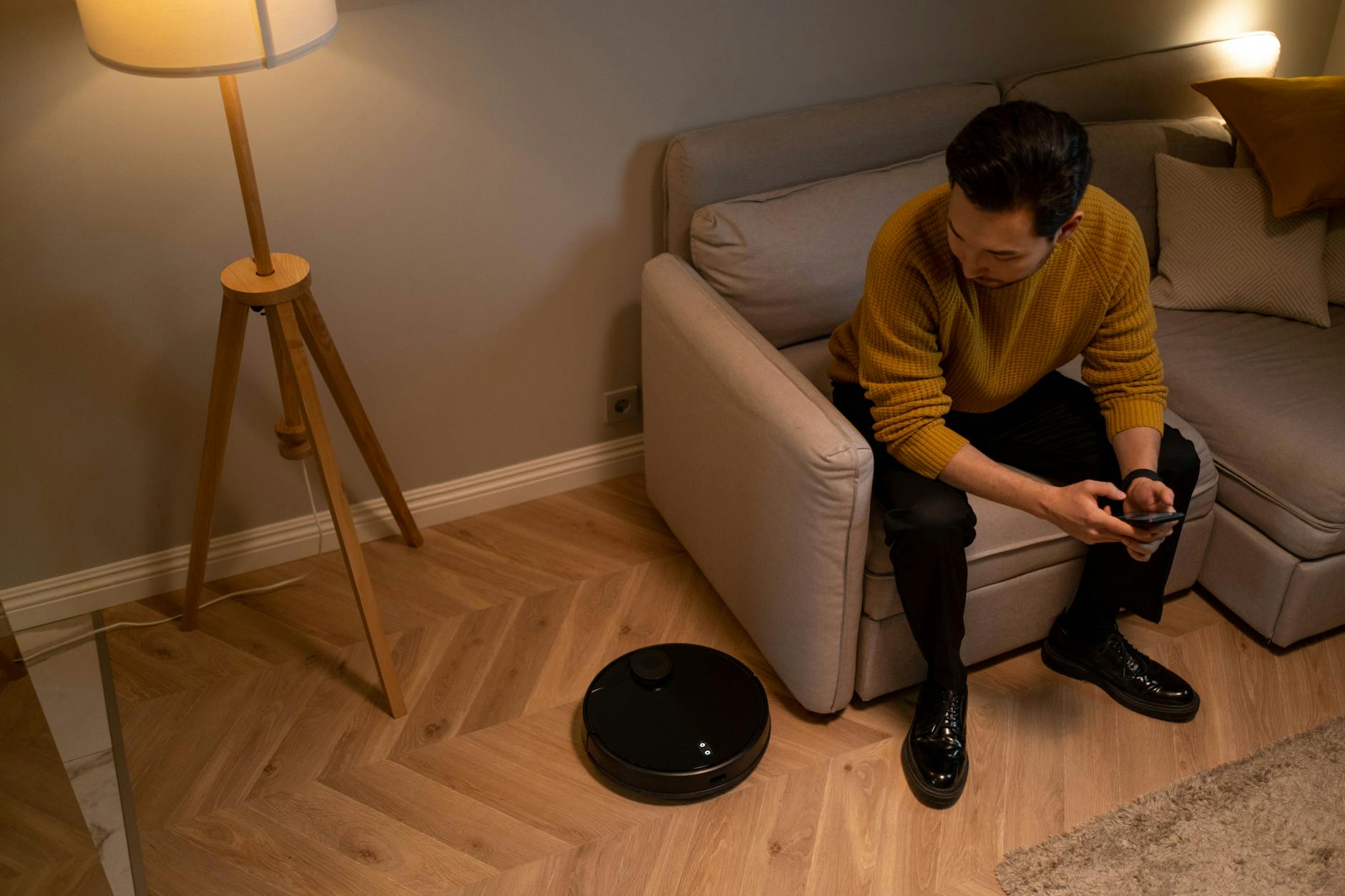 Photo by cottonbro studio / Pexels
Quick Verdict: Our top pick is the BroadLink RM4 Mini IR Remote Hub (Our Top Pick) — The best standalone IR remote hub available. Priced at $20.79.
A smart IR (infrared) remote hub is a small Wi-Fi-connected device that learns the IR codes from your existing remotes and then replays them on command — from an app, via voice assistant, or on a schedule. This turns any device that originally came with a traditional remote (TV, air conditioner, fan, DVD player, stereo receiver) into a smart device without replacing any hardware.
The key distinction is between IR-only devices and hubs that also support RF (radio frequency). Older AC units, fans, and some blinds use RF signals, which do not require line-of-sight but need an RF-capable hub. The BroadLink RM4 Mini supports both IR and RF 433 MHz, making it significantly more versatile than IR-only alternatives.
Infrared is the classic remote technology: point the remote at the device, signal travels in a straight line, device responds. IR is supported by virtually every television, most air conditioners, and many audio systems sold before 2020. The limitation is line-of-sight — the hub must have a clear path to the device it is controlling.
RF (radio frequency) remotes do not require line-of-sight and can pass through walls and furniture. Some air conditioners, certain garage door openers, and motorized blinds use RF. The BroadLink RM4 Mini supports 433 MHz RF alongside IR, which means it can control these devices from another room.
Wi-Fi native devices (smart plugs, smart thermostats, modern smart TVs) do not use IR at all and are controlled directly through their own apps or over your home network. An IR hub does not help with these, but complements them — you might use a BroadLink to control your IR-based window AC unit while a smart plug handles the floor lamp.
For IR control, your hub needs to have an unobstructed line of sight to the devices you want to control. In a typical living room setup, the BroadLink RM4 Mini can be placed on a shelf, entertainment center, or wall-mounted within 30 feet of the television and air conditioner. IR signals bounce off light-colored walls to some degree, but a direct path is always more reliable.
If your devices are spread across multiple rooms or angles, BroadLink also sells IR extenders and blasters that connect to the RM4 Mini and broadcast signals in additional directions. The SwitchBot Hub 2 has a single front-facing IR emitter and works best when placed centrally in front of the devices being controlled.
AC control is one of the most popular reasons to buy an IR hub, and compatibility varies. BroadLink maintains a database of over 50,000 pre-programmed AC codes covering major brands including LG, Samsung, Mitsubishi, Daikin, Carrier, and Midea. If your specific model is in the database, setup takes 30 seconds. If not, you can manually train the hub by holding your original AC remote in front of it and pressing each button.
SwitchBot Hub 2 uses a similar database approach with a large but somewhat smaller brand library. Both devices support the ability to learn custom IR codes for brands not in their database.
Both BroadLink and SwitchBot integrate natively with Alexa and Google Assistant. You can say 'Alexa, turn on the TV' and the hub fires the appropriate IR power-on code. AC temperature control via voice is also supported for properly configured air conditioner profiles. Alexa Routines can trigger IR commands as part of larger automations — for example, a 'Movie Time' routine that dims smart lights and turns on the TV simultaneously.
Choosing Between BroadLink and SwitchBot Hub 2
Choose BroadLink RM4 Mini if IR and RF remote control is your primary goal and you want the best possible device database and IR range. Choose SwitchBot Hub 2 if you also own or plan to own SwitchBot smart home products (curtains, locks, sensors) and want a single hub that bridges both IR control and the SwitchBot ecosystem. The SwitchBot Hub 2 also includes a physical temperature and humidity display on its face, which some users find genuinely useful as a room monitor.
Watch Before You Buy
Frequently Asked Questions
Does the BroadLink RM4 Mini work with my air conditioner?
Does the IR hub need to be in the same room as my TV or AC?
Can I control my smart IR hub with Alexa when I am away from home?
What is the difference between the BroadLink RM4 Mini and the SwitchBot Hub 2?
Will a smart IR hub work with older devices that are not on its compatibility list?
How We Analyze Products
We analyze Amazon review data — often thousands of reviews per product — to surface patterns that individual buyers miss. Our process aggregates star ratings, review counts, and buyer sentiment at scale, identifying which strengths and weaknesses appear consistently across the largest review samples available. The 17,312+ reviews analyzed on this page represent real verified-purchase feedback from Amazon buyers.
Each product earned its placement through data: total review volume, average rating, and the specific praise and complaints that repeat most often across buyers. No manufacturer paid for placement on this page. Products appear here because buyers endorsed them at scale, not because a company asked us to feature them.
We use AI to summarize review sentiment — not to fabricate opinions, but to condense what thousands of buyers actually wrote into a readable format. The pros and cons you see reflect the most common themes found in verified purchaser reviews, paraphrased for clarity. We do not claim to have accessed Reddit, YouTube, or specific publications in generating these summaries.
Prices shown reflect Amazon pricing at the time this page was last generated. Click “See Today’s Price” to get the current live price on Amazon. Read our full methodology →