EaseUS Data Recovery Review 2026: Can It Recover Your Lost Files?
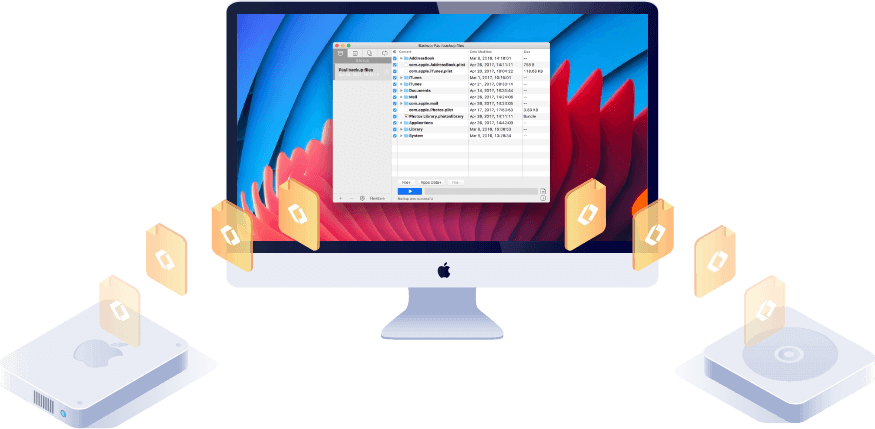
EaseUS Data Recovery Wizard is the best consumer data recovery software for most users — its deep scan recovers files from formatted drives, deleted partitions, and corrupted SD cards that Windows Recycle Bin and Mac Trash can't retrieve. The free version lets you preview recoverable files before paying. If recovery results look promising after the free scan, the paid version is worth the price.
See Today’s Price →At a Glance
| # | Product | Award | Price | Our Score | |
|---|---|---|---|---|---|
| 1 | EaseUS Data Recovery Wizard Pro — 1-Mon… |
Best Overall | $70 Code: BACKUP26 | 9.2 | Buy → |
| 2 | EaseUS Data Recovery Wizard Pro — Annua… |
Best Premium | $100 Code: BACKUP26 | 8.9 | Buy → |
| 3 | EaseUS Todo Backup Home — Automated Bac… |
Best Budget | $30 Code: BACKUP26 | 8.5 | Buy → |
| 4 | EaseUS Partition Master Pro — Disk Mana… |
Budget Pick | $40 Code: BACKUP26 | 8.2 | Buy → |
| 5 | EaseUS MobiSaver — iPhone and Android D… |
Worth Considering | $50 Code: BACKUP26 | 7.8 | Buy → |
Showing 5 of 5 products
EaseUS Data Recovery Wizard Pro — 1-Month License Windows
“Best consumer data recovery software. EaseUS Data Recovery Wizard recovers deleted, formatted, and corrupted files with a free preview that shows exactly what you'll get before paying — the most acces”
See Today’s Price →What we like
Watch out for
- 1-month license at $69.95 — annual plan at $99.95 is better value per use
- SSD recovery rates are lower than HDD due to TRIM
- Cannot recover from physically damaged drives
Read Full Analysis
EaseUS DRW Pro 1-Month at $70 is the right choice for single-incident data loss — an accidentally deleted partition, formatted drive, or corrupted memory card. Recovery is unlimited in quantity during the license, so one payment covers everything from that incident. It costs $30 less than the annual license for users who won't need the software again. Supports NTFS, FAT32, exFAT, and HFS+ and successfully finds files deleted weeks or months ago before sector overwriting. Compared to Recuva (free) for simple cases or Disk Drill Pro ($89/year) for ongoing needs, EaseUS 1-Month is the best value for acute data loss recovery. The preview-before-recovery feature confirms file integrity before purchase.
EaseUS Data Recovery Wizard Pro — Annual License Windows + Mac
“Best value data recovery license. EaseUS annual plan at $99.95 includes both Windows and Mac, unlimited recovery, and priority support — the right choice if you manage multiple computers or expect to ”
See Today’s Price →What we like
Watch out for
- Upfront annual cost — worthwhile only if you need recovery more than once
Read Full Analysis
The $100 annual license adds Mac support and 12 months of coverage — $30 more than the 1-month Windows-only tier. It pays off if you own both Windows and Mac machines, face more than one data loss scenario per year, or provide IT support for family members. Mac support covers APFS and HFS+ natively for both modern macOS containers and legacy external drives. Annual licensing includes updates for OS compatibility — important as macOS releases major versions annually. Compared to Disk Drill Pro ($89/year, Windows+Mac), EaseUS Annual costs $11 more but has a stronger track record for RAW file recovery from camera SD cards and supports broader proprietary formats from Canon, Nikon, and Sony cameras.
EaseUS Todo Backup Home — Automated Backup Software Windows
“Best data loss prevention. EaseUS Todo Backup automates Windows backups so you never need data recovery — a backup scheduled to run before data loss is infinitely better than recovery software after.”
See Today’s Price →What we like
Watch out for
- Backup software requires discipline to set up properly before data loss — prevention only
Read Full Analysis
EaseUS Todo Backup Home prevents data loss through automated scheduling rather than recovering after the fact. At $30, it creates full, incremental, or differential backups on schedule — hourly to weekly — to external drives, NAS, or cloud. The WinPE bootable rescue USB is the key differentiator: if Windows fails to boot entirely, restore the system from a USB stick without needing to enter Windows at all. Compared to built-in Windows Backup (free but limited), Todo Backup adds bootable recovery media, NAS and FTP targets, and granular scheduling. At $30 lifetime, it's the most cost-effective product on this page for users prioritizing prevention over recovery. Pairing it with DRW Wizard Pro covers both acute recovery and ongoing backup.
EaseUS Partition Master Pro — Disk Management and Partition Tool
“Best disk management companion. EaseUS Partition Master handles the partition-level tasks (resizing drives, moving Windows to a new SSD, recovering deleted partitions) that Windows' built-in Disk Mana”
See Today’s Price →What we like
Watch out for
- More technical than average home user needs — IT-oriented tool
Read Full Analysis
EaseUS Partition Master Pro handles disk management Windows can't do natively: merging a full C: drive with free space from D:, converting MBR to GPT for Windows 11 compatibility, and cloning a full drive to a new SSD. At $40 lifetime, it competes with AOMEI Partition Assistant Pro ($39.95/year) and MiniTool Partition Wizard ($59/year) — the one-time pricing is a clear advantage over subscription competitors. The built-in disk health check identifies SMART failures before they cause data loss, connecting disk management to the data recovery use case. Less relevant for simple single-partition laptops; essential for multi-drive power users managing several partitions or performing OS-to-SSD migrations.
EaseUS MobiSaver — iPhone and Android Data Recovery Software
“Best mobile data recovery tool. EaseUS MobiSaver recovers deleted iPhone and Android photos, messages, and contacts — particularly strong for iPhone users via iCloud backup scanning.”
See Today’s Price →What we like
- Recovers deleted photos, messages, contacts from iPhone and Android
- Scans iCloud backup and iTunes backup without device connection (iPhone)
- WhatsApp, Line, Viber, and messaging app recovery supported
- Preview before recovery shows exactly what files were found
- Works with broken or screen-damaged phones in some cases
Watch out for
- iPhone recovery rates higher than Android due to iOS backup architecture
- Android recovery requires USB debugging mode to be enabled
Read Full Analysis
EaseUS MobiSaver recovers deleted content from iPhones and Android devices — photos, messages, contacts, WhatsApp chats — via three paths: direct USB, iTunes backup, or iCloud backup. The iTunes backup method is most reliable: no device unlock needed, works with cracked screens, requires no USB debugging setup. Android recovery requires enabling USB debugging (a few settings steps, straightforward for most users). At $50, it falls between dr.fone ($60) and iMobie PhoneRescue ($40). The selective recovery preview lets you browse deleted photos and message threads and restore only what you need — no full backup overwrite of current device data. For acute mobile data loss, MobiSaver is the most practical recovery path in the EaseUS product lineup.
EaseUS Data Recovery Review Buying Guide
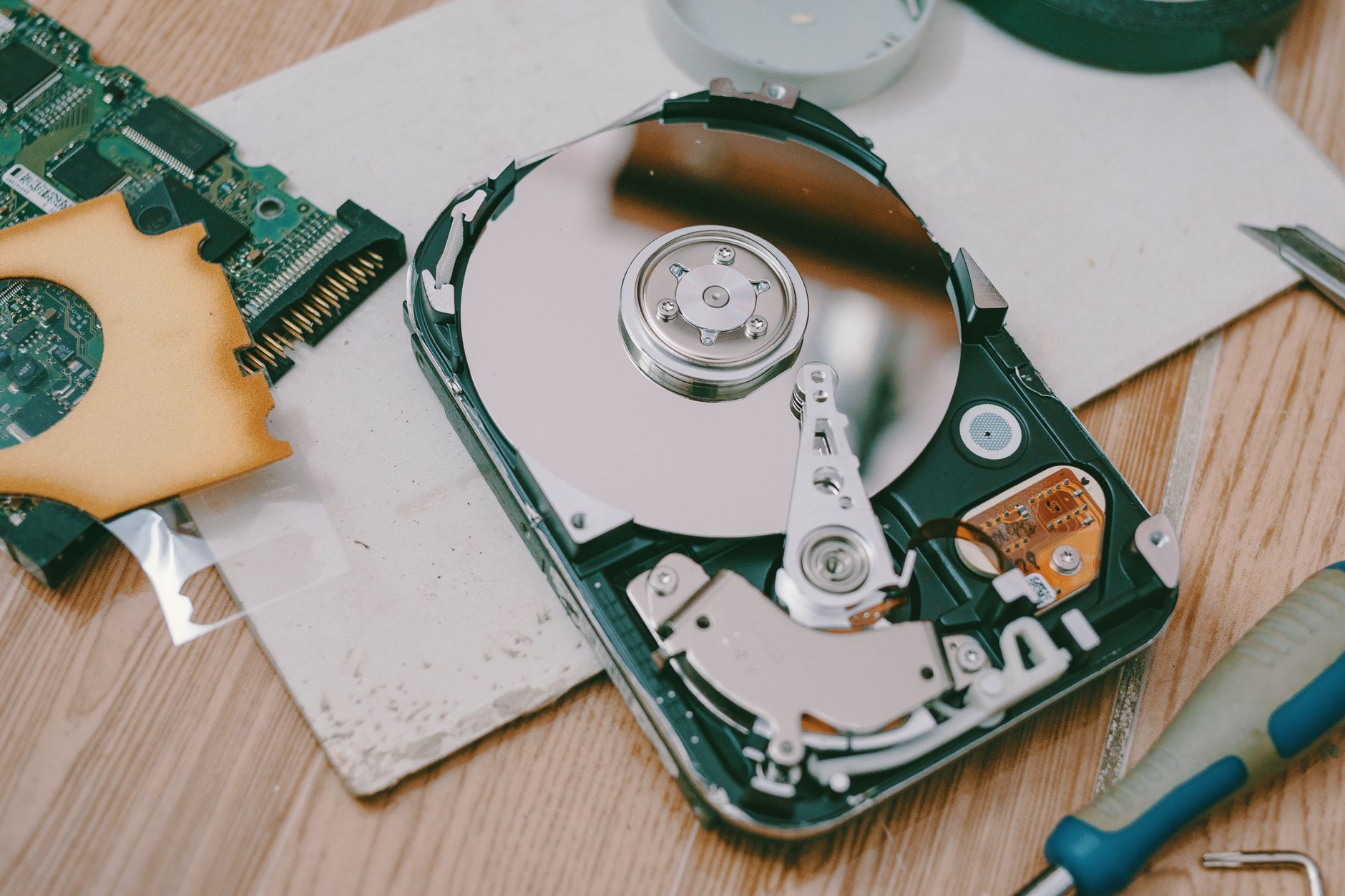 Photo by FOX ^.ᆽ.^= ∫ / Pexels
Our Top Pick
EaseUS Data Recovery Wizard Pro — 1-Month License Wi... at $70 — EaseUS Data Recovery Pro — free preview, 1000+ formats, RAID support, formatted drive recovery, best consumer tool.
Budget Pick: EaseUS Todo Backup Home — Automated Backup Software... at $30 — EaseUS Todo Backup — automated Windows backup, cloud + local, schedules, best data loss prevention tool.
| Product | Category | Price | OS | License | Best For |
|---|---|---|---|---|---|
| DRW Pro 1-Month | Data recovery | $70 | Windows | 1 month, unlimited | Single acute data loss incident |
| DRW Pro Annual W+M | Data recovery | $100 | Windows + Mac | 1 year, unlimited | Multi-platform, recurring recovery needs |
| Todo Backup Home | Backup / prevention | $30 | Windows | Lifetime | Automated scheduled backup + bootable restore |
| Partition Master Pro | Disk management | $40 | Windows | Lifetime | Resize, merge, clone partitions |
| MobiSaver | Mobile recovery | $50 | iOS + Android | Lifetime | Recover deleted photos, messages, contacts |
When Data Recovery Software Actually Works (And When It Doesn't)
What EaseUS Can Recover
Data recovery software works by scanning the raw storage sectors of a drive for file signatures — the binary patterns that identify JPEG files, Word documents, Excel spreadsheets, etc. The underlying data often remains physically on the drive even after deletion or formatting, because most operating systems only delete the "index entry" pointing to the file, not the data itself. EaseUS Data Recovery Wizard successfully recovers:- Accidentally deleted files (Recycle Bin emptied, Shift+Delete, deleted via script)
- Files from formatted drives (full format and quick format on Windows)
- Files from reformatted SD cards and USB drives
- Files from crashed/corrupted partitions
- Photos and videos from camera memory cards
- Files deleted before backup was run
What EaseUS Cannot Recover
Data is permanently lost when overwritten by new data. This happens:- SSD drives with TRIM enabled: Modern SSDs with TRIM enabled immediately mark deleted blocks as free and overwrite them quickly. Recovery rates on TRIM-enabled SSDs are low compared to HDDs.
- Drives written to extensively after deletion: If you deleted a file, then copied 50GB of files to the same drive, the original file may be overwritten.
- Encrypted drives: BitLocker or FileVault encryption prevents recovery without the encryption key.
- Physically damaged drives: Clicking, grinding, or burning smells indicate physical failure — send to professional data recovery service, not software.
Best Practice: Scan First, Then Decide
EaseUS offers a free scan that previews all recoverable files before you pay. Run the scan first — if your files appear in the preview with correct names and thumbnails, paying for recovery is worthwhile. If the scan shows corrupted or unreadable files, reconsider before purchasing.Professional Recovery for Physical Damage
Software cannot fix physical hard drive damage — read head failure, motor failure, or platter damage requires a clean-room recovery service. Prices start at $300-500 and can exceed $2,000. DriveSavers and Ontrack are the established professional services.Related Guides
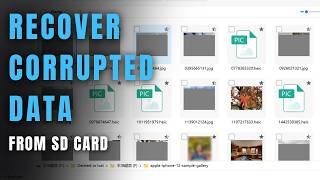
Watch Before You Buy
Frequently Asked Questions
Does EaseUS Data Recovery work on Mac?
Can EaseUS recover files from a formatted hard drive?
Is the EaseUS free version useful?
How long does EaseUS Data Recovery take to scan?
Does EaseUS work on corrupted external hard drives?
How We Analyze Products
We analyze Amazon review data — often thousands of reviews per product — to surface patterns that individual buyers miss. Our process aggregates star ratings, review counts, and buyer sentiment at scale, identifying which strengths and weaknesses appear consistently across the largest review samples available.
Each product earned its placement through data: total review volume, average rating, and the specific praise and complaints that repeat most often across buyers. No manufacturer paid for placement on this page. Products appear here because buyers endorsed them at scale, not because a company asked us to feature them.
We use AI to summarize review sentiment — not to fabricate opinions, but to condense what thousands of buyers actually wrote into a readable format. The pros and cons you see reflect the most common themes found in verified purchaser reviews, paraphrased for clarity. We do not claim to have accessed Reddit, YouTube, or specific publications in generating these summaries.
Prices shown reflect Amazon pricing at the time this page was last generated. Click “See Today’s Price” to get the current live price on Amazon. Read our full methodology →