Best Digital Picture Frame 2026: WiFi Frames Compared

The Aura Carver is our pick: Aura charges no subscription for unlimited photo and video storage, and family can send pictures from the Aura app, email, text, iCloud or Google Photos. Choose the Skylight if the person receiving it wants a touchscreen: its 10-inch screen lets them tap and swipe through photos, and each frame gets its own email address.
See Today’s Price →At a Glance
Digital Picture Frame Buying Guide
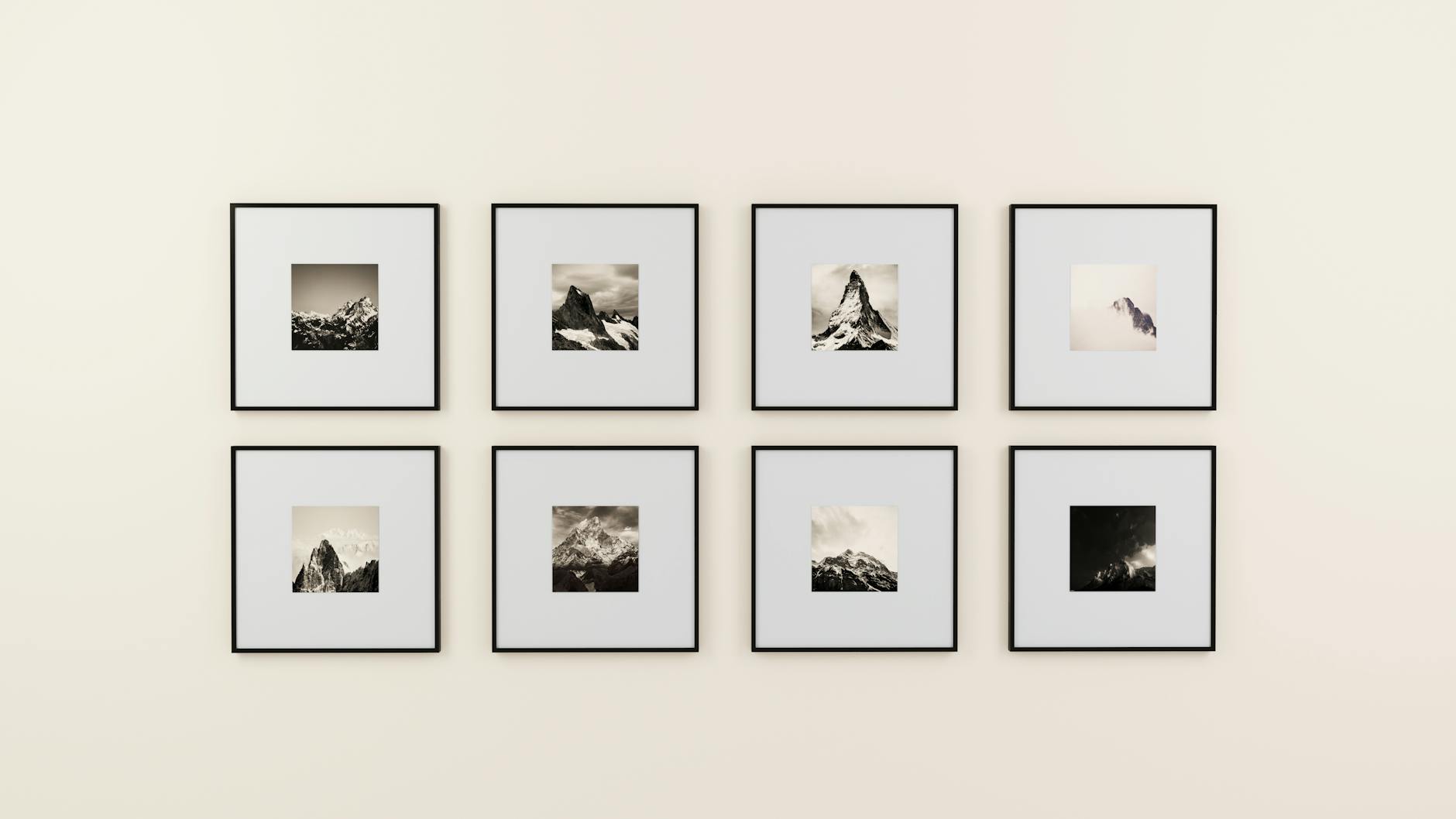 Photo by Medhat Ayad / Pexels
A digital picture frame is a small screen that shows a rotating slideshow of your photos, and the Wi-Fi kind lets family add new pictures from anywhere. For most homes, and for gifts to grandparents, what matters is how easily people can send photos, whether storage costs extra, and how the frame looks on a shelf. The Aura Carver leads because Aura charges no subscription for unlimited storage and takes photos from its app, email, text, iCloud and Google Photos.
How photos get onto the frame
Aura frames take photos and videos from the free Aura app, email, text, iCloud and Google Photos, and you can invite family and friends to add their own. Each Skylight frame gets its own email address during setup, so anyone can send photos by email, and Skylight's title notes that photos can also be loaded from a phone. Both work from anywhere once the frame is on Wi-Fi.
Storage and subscriptions
Check what is free before you buy. Aura says it charges no subscription fee and gives free, unlimited storage for photos and videos on both the Carver and the Mason. Skylight lists its frame as needing no subscription and uses cloud-based storage, so there is no memory card to manage. Some frames on the market put features behind a paid plan, so read the listing of any frame you consider.
Screen and touch
The Skylight has a 10-inch color touchscreen at 1280 x 800, so its owner can tap and swipe through photos. The Aura Carver has a 10-inch HD display that Aura calibrates for color and that adjusts its brightness to the room; the Aura Mason is a 9-inch frame with the same automatic brightness and photo cropping, plus a built-in speaker for videos. The Carver also plays iPhone Live Photos and up to 30 seconds of video with sound.
Setting it up as a gift
All three can be loaded before you give them. Aura lets you add photos, videos and a gift message in the app before the frame arrives, and the Carver comes in gift-ready packaging. Skylight's Gift Mode preloads photos without unboxing the frame. Setup itself is short: Aura says the Carver takes about a minute to connect to Wi-Fi, and the Skylight is plug-and-play once it is on your network. Skylight's offline mode keeps showing the photos already on the frame if Wi-Fi drops.

How we picked: we compared each product's own listing - what it is, what comes in the box, the specifications its maker states and the warranty - and ranked them on how well they answer this page's question. We have not tested these products in hand.
Watch Before You Buy


“A 10-inch Wi-Fi frame with free, unlimited photo and video storage and no subscription; family add photos from the Aura app, email, text, iCloud or Google Photos.”
See Today’s Price →What we like
- No subscription: free, unlimited storage for photos and videos
- Add photos from the Aura app, email, text, iCloud or Google Photos
- 10-inch HD display calibrated for color, with automatic brightness and on/off
- Plays iPhone Live Photos and up to 30 seconds of video with sound
Watch out for
- Its listing describes no touchscreen
Read Full Analysis
The Aura Carver is the frame that asks least of the person who receives it. Aura charges no subscription, storage for photos and videos is free and unlimited, and family and friends can add pictures from anywhere through the Aura app, email, text, iCloud or Google Photos once you invite them. Setup takes about a minute on Wi-Fi. The 10-inch HD display is calibrated for color and adjusts its brightness to the room, the frame turns itself on and off, and it pairs portrait photos, plays iPhone Live Photos and up to 30 seconds of video with sound, and can mirror a Windows PC screen wirelessly. For a gift, preload photos, videos and a message before you send it; it arrives in gift-ready packaging. Its listing describes no touchscreen, so if the owner wants to swipe through photos, the Skylight is the better fit. This listing is the Carver Black.
Skip this if: The owner wants a touchscreen

“A 10-inch touchscreen Wi-Fi frame with its own email address for receiving photos, cloud storage, no subscription, a Gift Mode and an offline mode.”
See Today’s Price →What we like
- 10-inch color touchscreen at 1280 x 800
- Each frame gets its own email address for receiving photos
- Cloud storage with no SD card to manage; no subscription needed
- Gift Mode preloads photos; offline mode keeps showing photos without Wi-Fi
Watch out for
- New photos need a Wi-Fi connection to arrive
Read Full Analysis
Skylight's frame is the one to choose for someone who likes to touch the screen. Its 10-inch color touchscreen runs at 1280 x 800, so the owner can tap and swipe through photos and videos. Setup is plug in, join Wi-Fi and pick a unique Skylight email address; after that anyone with the address can email photos to the frame, and Skylight's title notes photos can also be loaded from a phone. Storage is cloud-based, so there is no SD card to manage, and the listing says no subscription is needed. Gift Mode lets you preload and personalize the frame without unboxing it, and offline mode keeps showing the photos already on it if Wi-Fi drops, though new photos need a connection. If your family shares mostly through iCloud or Google Photos, Aura's frames list both as sources.
Skip this if: Your family shares mostly through iCloud or Google Photos

“Aura's 9-inch Wi-Fi frame with free, unlimited storage and no fees; it adjusts its brightness, crops photos to fit, turns off at night and plays videos through a built-in speaker.”
See Today’s Price →What we like
- Free, unlimited storage with no fees
- Send photos and videos from a phone; invite family to add theirs
- Automatic brightness, photo cropping and night-time switch-off
- Built-in speaker for video sound
Watch out for
- 9-inch screen, smaller than 10-inch frames
Read Full Analysis
The Aura Mason is the smaller Aura, a 9-inch frame for a desk or a bedside table. It works like the Carver: send photos and videos from your phone through the free Aura app, invite family and friends to add theirs from anywhere, and pay nothing for unlimited storage. Setup takes minutes on Wi-Fi, and the app works with Apple and Android phones. The color-calibrated HD display adjusts its brightness automatically, the frame crops photos to fit and turns itself off at night, and a built-in speaker plays the sound on videos. As a gift, you can add photos, videos and a message in the app before it arrives, and photos are shared only with the people you invite. If you want the bigger 10-inch screen, choose the Carver.
Skip this if: You want a screen larger than 9 inches
Frequently Asked Questions
Do digital picture frames need Wi-Fi?
Do Aura or Skylight frames need a subscription?
Can several family members send photos to one frame?
Which digital frame is easiest for grandparents?
How We Chose These Products
Compared from each frame's listing on how photos reach the frame, what storage costs, the screen and the setup.
We compare each product’s Amazon listing, the manufacturer’s published specifications and Amazon customer ratings, shown with their review counts as Amazon’s data, and rank the products on how well they answer this page’s question. We do not test products in hand and we do not run our own analysis of review text. A publication or expert is named only where we cite its published findings about that product. No manufacturer paid for placement on this page.
A price appears only when Amazon’s API supplied it at a recent daily refresh, with the date and time beside it, and is withdrawn at 4 AM Central on the day after it turns 24 hours old; otherwise use “Check price on Amazon” for the live price. Read our full methodology →